Voeding en dranken categoriseren: van pasta tot frisdrank
Eten en drinken zijn aparte takken van Eten, drinken en tabak. Een tray frisdrank hoort bij Drinken > Priklimonade (Google-ID 2628), flessenwater bij Drinken > Water (420), pasta bij Voedselitems > Pasta en noedels (434) en gedroogd fruit bij Voedselitems > Fruit en groente > Gedroogd fruit (1755). Verpakkingsgrootte, zoals een tray van 24, is een attribuut. Een cocktailshaker is baraccessoire onder Huis en tuin (6956). Versie 2021-09-21.
Snel antwoord: in welke categorie hoort het?
| Product | Categoriepad | Standaard | ID |
|---|---|---|---|
| Pasta | Eten, drinken en tabak > Voedselitems > Pasta en noedels | Google-producttaxonomie | 434 |
| Frisdrank (blik, fles of tray) | Eten, drinken en tabak > Drinken > Priklimonade | Google-producttaxonomie | 2628 |
| Flessenwater | Eten, drinken en tabak > Drinken > Water | Google-producttaxonomie | 420 |
| Koffie | Eten, drinken en tabak > Drinken > Koffie | Google-producttaxonomie | 1868 |
| Thee | Eten, drinken en tabak > Drinken > Thee en aftreksels | Google-producttaxonomie | 2073 |
| Gedroogd fruit | Eten, drinken en tabak > Voedselitems > Fruit en groente > Gedroogd fruit | Google-producttaxonomie | 1755 |
| Chips | Eten, drinken en tabak > Voedselitems > Voorgerechten en snacks > Chips | Google-producttaxonomie | 2392 |
| Wijn | Eten, drinken en tabak > Drinken > Alcoholische dranken > Wijn | Google-producttaxonomie | 421 |
| Cocktailshaker | Huis en tuin > Keuken en eetkamer > Baraccessoires > Cocktailshakers en -benodigdheden > Cocktailshakers | Google-producttaxonomie | 6956 |
| Keukengerei | Huis en tuin > Keuken en eetkamer > Keukengereedschap | Google-producttaxonomie | 668 |
Voeding & dranken categoriehiërarchie
Standaard categoriestructuur die op grote e-commerce platforms en marktplaatsen wordt gebruikt
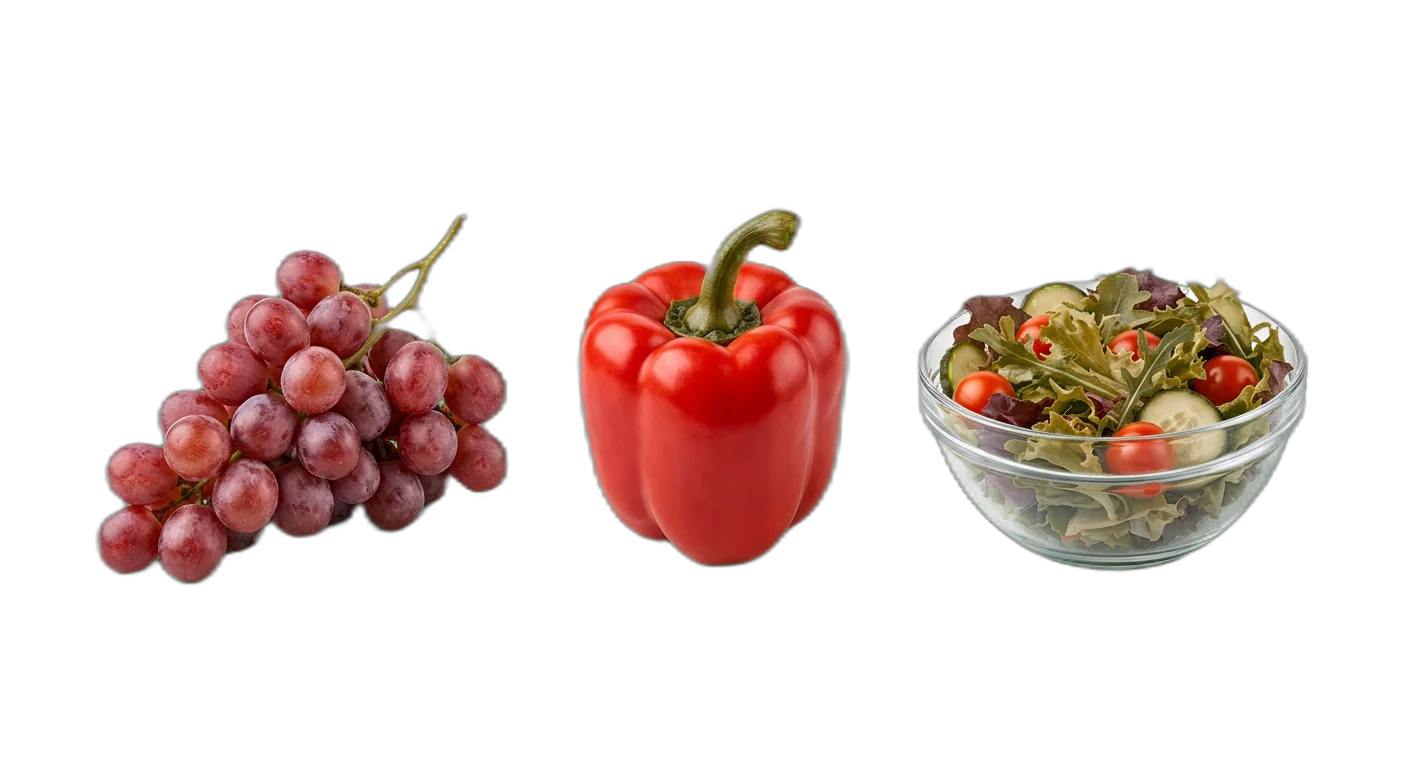
Verse producten
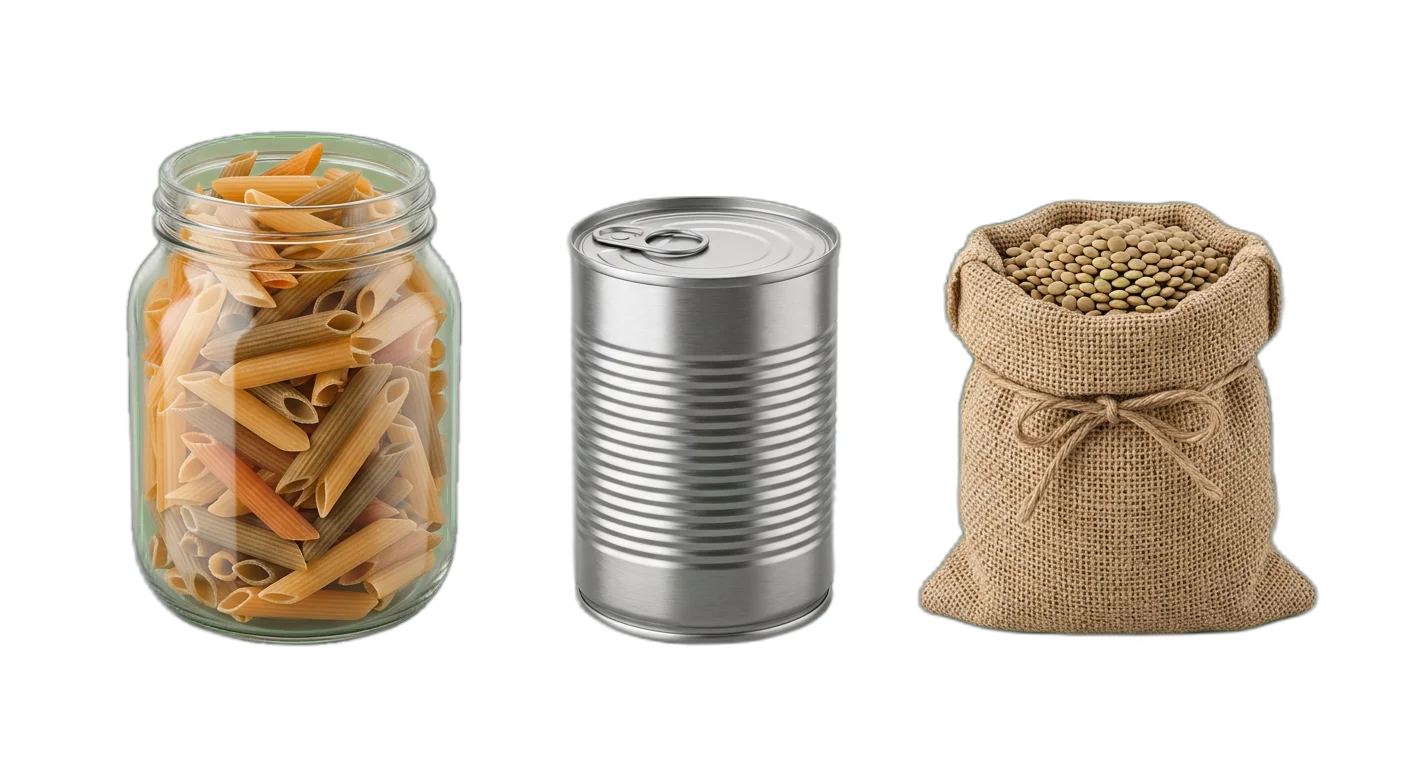
Houdbare basisproducten
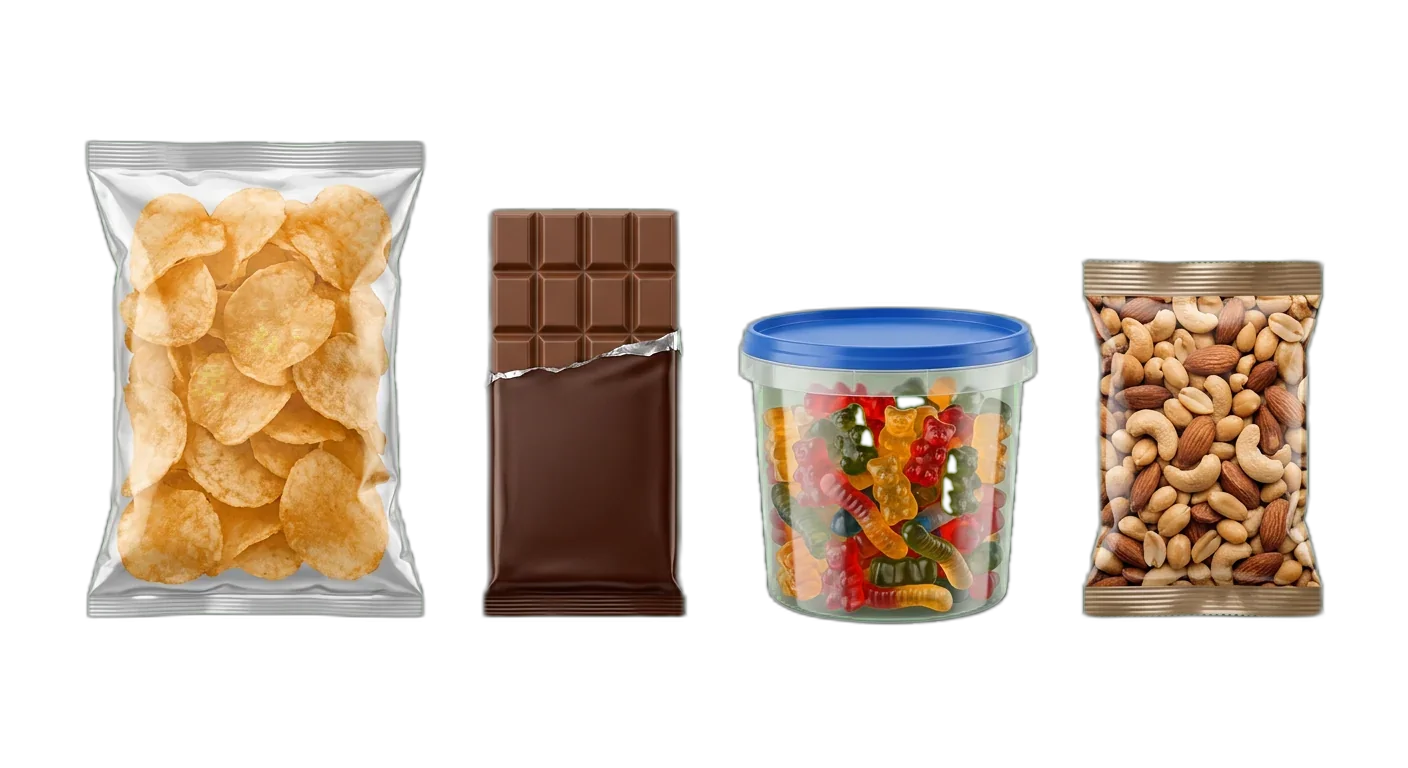
Snacks & snoep
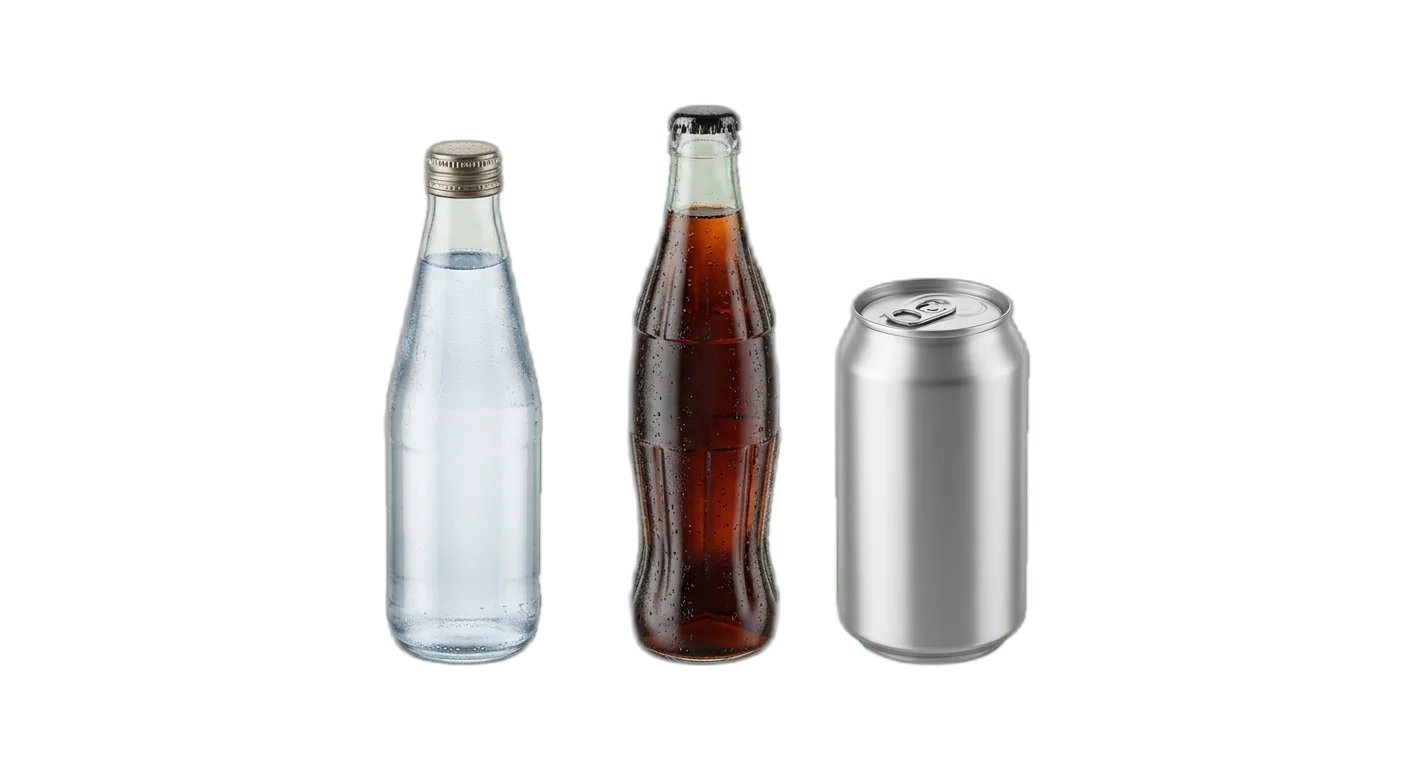
Dranken
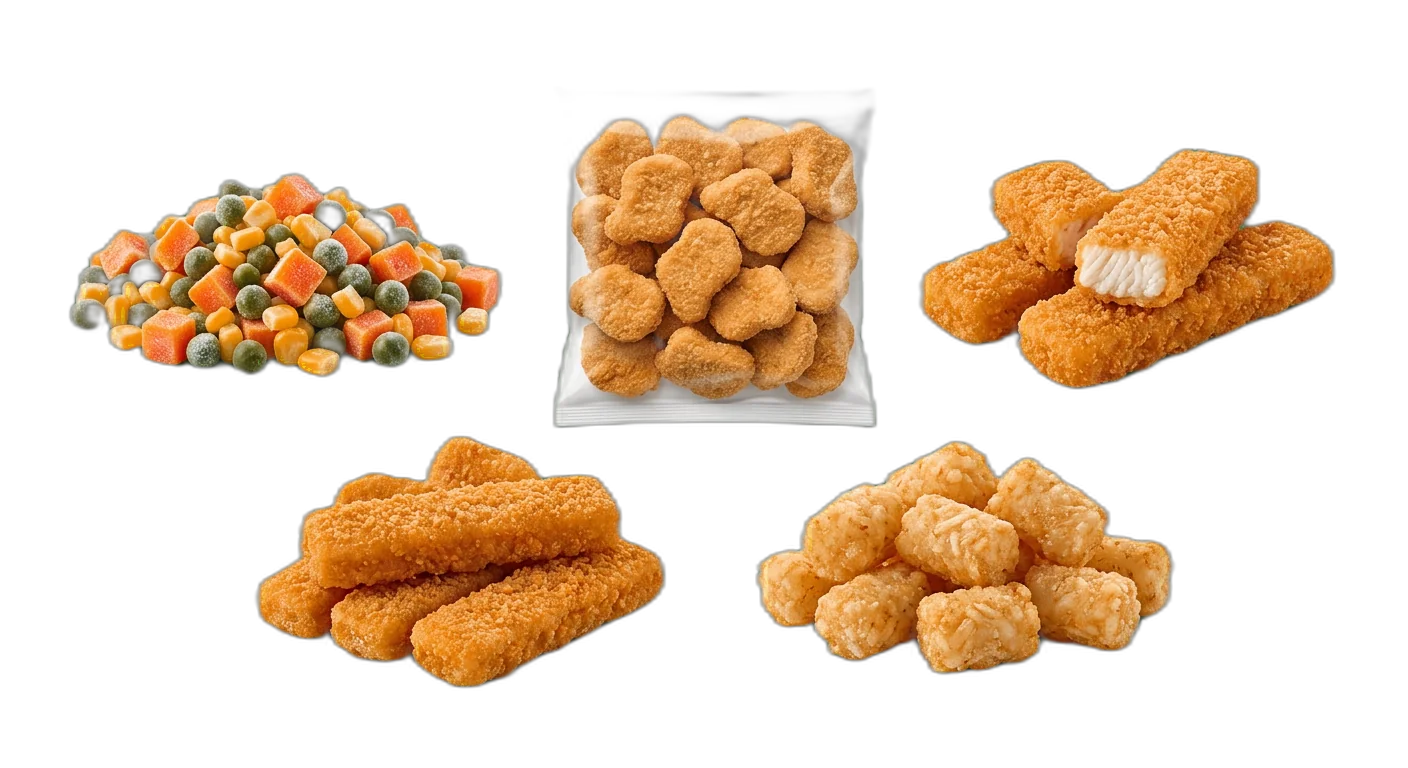
Diepvries
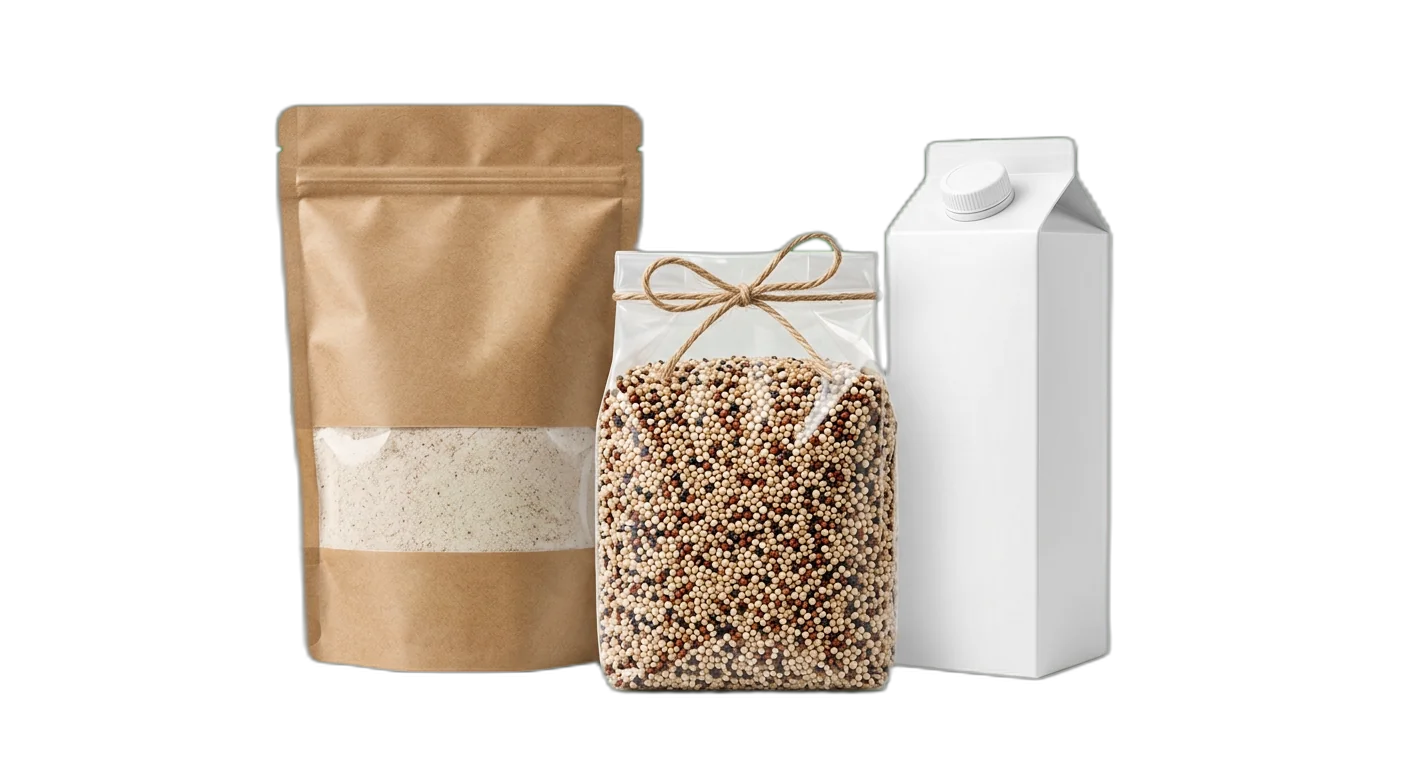
Speciale diëten
Hoe classificeer je Voeding & dranken producten
Volg deze regels om producten elke keer in de juiste categorie te plaatsen
- 1
Classificeer eerst op bewaarconditie en versheid
De belangrijkste splitsing voor voedingsproducten is hoe ze bewaard worden: vers (gekoeld), houdbaar (kamertemperatuur), diepvries en dranken. Die indeling sluit aan bij hoe fysieke en online supermarkten zijn opgebouwd en bij wat klanten verwachten.
Verse zalm valt onder Verse producten > Vis & zeevruchten > Verse vis, niet onder een algemene categorie VisDiepvriesfilets van zalm vallen onder Diepvries > Diepvriesvis, ook al gaat het in beide gevallen om vis - 2
Houd dieetvoorkeuren als attribuut, niet als categorie
Veganistisch, glutenvrij, biologisch, keto en andere dieetlabels horen filterbare productattributen te zijn. Glutenvrije pasta blijft Houdbare basisproducten > Granen & pasta > Pasta met het attribuut Glutenvrij: Ja. De sectie Speciale diëten is er alleen voor producten die uitsluitend bestaan vanwege een dieetbehoefte.
Glutenvrij brood is Bakkerij > Brood met Glutenvrij: Ja, niet Speciale diëten > GlutenvrijEen specifiek eiwitpoeder hoort wél thuis in Speciale diëten > Sportvoeding - 3
Classificeer samengestelde producten op beoogd gebruik
Producten die uit meerdere ingrediënten bestaan, deel je in op de manier waarop de klant ze gebruikt, niet op het hoofdingrediënt. Een tomatenpastasaus is een saus, geen groenteproduct. Kippensoep is Conserven & potten > Soepen en geen Vlees & gevogelte.
Pesto is Houdbare basisproducten > Conserven & potten > Sauzen, niet KruidenEen kant-en-klare rundvleesstoof is Diepvries > Diepvriesmaaltijden, geen Vlees & gevogelte - 4
Houd dranken gescheiden van voeding
Dranken horen altijd een eigen hoofdcategorie te zijn en nooit vermengd te raken met voedingscategorieën. Zelfs producten die dicht tegen voeding aan liggen, zoals koffiebonen en theeblaadjes, vallen onder Dranken en niet onder Houdbare basisproducten. Splits Dranken op het tweede niveau in alcoholvrij en alcoholisch.
- 5
Behandel biologisch als attribuut, niet als dubbele categorie
Maak geen parallelle biologische variant van elke categorie. Biologische bananen zijn Verse producten > Groenten & fruit > Vers fruit met het attribuut Biologisch: Ja. De enige uitzondering is een aparte biologische sectie die klanten echt helpt bij het vinden van producten, zoals bij speciaalzaken (vandaar de sectie Speciale diëten).
- 6
Geef diepvriesproducten een eigen hoofdcategorie
Diepvriesproducten vragen om een compleet andere manier van opslaan en behandelen. Ook als het onbevroren equivalent elders in de boom staat (verse vis versus diepvriesvis), horen diepvriesartikelen onder Diepvries, want dat weerspiegelt hoe ze bewaard en verzonden moeten worden.
- 7
Leg allergenendata vast als gestandaardiseerde attributen
Allergeneninformatie (bevat noten, zuivel, gluten, soja, schaaldieren, ei) moet als booleaanse attributen op elk product staan. Alleen zo kun je goed filteren, voldoe je aan de wetgeving en exporteer je betrouwbaar naar marketplaces. Gebruik nooit vrije tekstvelden voor allergenendata.
- 8
Maak onderscheid tussen kookingrediënten en kant-en-klare producten
Een pot pastasaus (kookingrediënt) en een kant-en-klare pastabowl (maaltijd) dienen een ander doel. Kookingrediënten horen in Houdbare basisproducten, bereide gerechten in Diepvries of Verse producten, afhankelijk van de bewaarconditie. Meng ze niet in dezelfde subcategorie.
Ongekookte pasta is Houdbare basisproducten > Granen & pasta > PastaEen pastamaaltijd voor de magnetron is Diepvries > Diepvriesmaaltijden - 9
Behandel maaltijdboxen als een apart producttype
Maaltijdboxen met meerdere onderdelen (eiwitbron, groente, saus, bereidingswijze) deel je in op bewaarconditie. Verse maaltijdboxen horen onder Verse producten en krijgen het attribuut Producttype: Maaltijdbox, zodat klanten gericht op boxen kunnen filteren.
- 10
Hanteer aparte regels voor babyvoeding en zuigelingenvoeding
Babyvoeding kent eigen wettelijke en etiketteringseisen. Plaats deze producten onder Speciale diëten > Babyvoeding, met eigen attributen voor leeftijdsbereik en fase (fase 1, 2, 3). Meng babyvoeding nooit met gewone voedingscategorieën, ook niet als het producttype overlapt (denk aan babypap versus gewone ontbijtgranen).
Vereiste attributen per categorie
Zorg voor volledige productdata met de verplichte en aanbevolen attributen voor elk categorieniveau
Voeding & dranken classificatievalkuilen om te vermijden
Vermijd deze veelgemaakte categorisatiefouten die de vindbaarheid van producten schaden
- Fout
Voor elke dieetvoorkeur een volledige categorietak aanmaken (bijvoorbeeld een complete veganistische boom die de hoofdtaxonomie kopieert)
Betere aanpakGebruik dieetlabels als filterbare attributen op productniveau. Een veganistische pizza is Diepvries > Diepvriespizza met Veganistisch: Ja, niet Speciale diëten > Veganistisch > Pizza. In Speciale diëten horen alleen producten thuis die puur voor een dieetniche bestaan, zoals eiwitpoeders en babyvoeding.
- Fout
Kant-en-klare maaltijden en rauwe kookingrediënten in dezelfde categorie zetten (bijvoorbeeld rauwe kip en grillkip bij elkaar)
Betere aanpakSplits op productstatus: rauwe kip is Verse producten > Vlees & gevogelte > Kip, terwijl een voorgegaarde grillkip een bereid gerecht is. Laat bewaar- en bereidingseisen de categorisatie bepalen.
- Fout
Allergeneninformatie niet als gestructureerde data vastleggen en alleen leunen op de tekst van de ingrediëntenlijst
Betere aanpakVoeg booleaanse allergeenattributen toe aan elk voedingsproduct (bevat noten, bevat zuivel, bevat gluten, bevat soja, bevat ei, bevat schaaldieren). Daarmee kun je goed filteren, voldoe je aan de wetgeving en exporteer je veilig naar marketplaces.
- Fout
Merknamen als categorie gebruiken (bijvoorbeeld een aparte sectie Heinz of Barilla aanmaken)
Betere aanpakMerk hoort altijd een filterbaar attribuut te zijn. Producten van welk merk dan ook staan in hun functionele categorie (Sauzen, Pasta), met Merk als doorzoekbaar attribuut. Zo voorkom je een explosie aan categorieën en houd je je taxonomie schoon.
- Fout
Biologische producten dubbel opvoeren in zowel de biologische sectie als de gewone categorieën, zonder ze aan elkaar te koppelen
Betere aanpakZet elk product in zijn functionele categorie (bijvoorbeeld Vers fruit) en gebruik het attribuut Biologisch: Ja/Nee. Je biologische assortiment breng je in beeld via filters en landingspagina's, zonder je taxonomie te dupliceren.
- Fout
Bewaartemperatuur negeren bij het toewijzen van categorieën, waardoor houdbare en gekoelde producten door elkaar staan
Betere aanpakBewaarconditie is een fundamentele classificatie voor voeding. Houdbare melk hoort bij Houdbare basisproducten, verse melk bij Verse producten > Zuivel. De bewaarbehoefte van een product raakt direct aan je logistiek, de schappositie en de manier waarop klanten winkelen.
- Fout
Dranken samen met voedingsproducten in gemengde categorieën plaatsen (bijvoorbeeld sinaasappelsap onder Groenten & fruit)
Betere aanpakDranken zijn een hoofdcategorie. Sinaasappelsap komt weliswaar van sinaasappels, maar het is een drank met eigen attributen (inhoud, portiegrootte, pasteurisatie). Houd Dranken apart en splits ze in alcoholvrij en alcoholisch.
- Fout
Voedingswaarden niet als getypeerde attributen vastleggen, maar alleen als vrije tekst of afbeelding
Betere aanpakMaak gestructureerde numerieke attributen voor calorieën, eiwitten, vetten, koolhydraten, suikers, vezels en zout per portie. Daarmee maak je vergelijkfuncties mogelijk, kunnen klanten op dieet filteren en exporteer je compliant data naar marketplaces.
- Fout
Maaltijdboxen in dezelfde categorie zetten als losse ingrediënten of kant-en-klare diepvriesmaaltijden
Betere aanpakEen maaltijdbox is een eigen producttype. Categoriseer op bewaarconditie (vers of diepvries) en voeg het attribuut Producttype: Maaltijdbox toe. Zo filteren klanten gericht op boxen, terwijl je taxonomie op bewaarconditie gebaseerd blijft.
- Fout
Regionale of spreektalige productnamen als categorienaam gebruiken (denk aan biscuits in het Verenigd Koninkrijk versus cookies in de Verenigde Staten)
Betere aanpakStandaardiseer je categorienamen op je belangrijkste markt en gebruik taalspecifieke aliassen voor zoeken en filteren. Je canonieke taxonomie werkt met consistente, algemeen begrepen termen; regionale naamvarianten voeg je toe als doorzoekbare synoniemen.
Hoe categoriseer je Voeding & dranken producten
Volg deze stappen om je Voeding & dranken producten correct te categoriseren voor e-commerce en marktplaatsvereisten
01
Importeer je catalogus met voeding & dranken
Koppel je e-commerceplatform of ERP, of upload je productfeed. WISEPIM leest productnamen, ingrediëntenlijsten, voedingswaarden en afbeeldingen in als voorbereiding op AI-categorisatie en attribuutverrijking.
02
AI classificeert op bewaarconditie en productfunctie
WISEPIM analyseert je productdata en plaatst elk artikel in de juiste categorie op basis van bewaarconditie (vers, houdbaar, diepvries, dranken). De AI herkent voedingssoorten in omschrijvingen en afbeeldingen, haalt allergenen uit ingrediëntenlijsten en leest voedingswaarden automatisch uit.
03
Verrijk compliance- en voedingswaardeattributen
Op basis van de toegewezen categorie vult WISEPIM de verplichte attributen aan: allergenendeclaraties, voedingswaarden, bewaaradviezen en dieetlabels. Ontbrekende of inconsistente data wordt gemarkeerd voor controle, zodat je aan de wettelijke eisen blijft voldoen.
04
Controleer, keur goed en publiceer op al je kanalen
Beoordeel de AI-suggesties in bulk, los gemarkeerde items op en publiceer je verrijkte catalogus naar je webshop, marketplace-listings en bezorgplatforms. Categoriemappings voor Google Shopping, Amazon Fresh en Instacart worden automatisch gegenereerd.
Voeding & dranken: categoriseer je eigen catalogus in WISEPIM
Meld je aan voor het gratis plan en pas deze gids toe op je eigen producten: bouw je categorieboom, laat AI per product een categorie voorstellen en koppel je categorieën aan de producttaxonomie van Google.
- 100 producten en 50 AI-credits per maand met het gratis plan
- Importeer producten uit een CSV-bestand of een gekoppelde winkel
- AI-categorisatie wijst categorieën toe, of stelt ze voor zodat jij eerst checkt
- De categoriekaart koppelt je categorieën aan Google-productcategorieën
Veelgestelde vragen
Veelgestelde vragen over Voeding & dranken productcategorisatie
Beste Voeding & dranken categorieën voor e-commerce
Ontdek de best presterende Voeding & dranken productcategorieën gerangschikt op vraag, marges en groeipotentieel.
Map Voeding & dranken producten naar een globale taxonomie
Heb je je eigen categorieboom? Map ze naar de standaarden die marketplaces, advertentieplatforms en dataleveranciers vereisen.
Bekijk meer branchegidsen
Printbare checklist
Begin in 15 minutenZet elk live product in de juiste categorie
Begin met een telling van 15 minuten: producten zonder categorie, of met alleen een hoofdcategorie. Je krijgt twee getallen, zoals 140 producten, 12 in je top 100. Daarna 5 stappen voor de rest van de week.
Zo werkt het
- Filter op producten zonder categorie of met alleen een hoofdcategorie.
- Kijk hoeveel daarvan in je top 100 bestsellers staan.
- Schrijf beide getallen op, zoals '140 producten, 12 in de top 100'.
Eén mail, één keer, met een link naar de printbare checklist. Verder niets, tenzij je het vakje aanvinkt.
Verder ontdekken
Zorgvuldig gekozen vervolgstappen om dieper te gaan.
Klaar om je Voeding & dranken categorisatie te automatiseren?
WISEPIM gebruikt AI om producten automatisch te classificeren. Bespaar uren handmatig werk en maak een einde aan categorisatiefouten.