Elektronica categoriseren: categorieën en taxonomie
Echte categoriebomen, classificatieregels en attribuutvereisten voor Elektronica & tech catalogi. Kopieer ze, map je producten en bespaar maanden taxonomiewerk.
Elektronica & tech categoriehiërarchie
Standaard categoriestructuur die op grote e-commerce platforms en marktplaatsen wordt gebruikt
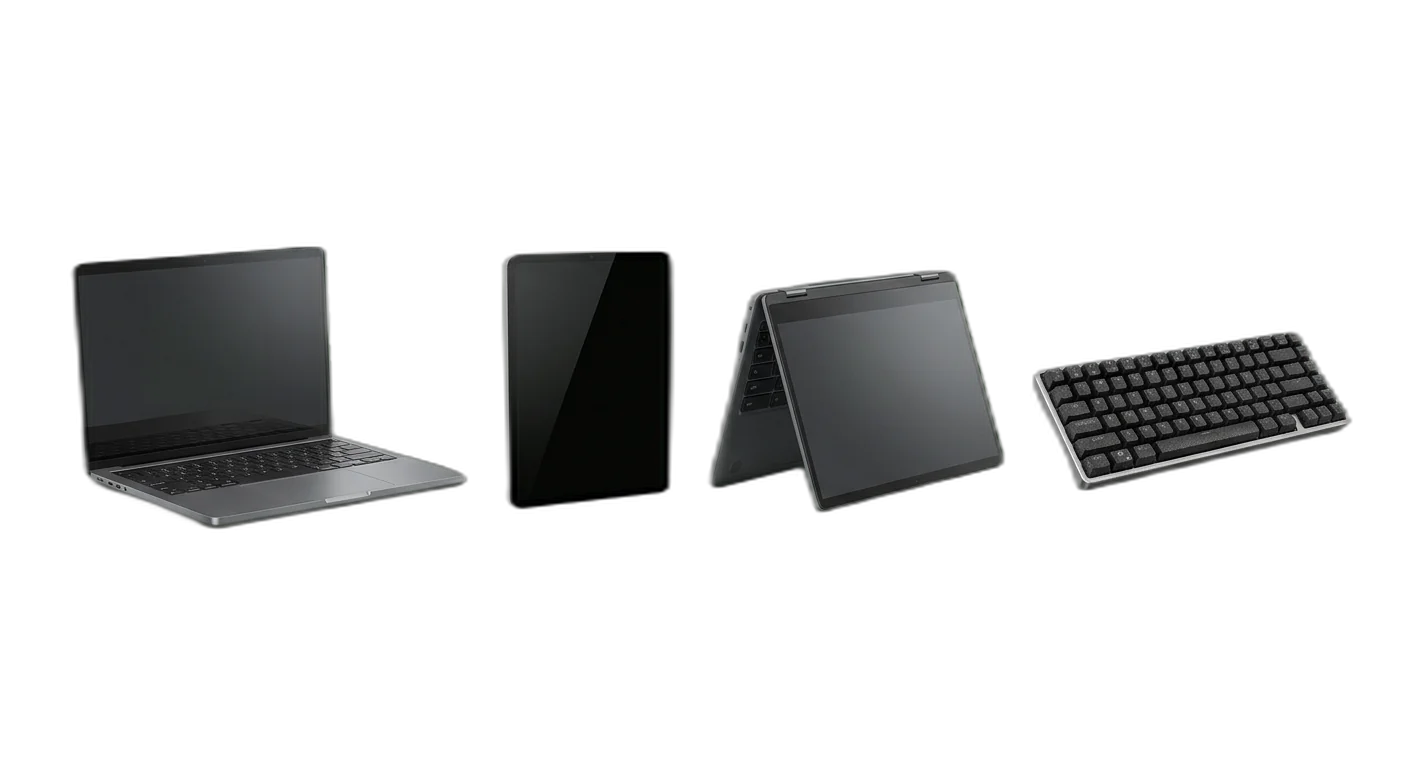
Computers & tablets
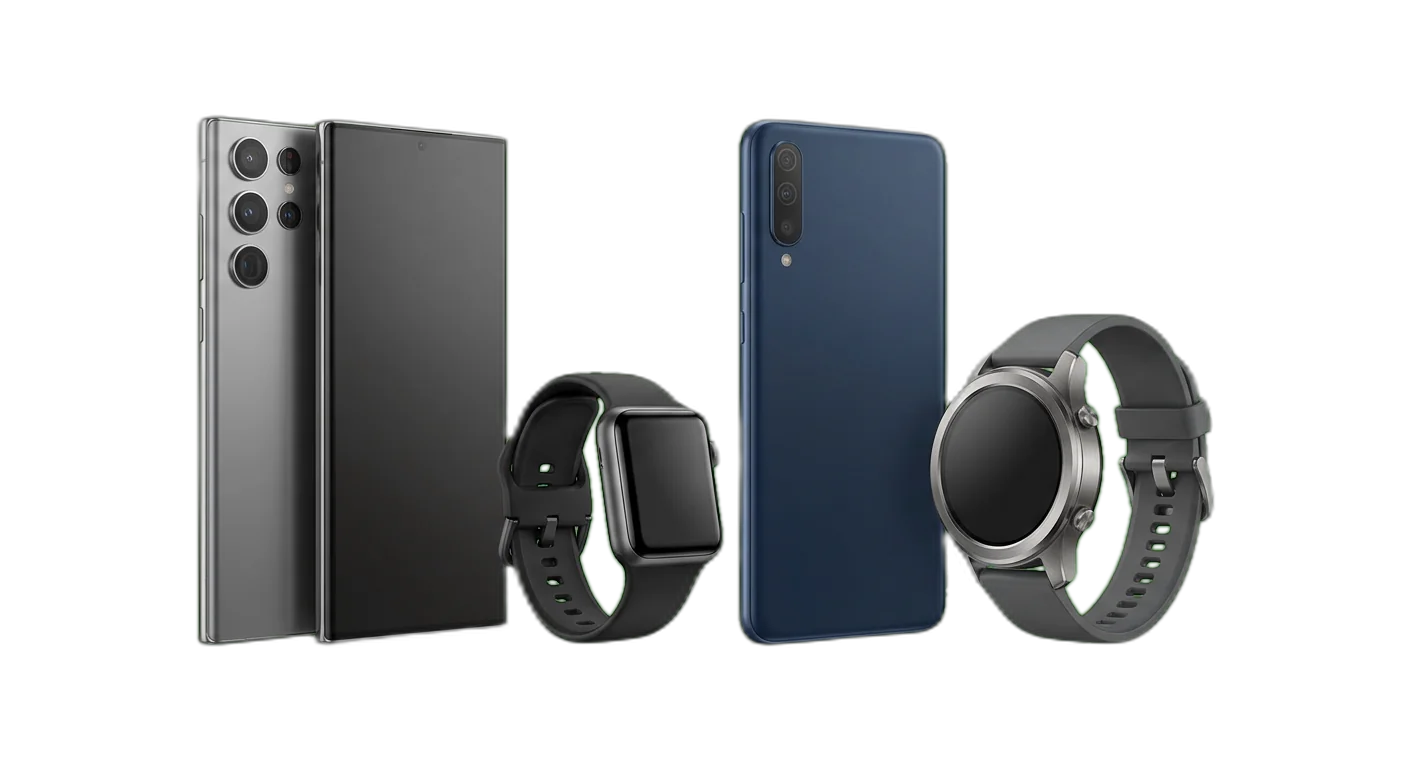
Smartphones & wearables
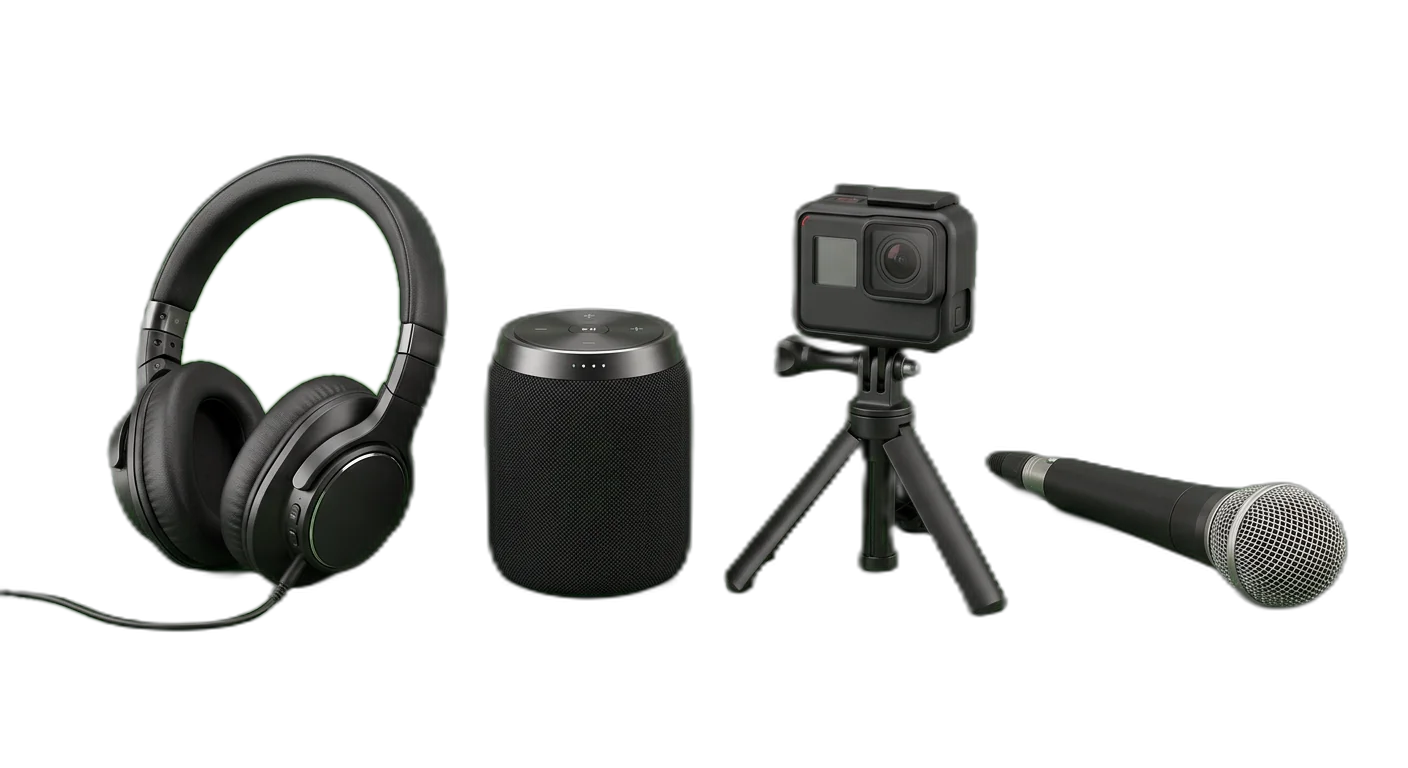
Audio & video
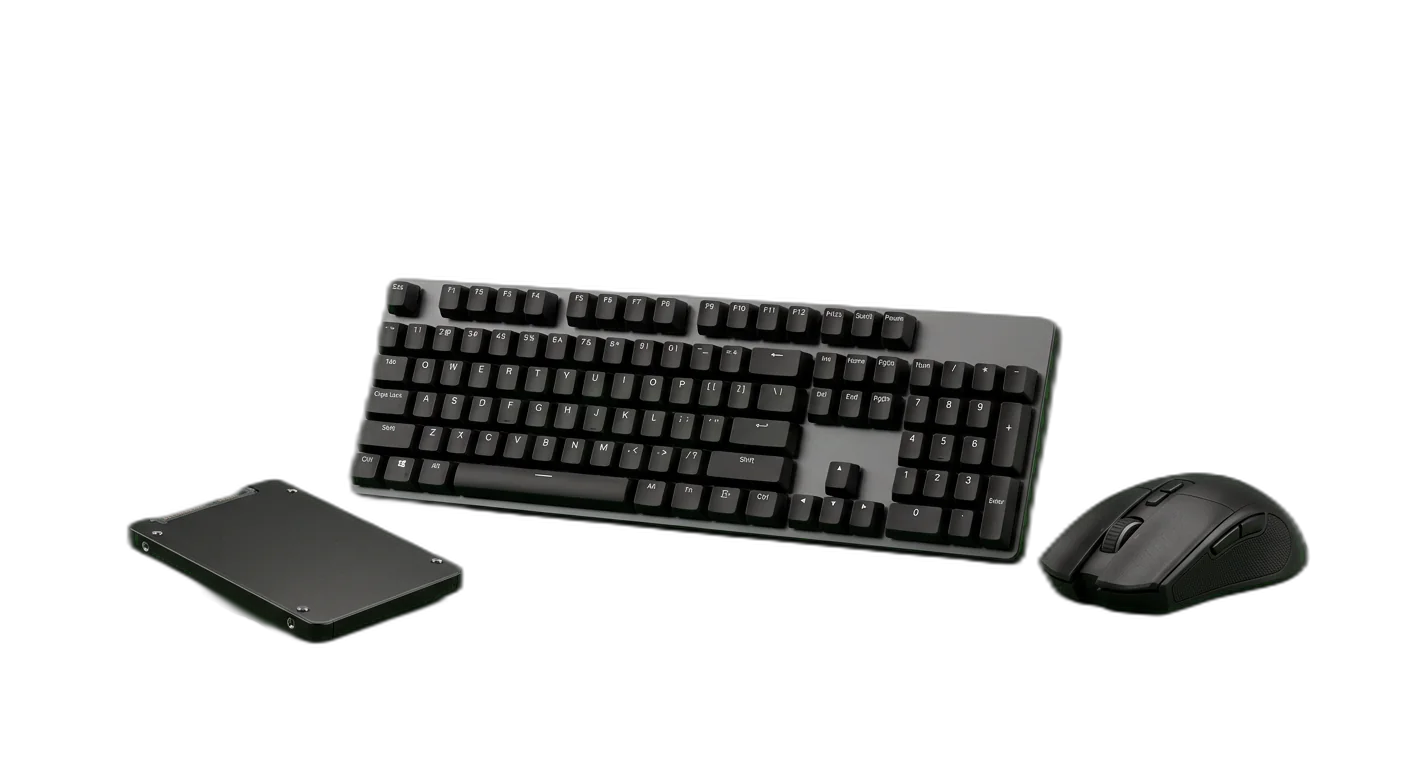
Componenten & randapparatuur
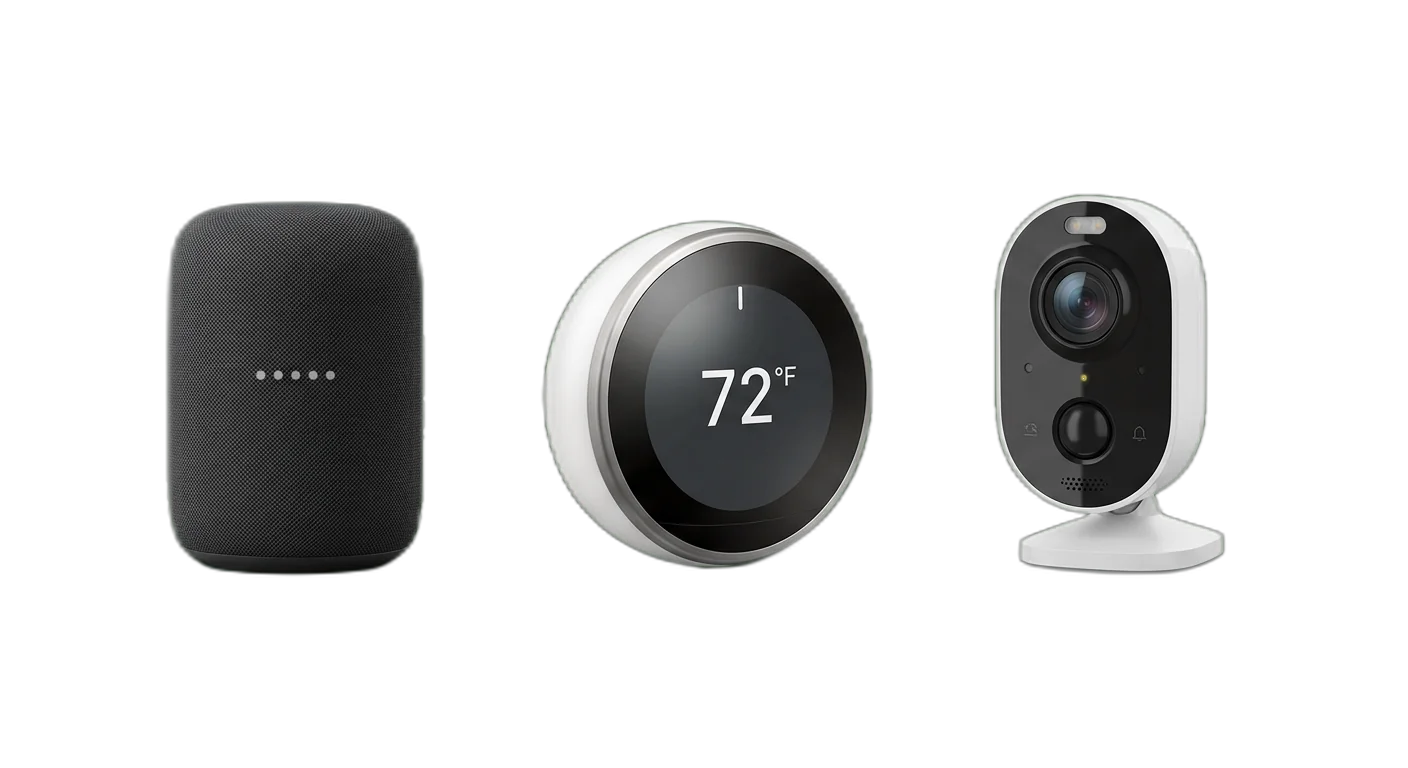
Smart home
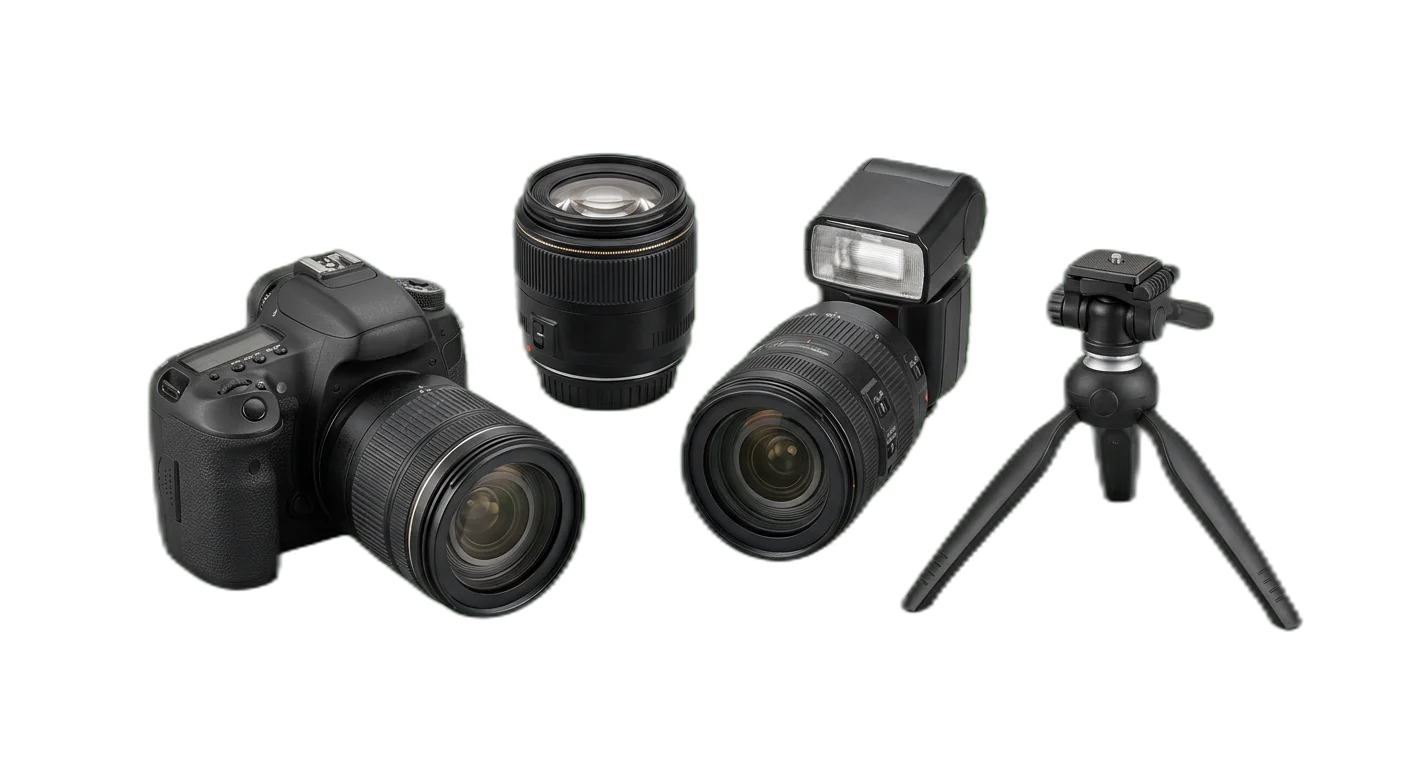
Fotografie & camera's
Hoe classificeer je Elektronica & tech producten
Volg deze regels om producten elke keer in de juiste categorie te plaatsen
- 1
Classificeer op productfunctie, niet op merkecosysteem
Deel producten altijd in op basis van wat het apparaat doet, niet op wie het gemaakt heeft. Merk is een filterbaar attribuut. Een Apple HomePod is een smart speaker en hoort niet thuis in een aparte Apple-categorie.
Apple AirPods Max horen onder Audio & video > Koptelefoons > Over-ear koptelefoonsEen Samsung Galaxy Tab hoort onder Computers & tablets > Tablets > Android-tablets - 2
Scheid accessoires van de apparaten waar ze bij horen
Telefoonhoesjes, laptopopladers, screenprotectors en apparaatspecifieke add-ons horen in een aparte subcategorie voor accessoires onder het bijbehorende apparaat, nooit tussen de apparaten zelf.
Een MagSafe-oplader hoort onder Smartphones > Telefoonaccessoires, niet onder Smartphones > iPhonesEen laptopsleeve hoort onder Computers & tablets > Laptopaccessoires, niet onder Laptops - 3
Gebruik technische specificaties voor de diepere niveaus
Op het niveau van de eindcategorie splits je producten op de technische kenmerken waar klanten daadwerkelijk op vergelijken. Aansluiting (bedraad of draadloos), schermtechnologie (OLED of led), opslagmedium (SSD of HDD) en resolutie (4K of 1080p) zijn daarvoor de gebruikelijke assen.
Tv's splitsen op paneeltechnologie: LED-tv's, OLED-tv's, QLED-tv'sOpslag splitsen op medium: SSD's, harde schijven, USB-sticks - 4
Behandel refurbished als conditie-attribuut, niet als categorie
Refurbished, open-box en tweedehands producten horen in dezelfde categorie als hun nieuwe tegenhangers. Gebruik een attribuut Conditie (Nieuw, Refurbished, Open box, Gebruikt) zodat klanten kunnen filteren. Zo hoef je je hele taxonomie niet te dupliceren.
Een refurbished iPhone 15 staat in Smartphones > iPhones met Conditie: RefurbishedEen open-box gaminglaptop staat in Laptops > Gaminglaptops met Conditie: Open box - 5
Houd software en hardware in gescheiden takken
Fysieke apparaten (hardware) en digitale producten (software, abonnementen, licenties) horen nooit in dezelfde tak van je taxonomie. Verkoop je beide, houd dan een aparte hoofdcategorie Software aan, los van alle hardwarecategorieën.
Microsoft Office hoort onder Software > Productiviteit, niet onder Computers & tabletsEen antivirusabonnement hoort onder Software > Beveiliging, niet onder Componenten & randapparatuur - 6
Deel smarthome-apparaten in op hun primaire functie
Categoriseer smarthome-producten op wat ze aansturen of meten (verlichting, beveiliging, klimaat), niet op het ecosysteem waar ze bij horen (Google Home, Amazon Alexa, Apple HomeKit). Ecosysteemcompatibiliteit is een attribuut.
Een Nest-thermostaat hoort onder Smart home > Slimme thermostaten, niet in een aparte Google-categorieEen Philips Hue-lamp hoort onder Smart home > Slimme verlichting, niet onder Verlichting - 7
Zet gamingproducten eerst in hun apparaatcategorie
Randapparatuur, accessoires en apparaten voor gaming categoriseer je eerst op apparaattype en markeer je daarna als gaming via een attribuut voor de gebruikssituatie. Een gamingtoetsenbord is een invoerapparaat met gebruikssituatie Gaming, geen los item in een aparte gamingcategorie.
Een mechanisch gamingtoetsenbord staat in Invoerapparaten > Toetsenborden met Gebruikssituatie: GamingEen gamingmonitor staat in Tv's & displays > Monitoren met Gebruikssituatie: Gaming - 8
Deel randapparatuur voor meerdere apparaten in op producttype
Randapparatuur die met meerdere apparaattypen werkt (bijvoorbeeld een bluetoothtoetsenbord voor zowel tablets als laptops) categoriseer je op producttype, niet op elk apparaat dat het ondersteunt. Welke apparaten worden ondersteund, leg je vast als compatibiliteitsattributen.
Een universele USB-C-hub hoort onder Componenten & randapparatuur, met compatibiliteitsattributen voor laptops, tablets en telefoonsEen bluetoothmuis hoort onder Invoerapparaten > Muizen, met compatibiliteit: Windows, Mac, iPad - 9
Gebruik generatie en versie als attribuut, niet als categorie
Productgeneraties (iPhone 15 tegenover iPhone 14, Wi-Fi 6 tegenover Wi-Fi 7) en versienummers leg je vast als attribuut. Voor elke generatie een aparte categorie aanmaken laat je taxonomie ongecontroleerd uitdijen en maakt vergelijken voor klanten juist moeilijker.
Alle iPads staan in Tablets > iPads; de generatie is een attribuut (iPad Pro M2, iPad Air M1)Routers staan in Netwerk > Routers; de wifistandaard is een attribuut (Wi-Fi 6, Wi-Fi 6E, Wi-Fi 7) - 10
Categoriseer bundels en kits op hun hoofdproduct
Een bundel (bijvoorbeeld laptop + muis + tas) plaats je in de categorie van het duurste of belangrijkste product uit de set. Voeg een attribuut Bundel: Ja toe en benoem de meegeleverde accessoires in de productbeschrijving.
Een laptopbundel met sleeve en muis staat in Laptops > Zakelijke laptops met Bundel: JaEen cameraset met lenzen en tas staat in Fotografie & camera's > Systeemcamera's met Bundel: Ja
Vereiste attributen per categorie
Zorg voor volledige productdata met de verplichte en aanbevolen attributen voor elk categorieniveau
Elektronica & tech classificatievalkuilen om te vermijden
Vermijd deze veelgemaakte categorisatiefouten die de vindbaarheid van producten schaden
- Fout
Merknamen als categorienamen gebruiken (bijvoorbeeld Samsung Galaxy, iPhone en Google Pixel als hoofdcategorieën aanmaken)
Betere aanpakGebruik Smartphones als categorie en Merk als filterbaar attribuut. Productlijnen (Galaxy S, iPhone Pro) voeg je toe als extra attribuut voor klanten die binnen één merk willen filteren.
- Fout
Software en fysieke hardware door elkaar zetten in dezelfde tak van je taxonomie (bijvoorbeeld Office 365-abonnementen tussen de laptops)
Betere aanpakHoud Hardware en Software/Digitaal volledig gescheiden op hoofdcategorieniveau. Software orden je op functie (Productiviteit, Beveiliging, Creatief), niet op de hardware waarop het draait.
- Fout
Accessoires op hetzelfde niveau plaatsen als de apparaten waar ze bij horen (bijvoorbeeld telefoonhoesjes tussen de smartphones)
Betere aanpakMaak onder elk apparaattype een aparte subcategorie voor accessoires. Een telefoonhoesje hoort in Smartphones > Telefoonaccessoires > Hoesjes, zodat het overzicht met apparaten schoon en rustig blijft.
- Fout
Overlappende categorieën maken op basis van verschillende indelingsassen (bijvoorbeeld zowel Draadloze oordopjes als Bluetooth-koptelefoons als aparte categorie)
Betere aanpakKies per niveau één hoofdas. Voor koptelefoons gebruik je vormfactor (over-ear, in-ear, on-ear) als categoriesplitsing en behandel je de aansluiting (draadloos, bedraad) als filterbaar attribuut.
- Fout
Geen rekening houden met het tempo van productvernieuwing en uitgefaseerde generaties als actieve categorie laten staan, waardoor klanten in doodlopende paden belanden
Betere aanpakArchiveer verouderde productspecifieke categorieën (zoals 3D-tv's) maar houd de URL in stand voor SEO. Richt je actieve taxonomie op de producttypen van nu en vang oudere modellen op met een attribuut Generatie binnen de actieve categorieën.
- Fout
Bundels en kits niet apart afhandelen, waardoor ze in de verkeerde categorie belanden of in een algemene Bundels-categorie terechtkomen waar niemand doorheen komt
Betere aanpakPlaats bundels in de categorie van hun hoofdproduct en voeg Bundel: Ja toe als attribuut. Een laptop-starterset hoort onder Laptops, niet in een aparte Bundels-categorie. Benoem de meegeleverde accessoires in de productbeschrijving.
- Fout
Vormfactorspecificaties verwarren met productcategorieën (bijvoorbeeld aparte categorieën maken voor 13-inch, 14-inch, 15-inch en 17-inch laptops)
Betere aanpakSchermformaat, gewicht en afmetingen zijn productattributen, geen categorieën. Houd Laptops als één categorieniveau en laat klanten met attribuutfilters op schermformaat filteren.
- Fout
Compatibiliteitsinformatie niet vastleggen, waardoor klanten onmogelijk kunnen zien welke accessoires bij hun apparaat passen
Betere aanpakVoeg gestructureerde compatibiliteitsattributen toe aan elk accessoire en elk randapparaat. Neem ondersteunde apparaattypen, aansluitstandaarden (USB-C, Lightning) en eisen aan het besturingssysteem op als verplichte attributen.
- Fout
Connectiviteitsstandaarden en draadloze protocollen niet bijhouden, waardoor alle draadloze producten inwisselbaar lijken
Betere aanpakLeg specifieke connectiviteitsstandaarden vast als attribuut (Wi-Fi 6E, Bluetooth 5.3, Zigbee 3.0, Thread, Matter). Dat is cruciaal voor de interoperabiliteit van smarthome-apparaten en helpt klanten vóór aankoop te controleren of alles samenwerkt.
- Fout
Productgeneraties en versies aanzien voor compleet nieuwe productcategorieën (bijvoorbeeld USB 3.0-sticks en USB 3.2-sticks als aparte categorie)
Betere aanpakGebruik één categorie voor het producttype (USB-sticks) en leg de versie of generatie (USB 3.0, USB 3.2 Gen 2) vast als specificatieattribuut. Zo blijft je taxonomie stabiel terwijl de standaarden zich verder ontwikkelen.
Hoe categoriseer je Elektronica & tech producten
Volg deze stappen om je Elektronica & tech producten correct te categoriseren voor e-commerce en marktplaatsvereisten
01
Importeer je elektronicacatalogus
Koppel je e-commerceplatform, ERP of productfeed aan WISEPIM. Het systeem leest automatisch productnamen, technische specificaties, EAN/UPC-codes en afbeeldingen in, zodat je catalogus klaarstaat voor categorisatie met AI. Ondersteunde formaten zijn onder meer CSV, XML en JSON, naast directe integraties met de grote platformen.
02
AI analyseert de technische specificaties
WISEPIM leest met AI je producttitels, omschrijvingen en specsheets uit en bepaalt daaruit het apparaattype, de vormfactor, de belangrijkste specificaties en de beoogde gebruikssituatie. Het systeem begrijpt de vakterminologie in alle elektronicacategorieën en ziet aan de componentspecificaties het verschil tussen bijvoorbeeld een gaminglaptop en een zakelijke laptop.
03
Controleer de categorie-indeling
Beoordeel de door AI voorgestelde categorieën in bulk vanuit het WISEPIM-dashboard. Producten zijn gegroepeerd op betrouwbaarheidsniveau, zodat je toewijzingen met hoge zekerheid snel goedkeurt en je aandacht kunt richten op de twijfelgevallen. Pas aan waar nodig en leer de AI zo jouw specifieke voorkeuren aan.
04
Verrijk attributen en controleer op volledigheid
WISEPIM controleert elk product op de attributen die bij zijn categorie verplicht zijn en signaleert ontbrekende specificaties. Gebruik het volledigheidsrapport om hiaten op te sporen en je productdata te verrijken. Veel technische attributen haalt het systeem automatisch uit productbeschrijvingen en specificatietabellen.
05
Publiceer naar al je kanalen
Zet je gecategoriseerde en verrijkte catalogus door naar Google Shopping en je eigen webshop, en publiceer feeds voor andere kanalen vanuit Feed Hub. De categoriemap van WISEPIM koppelt je interne categorieën aan Google-productcategorieën en aan de categoriebomen van je winkels. Exports draaien wanneer je ze start, volgens het schema van een automatisering, of met auto-sync aan zo'n 30 seconden nadat je een product opslaat.
Elektronica & tech: categoriseer je eigen catalogus in WISEPIM
Meld je aan voor het gratis plan en pas deze gids toe op je eigen producten: bouw je categorieboom, laat AI per product een categorie voorstellen en koppel je categorieën aan de producttaxonomie van Google.
- 100 producten en 50 AI-credits per maand met het gratis plan
- Importeer producten uit een CSV-bestand of een gekoppelde winkel
- AI-categorisatie wijst categorieën toe, of stelt ze voor zodat jij eerst checkt
- De categoriekaart koppelt je categorieën aan Google-productcategorieën
Veelgestelde vragen
Veelgestelde vragen over Elektronica & tech productcategorisatie
Beste Elektronica & tech categorieën voor e-commerce
Ontdek de best presterende Elektronica & tech productcategorieën gerangschikt op vraag, marges en groeipotentieel.
Map Elektronica & tech producten naar een globale taxonomie
Heb je je eigen categorieboom? Map ze naar de standaarden die marketplaces, advertentieplatforms en dataleveranciers vereisen.
Bekijk meer branchegidsen
- Inventariseer je productbronnen
- Definieer je attribuutschema
- Normaliseer merknamen
- Voeg alt-text toe aan primaire beelden
De productcategorisatie-checklist
Tien concrete stappen voor een schone, schaalbare categorieboom, inclusief regels voor boomdiepte, leaf-level attributen en wat te doen bij conflicten.
- Kies de juiste standaard (Google / GS1 GPC / eCl@ss)
- Max-diepte regels, zodat je boom niet ontspoort
- Minimum attribuutset per leaf-categorie
Eén mail, geen spam. Printen en aan de slag.
| sku | name | brand | technical specifications | compatibility |
|---|---|---|---|---|
| FA-001 | Linen shirt | Your brand | — | — |
| — | — | — | — | — |
De Elektronica & tech PIM starter-template
Dezelfde attributen als in deze gids, maar nu als kant-en-klare CSV. Vereist eerst, daarna aanbevolen, met een ingevuld voorbeeld zodat je direct kunt beginnen.
- 7 vereiste + 12 aanbevolen attributen
- Direct importeerbaar in elk PIM of ERP
- Eén voorbeeldrij + één lege rij
Eén mail, één bijlage. Geen marketingreeks.
Verder ontdekken
Zorgvuldig gekozen vervolgstappen om dieper te gaan.
Klaar om je Elektronica & tech categorisatie te automatiseren?
WISEPIM gebruikt AI om producten automatisch te classificeren. Bespaar uren handmatig werk en maak een einde aan categorisatiefouten.