Books & Digital Media Product Categories
Real category trees, classification rules, and attribute requirements for Books & Digital Media catalogs. Copy them, map your products, and skip months of taxonomy work.
Books & Digital Media Category Hierarchy
Standard category structure used across major e-commerce platforms and marketplaces

Books
E-Books & Audiobooks
Music
Movies & TV
Video Games
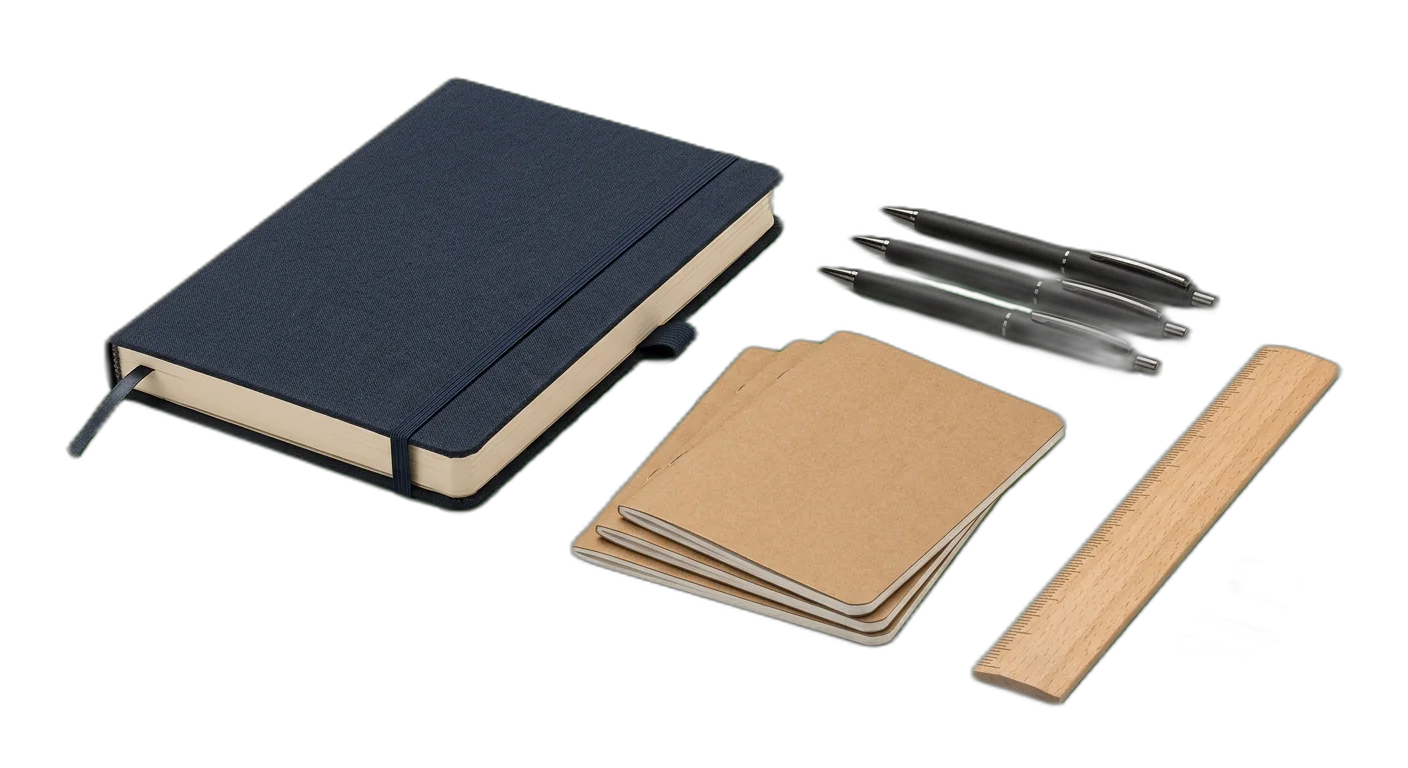
Stationery & Journals
How to Classify Books & Digital Media Products
Follow these rules to place products in the right categories, every time
- 1
Treat format as an attribute, not a category
Paperback, hardcover, e-book, and audiobook are delivery formats of the same intellectual work. Use format as a structured attribute rather than splitting your taxonomy by binding type. This prevents duplicate entries for a single title and simplifies inventory management across channels.
Books > Fiction > Mystery & Thriller with attribute Format: HardcoverDo not create separate Books > Hardcover Fiction and Books > Paperback Fiction branches - 2
Maintain a consistent genre hierarchy
Genre classification should follow a clear, two-level system: broad genre at the category level (Fiction, Non-Fiction) and specific sub-genre at the next level. Do not mix genre depths or create hybrid genre categories. Products that span genres should use a primary genre category with secondary genre tags.
Books > Fiction > Science Fiction as the category, with sub-genre attribute: Space OperaA sci-fi romance is categorized under Science Fiction with genre tags: ['Romance', 'Science Fiction'] - 3
Use ISBN and ISSN as standard identifiers
Every book product should carry its ISBN-13 (or ISBN-10 for older titles) as a required attribute. Periodicals and journals should use ISSN. These identifiers are essential for marketplace listing, deduplication, and supply chain integration. Digital products may additionally carry an ASIN or platform-specific ID.
ISBN-13: 978-0-13-468599-1 for a physical bookISSN: 0028-0836 for a periodical subscription - 4
Apply age rating systems as structured attributes
Use industry-standard age rating systems rather than custom labels. For books, use publisher-recommended age ranges. For video games, use ESRB (North America), PEGI (Europe), or CERO (Japan). For movies, use MPAA or regional equivalents. Store the rating system alongside the rating value for international catalogs.
Video game with ESRB: M (Mature 17+) and PEGI: 18Children's book with age_range: 4-8 and reading_level: Early Reader - 5
Track series and collection memberships
Many media products belong to a series or collection. Capture series name, volume number, and total volumes as dedicated attributes. This enables customers to discover related titles, supports reading-order navigation, and helps with bundle merchandising.
Series: Harry Potter, Volume: 3, Total Volumes: 7TV Box Set: Breaking Bad, Season: 2, Format: Blu-ray - 6
Handle multi-format products with a single canonical entry
When the same title is available in multiple formats (paperback, hardcover, Kindle, audiobook), maintain a single canonical product record with format variants rather than separate products. This ensures reviews, ratings, and metadata are consolidated and avoids confusing customers with duplicate listings.
One product entry for 'Atomic Habits' with variants: Hardcover, Paperback, E-Book, AudiobookEach variant has its own ISBN, price, and availability attributes - 7
Classify language as a product attribute with ISO codes
Do not create language-based categories (English Books, Spanish Books). Instead, use a language attribute with ISO 639-1 codes. For bilingual or multi-language products, store all applicable language codes. This keeps your taxonomy clean and supports international catalog expansion without restructuring.
Language: en (English), with additional_languages: ['es'] for a bilingual editionLanguage: ja (Japanese) for manga in original Japanese - 8
Distinguish editions and manage version history
Capture edition information (1st Edition, Revised Edition, Anniversary Edition, Collector's Edition) as a structured attribute rather than creating separate categories. Link editions of the same title together so customers can compare and sellers can track version history.
Edition: 3rd Revised Edition, Original Publication Year: 2015, Edition Year: 2023Edition Type: Collector's with attributes for special features like signed, numbered, or illustrated - 9
Separate digital from physical at the top level
Physical and digital media have fundamentally different fulfillment, licensing, and return policies. Maintain a clear top-level separation between physical products (Books, Physical Music, DVD/Blu-ray) and their digital counterparts (E-Books, Digital Downloads, Streaming Codes). This simplifies logistics and marketplace mapping.
- 10
Handle pre-orders and release dates as product states
Do not create Pre-Order categories. Instead, use a product availability status attribute (Available, Pre-Order, Out of Print, Coming Soon) combined with a release date field. This allows pre-orders to exist in their correct category while being filtered and merchandised separately.
Availability: Pre-Order, Release Date: 2026-06-15, category: Books > Fiction > FantasyAvailability: Out of Print, Last Print Year: 2019
Required Attributes by Category
Make sure your product data is complete with the required and recommended attributes for each category level
Books & Digital Media Classification Pitfalls to Avoid
Avoid these common categorization errors that hurt product discoverability
- Mistake
Using format (Paperback, Hardcover, E-Book) as a top-level category instead of an attribute
Better approachFormat is a product variant, not a category. Categorize by content type and genre first (Books > Fiction > Fantasy), then use Format as an attribute. This prevents the same title from appearing in three different category branches and keeps your catalog deduplicated.
- Mistake
Mixing genres at inconsistent depths, such as having Thriller as a top-level category alongside Fiction
Better approachEstablish a strict two-level genre hierarchy: broad genre at level two (Fiction, Non-Fiction) and specific sub-genre at level three (Mystery & Thriller, Science Fiction). Never elevate a sub-genre to the same level as its parent. Use genre tags for cross-genre discoverability.
- Mistake
Not tracking series or collection information, leaving customers unable to find related titles
Better approachAdd Series Name, Volume Number, and Total Volumes as dedicated attributes on every title that belongs to a series. This enables reading-order navigation, bundle recommendations, and prevents customers from accidentally purchasing the wrong volume in a series.
- Mistake
Ignoring edition differences, leading to incorrect product listings where a 3rd edition is listed as a 1st edition
Better approachCapture Edition (1st, 2nd, Revised, Anniversary, Collector's) as a required attribute for books. Link editions of the same title together in your PIM so customers can compare and so marketplace listings reflect the correct version with its corresponding ISBN.
- Mistake
Creating language-based category branches (English Books, Spanish Books, German Books) instead of using a language attribute
Better approachUse a Language attribute with ISO 639-1 codes (en, es, de, fr). For multilingual editions, store all applicable language codes. This keeps your category tree clean and scalable as you expand to new markets without restructuring your entire taxonomy.
- Mistake
Not applying age rating systems or using inconsistent age labels across media types
Better approachStandardize on industry-recognized rating systems: publisher age ranges for books, ESRB/PEGI for video games, MPAA/BBFC for movies. Store both the rating system identifier and the rating value so international catalogs display the correct regional rating.
- Mistake
Creating separate product entries for physical and digital versions instead of linking them as format variants
Better approachMaintain a single canonical product record with format variants (Physical, E-Book, Audiobook). Each variant carries its own ISBN, price, and fulfillment data, but they share metadata like title, author, genre, and description. This consolidates reviews and simplifies catalog management.
- Mistake
Not using ISBN-13 as the primary product identifier, relying instead on custom SKUs alone
Better approachMake ISBN-13 a required attribute for all book products and ISSN for periodicals. These are universal identifiers used by every major marketplace, distributor, and library system. Custom SKUs can be used internally but should never replace standard identifiers for external integration.
- Mistake
Placing stationery and journals under the Books category because they are sold in bookstores
Better approachStationery, journals, and greeting cards have different attributes (paper weight, ruling, page count without ISBN) than books. Keep them in a separate Stationery & Journals top-level category with their own attribute schema. This avoids confusion in feeds and marketplace mappings.
- Mistake
Not handling boxed sets and multi-disc collections as a distinct product type
Better approachCreate a Box Sets & Collections subcategory for multi-item bundles. Add attributes for Number of Items, Included Titles, and Set Type (Complete Series, Season, Anthology). This prevents box sets from cluttering individual title categories and enables proper pricing and inventory tracking.
How to Categorize Books & Digital Media Products
Follow these steps to categorize your Books & Digital Media products correctly for e-commerce and marketplace requirements
01
Import Your Media Catalog
Connect your e-commerce platform or upload your product feed containing books, music, movies, games, and other media. WISEPIM detects ISBNs, titles, authors, and existing metadata to prepare your catalog for AI-powered classification. Existing category assignments and product descriptions are preserved during import.
02
AI Classifies Your Products by Genre & Type
WISEPIM analyzes product titles, descriptions, cover images, and metadata to classify each item into the correct category. The AI identifies media type, genre, target audience, and format with high accuracy. It detects series membership, suggests missing attributes like age ratings and language codes, and flags products that need manual review.
03
Enrich Attributes & Link Related Products
Review AI-suggested categories and complete critical attributes: ISBNs, author/artist names, edition information, series data, and age ratings. WISEPIM validates attribute completeness against marketplace requirements and links related products (series volumes, format variants, box sets) for cross-merchandising.
04
Publish Across Channels
Export your categorized media catalog to your webshop, Amazon, Google Shopping, and other channels. WISEPIM maps your internal categories to platform-specific taxonomies (BISAC codes for books, Amazon Browse Nodes, Google Product Categories) and keeps listings synchronized as you add new titles or update existing products.
Categorize your Books & Digital Media catalog in WISEPIM
Sign up for the free plan and apply this guide to your own products: build your category tree, let AI suggest a category for each product, and map your categories to Google's product taxonomy.
- 100 products and 50 AI credits a month on the free plan
- Import products from a CSV file or a connected store
- AI categorization assigns categories, or suggests them for you to review first
- The category map links your categories to Google product categories
Frequently Asked Questions
Common questions about Books & Digital Media product categorization
Best Books & Digital Media Categories for Ecommerce
Discover the top-performing Books & Digital Media product categories ranked by demand, margins, and growth potential.
Map Books & Digital Media products to a global taxonomy
Got your own category tree? Map it to the standards that marketplaces, ad platforms, and data partners actually require.
Explore More Industry Guides
Printable checklist
Start in 15 minutesGet every live product into the right category
Start with a 15-minute count of products with no category, or only a top-level one. You get two numbers, like 140 products, 12 in your top 100. Then 5 steps for the rest of the week.
How it works
- Filter products with no category or only a top-level one.
- Check how many of them are in your top 100 sellers.
- Write both numbers, such as '140 products, 12 in the top 100'.
One email, once, with a link to the printable checklist. Nothing else unless you tick the box.
Free Excel template
XLSX · 3 sheetsSee which of your 20 best sellers are incomplete
An Excel check with the columns books & digital media products need. In about 15 minutes you know how many of your 20 are complete, and the one fix that helps the most rows.
How it works
- Paste 20 best sellers from your shop export into Products.
- Fill in what you know. The last column says what each row is missing.
- Read your result on Start here: how many are complete, and the fix that helps most rows.
One email, once, with the XLSX attached and as a download link. Nothing else unless you tick the box.
Keep exploring
Hand-picked next steps to go deeper.
Ready to Automate Your Books & Digital Media Categorization?
WISEPIM uses AI to classify products automatically, saving hours of manual work and cutting categorization errors.