The Complete Guide to Product Categorization and Taxonomy
Product categorization means assigning every product to one node of a category tree, such as Google's product taxonomy (5,595 categories in version 2021-09-21). The decision rule: classify by what the product is, using the keywords in its title and description, pick the deepest category that fits, and keep size, color, material and audience as attributes. WISEPIM's AI category classification does this for whole catalogs with 95%+ accuracy.
What is Product Categorization?
Product categorization is the process of organizing products into a structured hierarchy of categories and subcategories, known as a product taxonomy. It defines how products are grouped, found, and filtered in e-commerce stores, marketplaces, and product information management (PIM) systems.
A well-structured product taxonomy typically has 3 to 5 levels. The top level contains broad categories like "Electronics" or "Clothing", while deeper levels get more specific. For example: Electronics > Computers > Laptops > Gaming Laptops.
Good categorization makes products easy for shoppers to find, keeps you compliant with marketplace requirements (such as Google Shopping or Amazon), and ensures each product has the right attributes for its category.
Why Product Categorization Matters for E-commerce
Improve Product Discoverability
Well-categorized products show up in the right search results and filters. When shoppers browse by category or apply filters, a clean taxonomy helps them find exactly what they want, reducing bounce rates and increasing conversions.
Marketplace Compliance
Marketplaces like Google Shopping, Amazon, and Bol.com require products to be mapped to their specific category taxonomies. Incorrect or missing categorization leads to product disapprovals, lost visibility, and wasted ad spend.
Better Data Quality and Analytics
A consistent taxonomy enables accurate reporting across your product catalog. You can track performance by category, spot gaps in your assortment, and make data-driven decisions about inventory, pricing, and merchandising.
Better Customer Experience
Clear category navigation helps customers browse intuitively. Combined with proper attribute mapping, it powers smart product recommendations, comparison features, and guided selling experiences.
How to Categorize Products: A Step-by-Step Guide
Follow this approach to build and maintain a product categorization system that scales across any industry.
Choose a Taxonomy Standard
Start by picking an established taxonomy standard that fits your industry and sales channels. Options include Google Product Category (GPC), UNSPSC, GS1 GPC, eCl@ss, or ETIM. Using a recognized standard keeps you compatible with marketplaces and trading partners.
Map Your Category Hierarchy
Structure your categories from broad to specific, using 3 to 5 levels. Make sure each level is distinct: a product should fit into only one category path. Use clear, consistent naming across all levels.
Define Attributes per Category
For each end-level category, define the required and recommended product attributes. For example, a "T-Shirts" category might require Size, Color, and Material, while recommending Fit Type and Care Instructions.
Establish Classification Rules
Create clear rules that determine which category a product belongs to. Rules should handle edge cases, such as a waterproof hiking boot that could fit under both "Hiking" and "Waterproof Footwear". Defining clear primary logic avoids ambiguity.
Validate and Test Classifications
Review a sample of categorized products to check accuracy. Look for common issues like products in overly broad categories, missing attributes, or duplicate category paths. Use data quality metrics to track completeness and consistency.
Automate with AI
Use AI to automatically classify products based on their titles, descriptions, and images. AI categorization dramatically cuts manual effort, improves consistency, and scales easily as your catalog grows.
Popular Product Taxonomy Standards
The right taxonomy standard depends on your industry, sales channels, and trading partners. Here are the five most widely used product categorization standards.
Google Product Category
Google Shopping, Performance Max, Merchant Center
eCl@ss
Manufacturing, Industry 4.0, digital twins, B2B catalogs
United Nations Standard Products and Services Code
Government procurement, B2B, spend analysis
ETIM
Electrical wholesale, HVAC, building materials, technical retail
GS1 Global Product Classification
Retail, GDSN data synchronization, GTIN registration
HS Code (Harmonized System)
International trade, customs clearance, import/export, duty calculation
Schema.org Product Types
SEO rich snippets, Google Shopping structured data, knowledge graph
Amazon Browse Tree
Amazon Seller Central, FBA, Amazon Advertising
Shopify Standard Product Taxonomy
Shopify stores, category metafields and Shopify tax
eBay Categories
Listing on eBay.com, eBay.de and other eBay sites
Explore Industry-Specific Categorization Guides
Each guide below includes a complete category hierarchy, classification rules, required attribute mappings, and common mistakes to avoid. Pick your industry to get started.
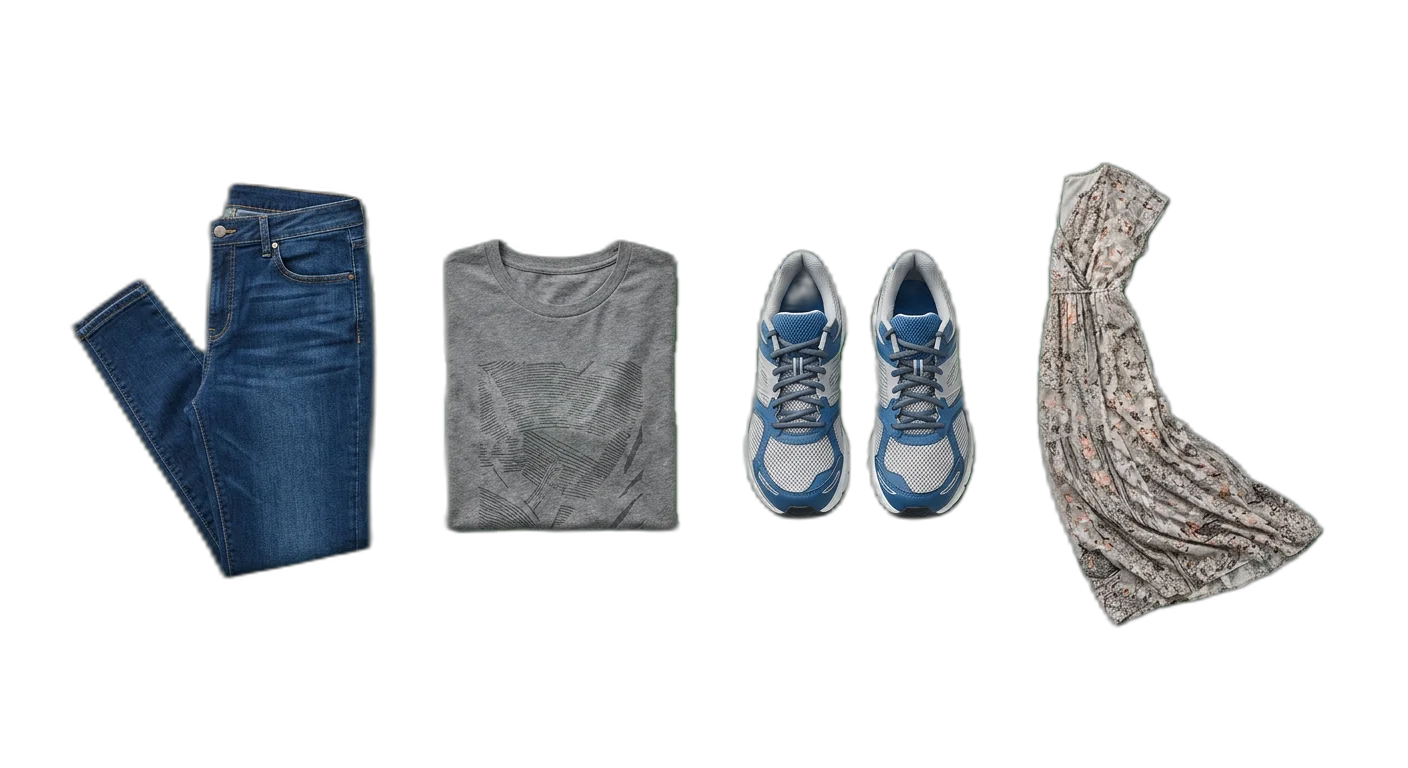
Apparel & Fashion
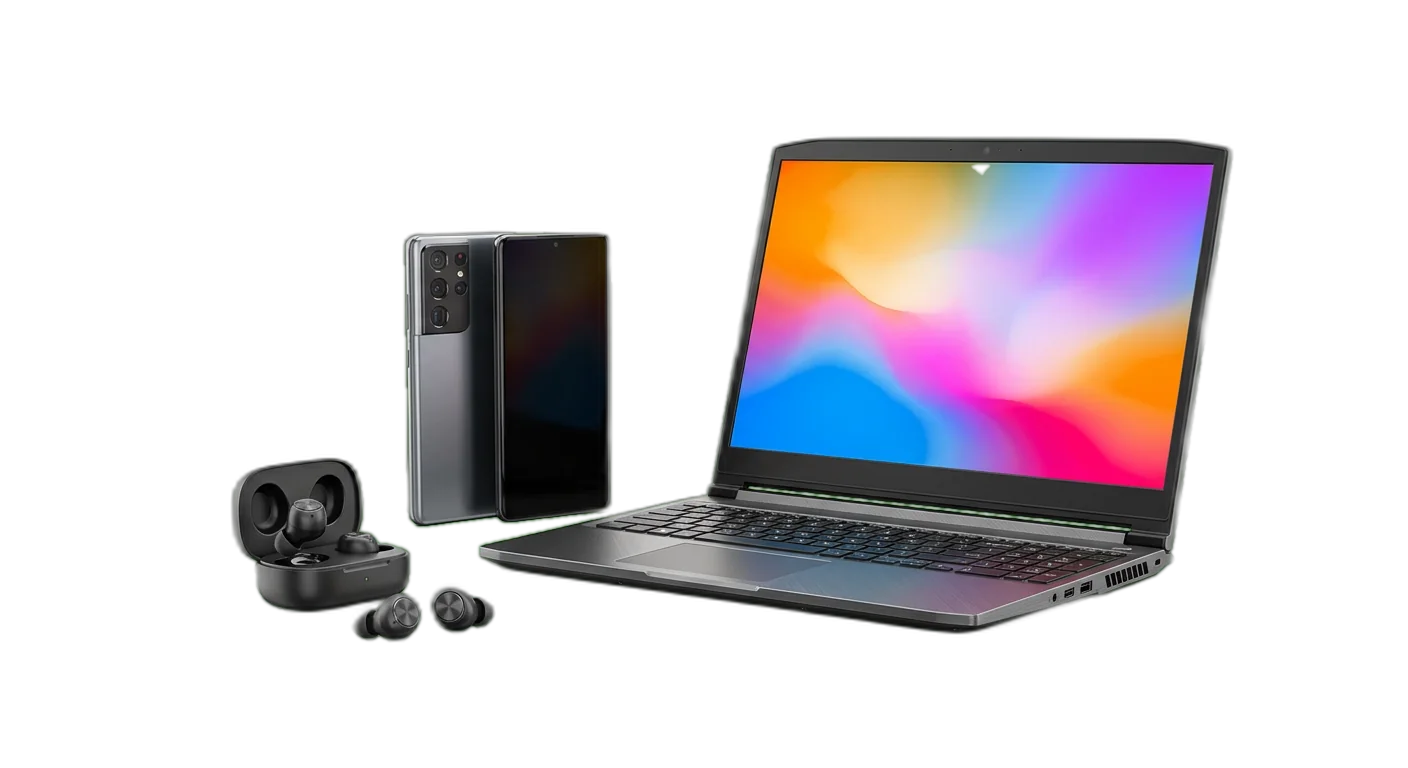
Electronics & Tech

Jewelry & Watches
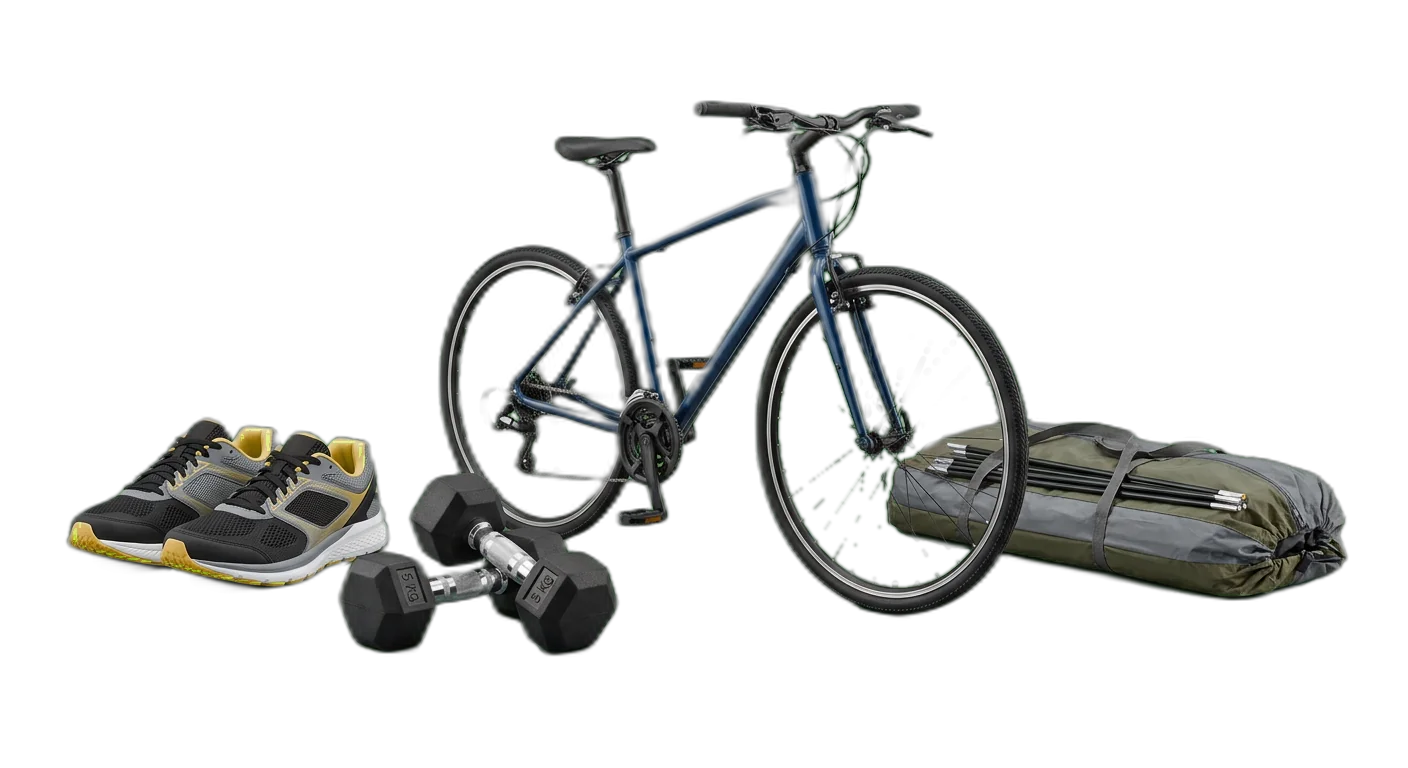
Sports & Outdoors

Beauty & Personal Care

Food & Beverage
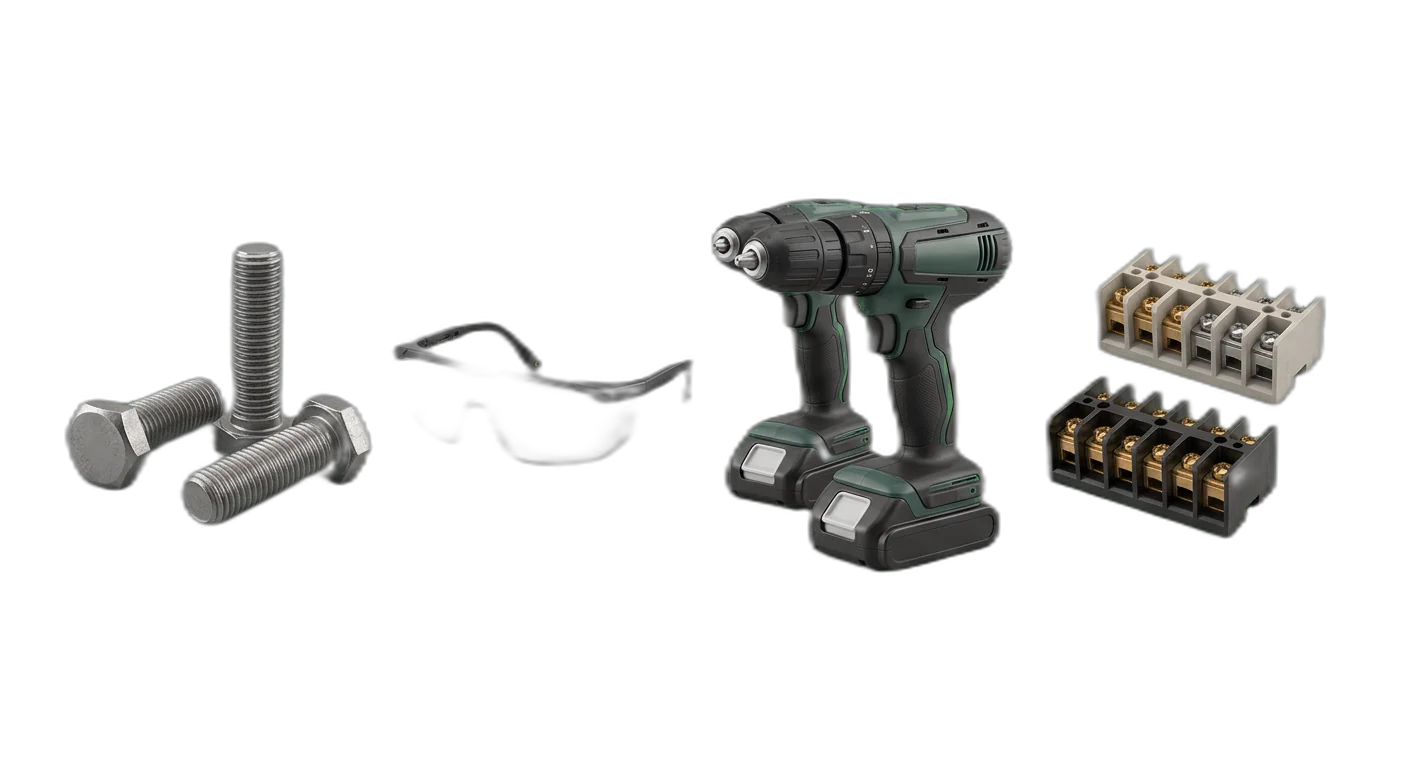
Industrial & B2B
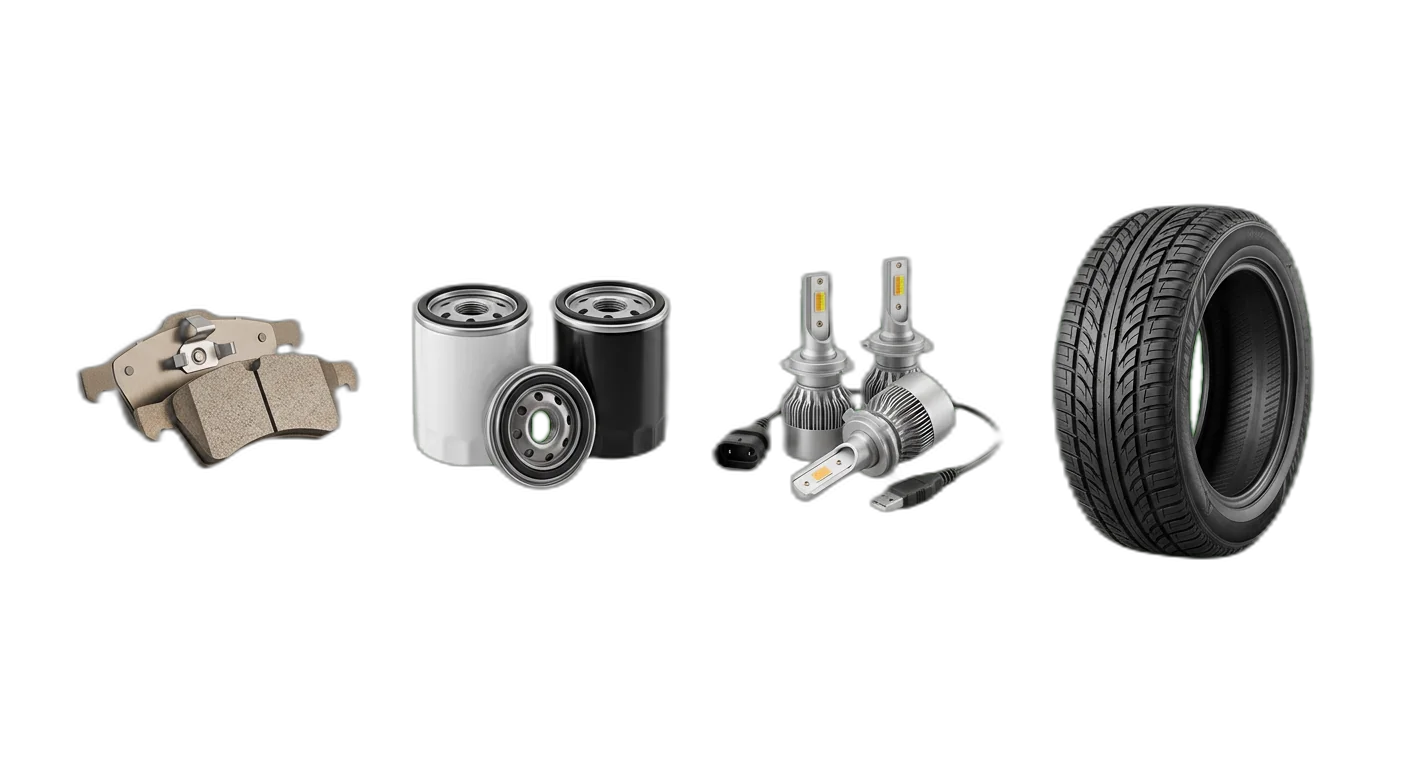
Automotive Parts
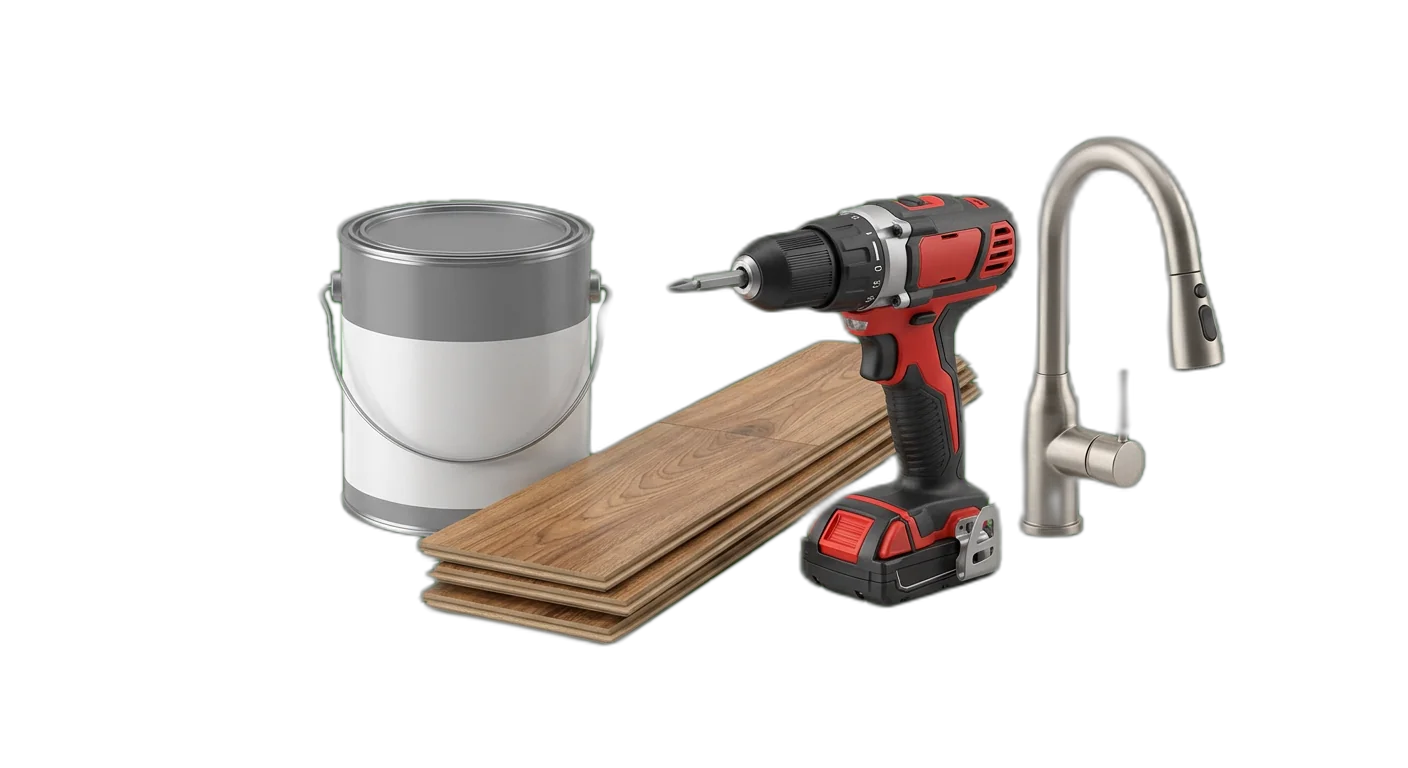
Home Improvement
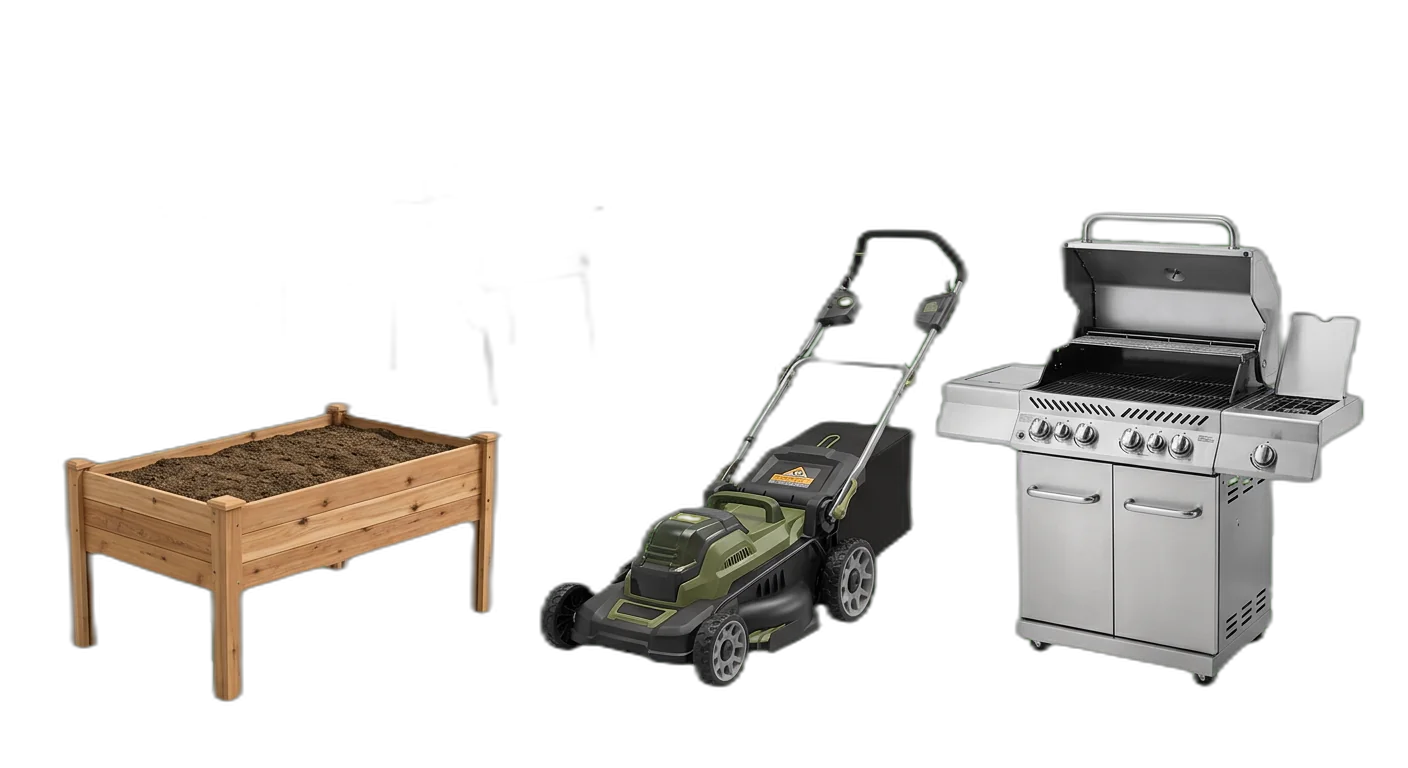
Garden & Outdoor

Books & Digital Media
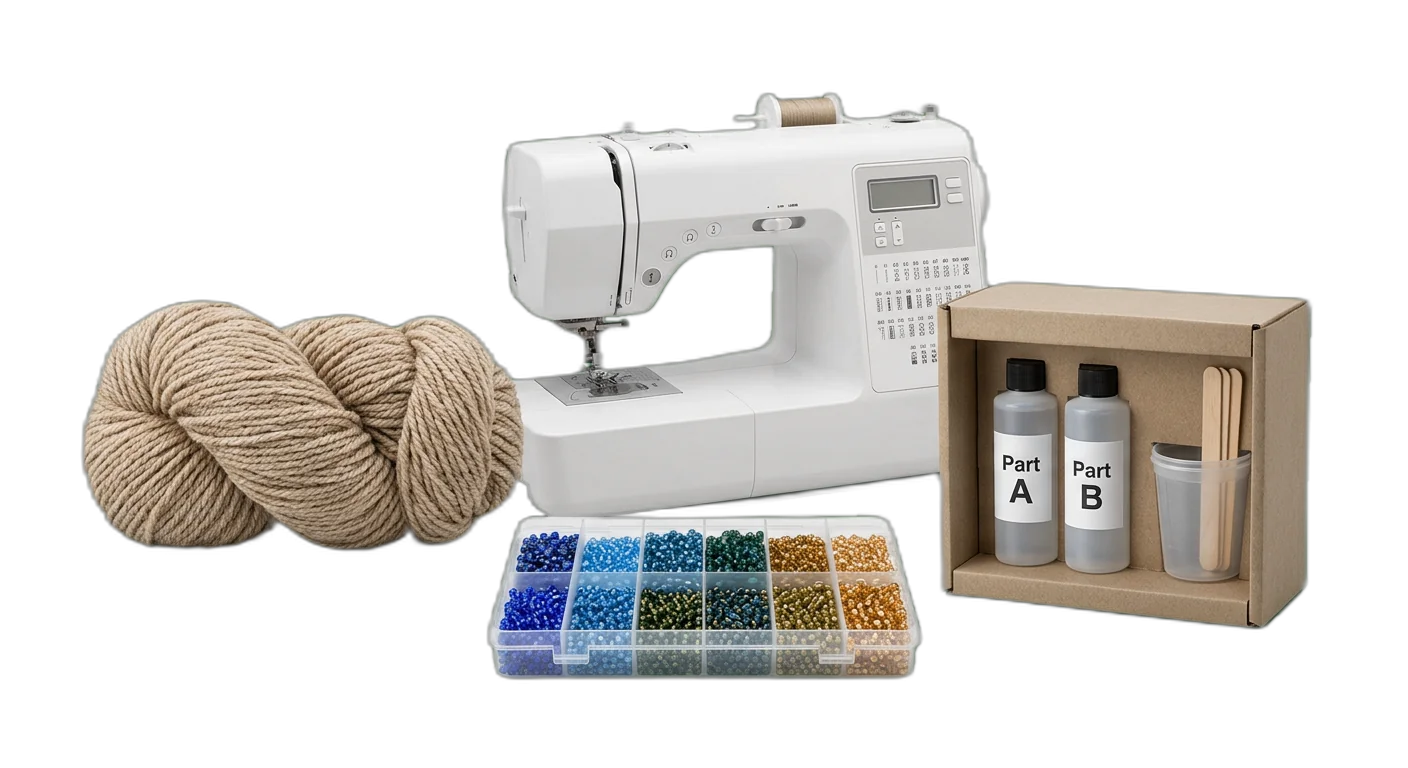
Crafts & Hobbies
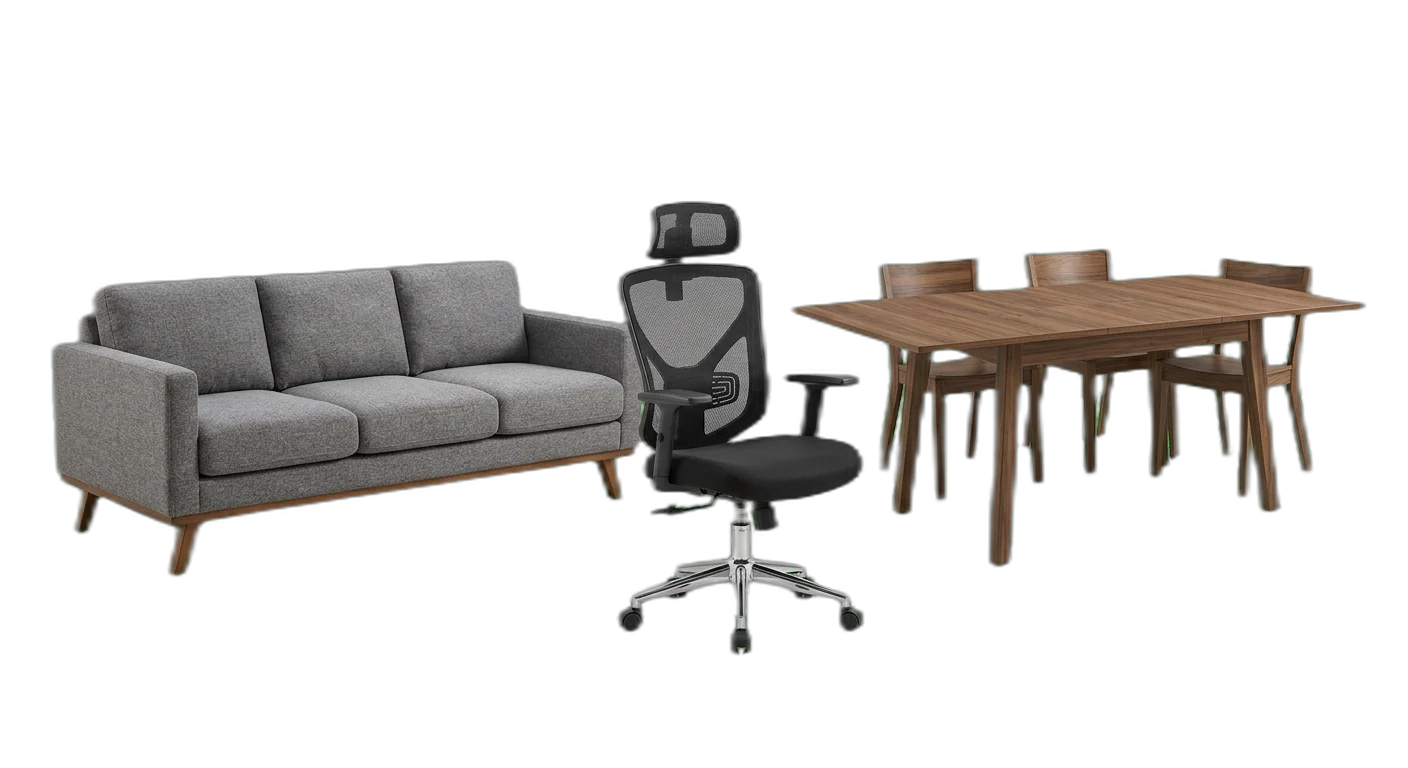
Furniture
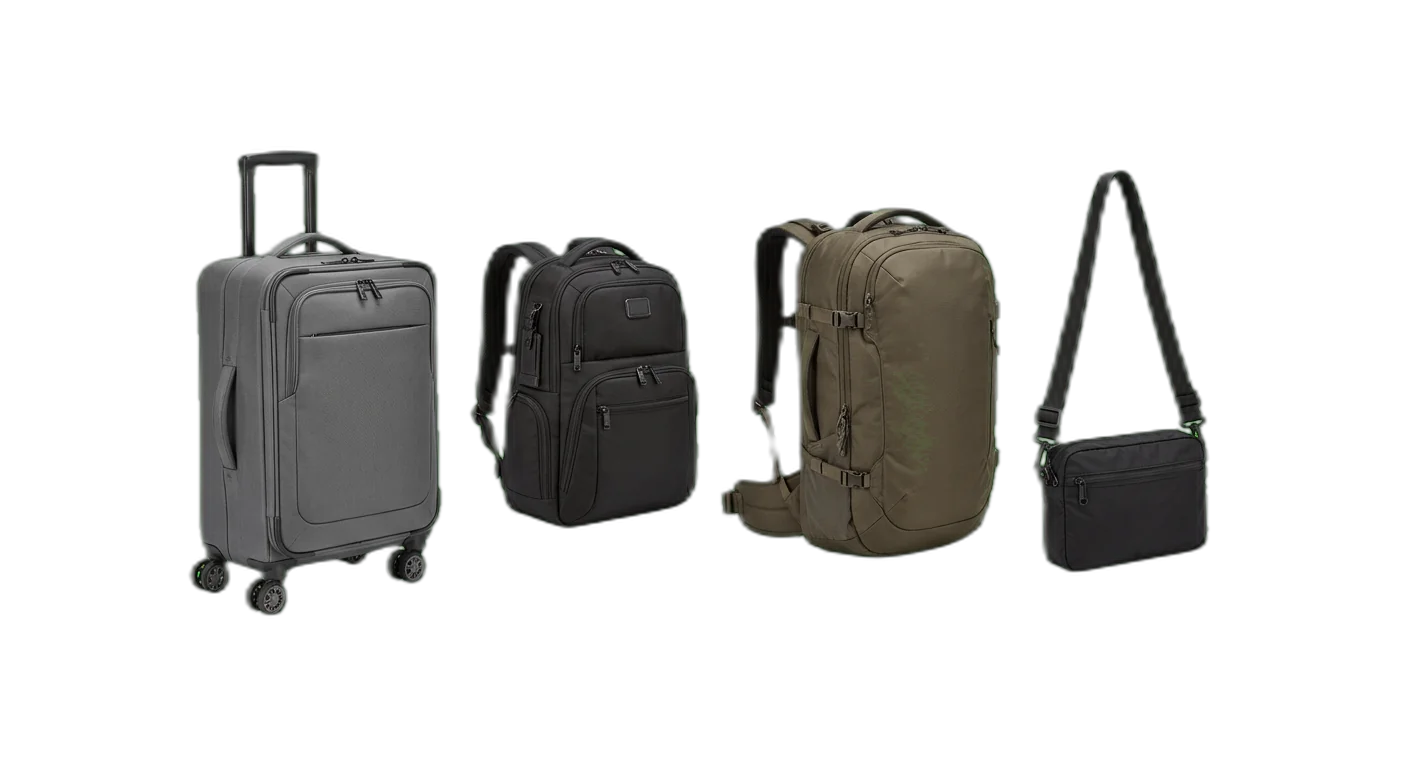
Luggage & Bags
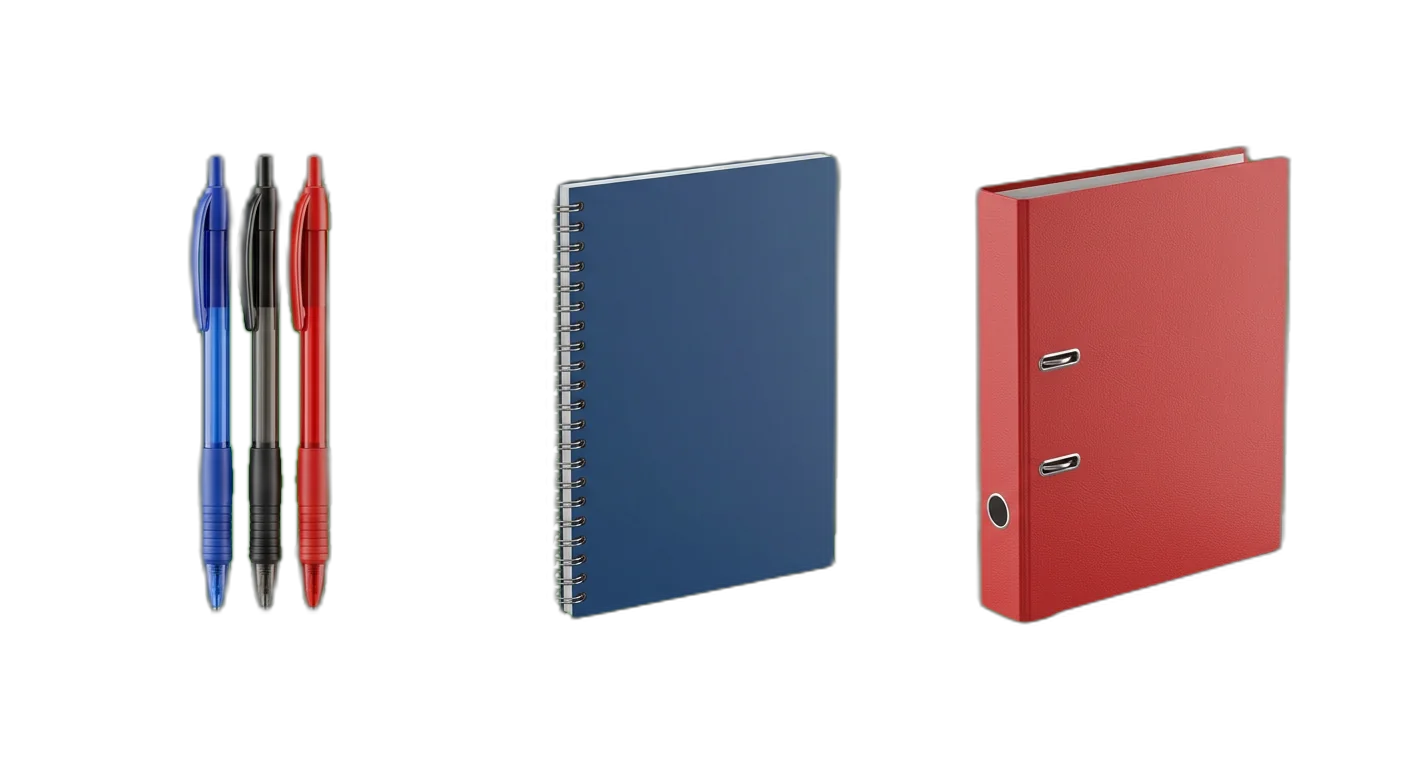
Office & School Supplies
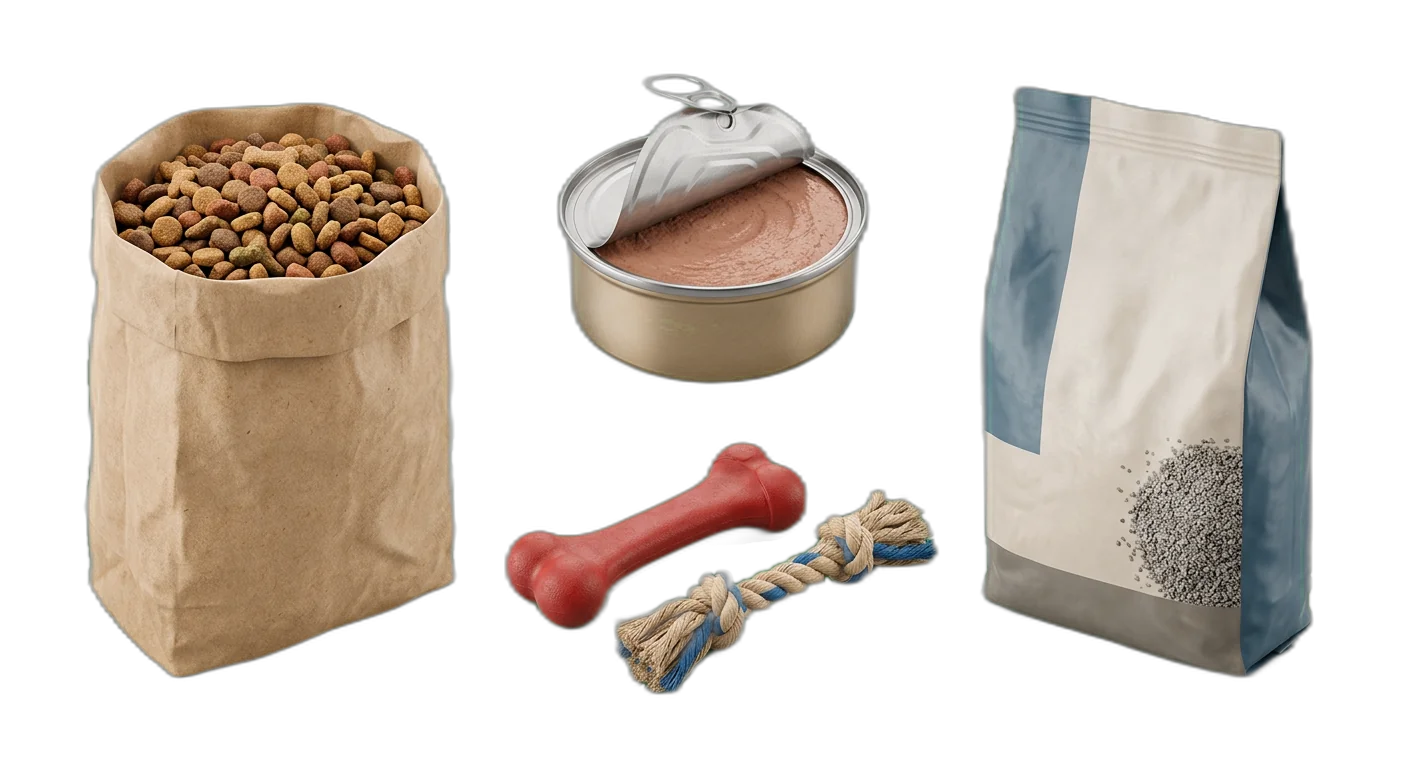
Pet Supplies
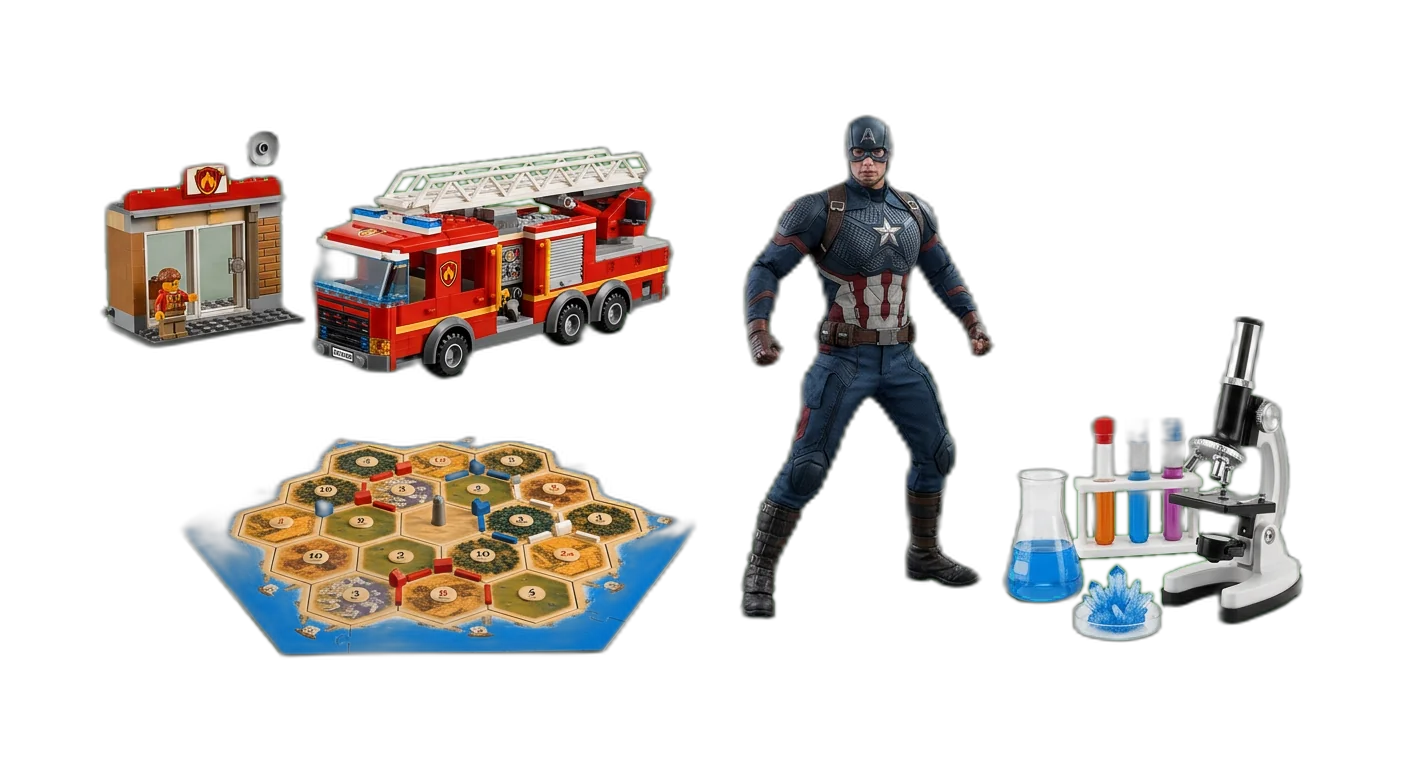
Toys & Games
Product Classification Mistakes to Avoid
These categorization pitfalls hurt product discoverability, data quality, and marketplace compliance across every industry.
Using a flat or shallow category tree with only 1-2 levels, forcing dissimilar products into the same broad categories.
Build a hierarchy with 3-5 levels. Move from broad groupings to specific product types so each end-level category contains truly similar products.
Mixing naming styles like "T-Shirts", "t shirt", "Tee Shirts", and "Tees" across different parts of your catalog.
Create a naming convention document. Use consistent capitalization, singular vs. plural rules, and standard terminology across all categories.
Creating overlapping categories where a product could fit in multiple places, such as "Waterproof Jackets" and "Rain Gear".
Make categories distinct. Each product should have one clear primary category. Use attributes (e.g., "Waterproof: Yes") instead of creating overlapping category branches.
Not defining required attributes per category, leading to incomplete product data that varies widely between products in the same category.
Create an attribute schema for each end-level category that specifies which attributes are required vs. recommended, including their data types and allowed values.
Building a completely custom taxonomy from scratch without any reference to an established standard, making marketplace mapping painful later.
Start from an industry-standard taxonomy (Google Product Category, UNSPSC, GS1 GPC) and customize it to your needs. This simplifies marketplace compliance and data exchange.
Automate Categorization with AI
WISEPIM uses AI to classify your entire product catalog automatically. No manual mapping required.
01
Import Your Products
Upload your product catalog via CSV, API, or direct integration. WISEPIM accepts product titles, descriptions, images, and existing attributes.
02
AI Classifies Automatically
Our AI analyzes each product and assigns it to the correct category in your taxonomy, mapping all required attributes based on the product data.
03
Review and Publish
Review the AI suggestions, make adjustments where needed, and publish your enriched product data to all your sales channels in one click.
Frequently Asked Questions About Product Categorization
Answers to the most common questions about product taxonomy, classification standards, and categorization best practices.
Keep exploring
Hand-picked next steps to go deeper.
Ready to Automate Your Product Categorization?
WISEPIM uses AI to classify products automatically, saving hours of manual work and cutting categorization errors across your entire catalog.