PIM for electronics distributors and webshops
Complex products, made simple.
For electronics distributors, brands and webshops with fast model cycles and a spec sheet per variant. WISEPIM fills specs by EAN or MPN, checks them and publishes to your shop and comparison sites.
- Research by EAN or MPN
- Comparison site feeds
- 70+ languages
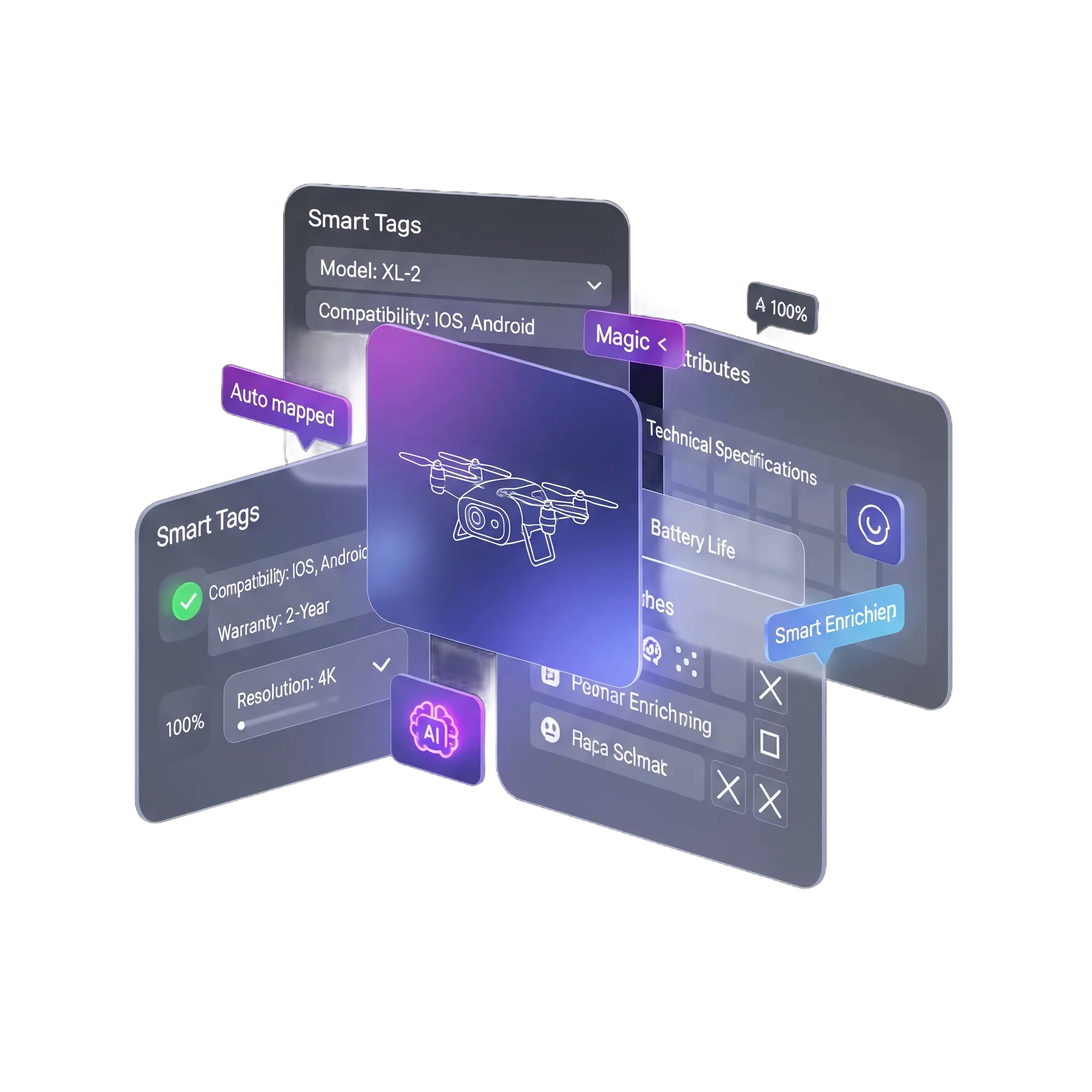
Key features
Specs per variant
Typed attributes with units, filled from supplier data, photos or a search by EAN.
Comparison-ready data
Consistent specs and valid GTINs that filters and comparison sites can use.
Compatibility fields
Structured lists of the models, ports and standards a product works with.
Who it's for
Built for electronics catalogs like yours
WISEPIM fits teams that sell or supply electronics with deep spec sheets and fast model cycles.
Built for you if
- You run a webshop with 2,000 to 50,000 SKUs, or supply dealers from a larger range.
- Every model comes in variants with their own specs, EAN and images.
- New models arrive faster than your team can type their spec sheets.
- You list on comparison sites, Google Shopping or marketplaces with strict data rules.
- You sell in 3 or more countries or languages, or plan to within a year.
- You run Shopify, Magento 2, WooCommerce or Akeneo, or get data from a distributor such as TechData.
Probably not yet if
- You sell a few hundred products in one language. The free plan or your shop admin is enough for now.
- You want to license a ready-made electronics content database. WISEPIM structures and fills your own data, it does not sell one.
- Nobody on your team owns product data yet.
Not sure? Book a demo and we check the fit on one of your own product files.
Why electronics teams look for a PIM
Where electronics product data breaks
Models change fast, specs differ per variant and every channel wants them in its own format.

Specs differ per supplier
One supplier writes 65W, the next Power: 65 watt. Without one model per product family, your filters and comparison tables break.
New models go live late
A model ships, but the spec sheet is a PDF and the product page is empty. Faster shops take the launch week sales.
Compatibility hides in free text
Which charger fits which laptop, which mount fits which screen size. If it only sits in the description, shoppers cannot filter on it and order the wrong item.
Missing or wrong GTINs
Comparison sites and Google Shopping match offers on EAN. A missing or invalid code means your offer never shows up.
Old models stay live
Sold-out and discontinued models stay on the site, and nobody points shoppers to the successor.
Every comparison site wants its own feed
Idealo, PriceRunner, Kieskeurig.nl and Google Shopping each ask for their own fields and format.
Electronics & Tech Product Content: Before & After AI
See how WISEPIM's AI transforms electronics & tech product descriptions, titles, and specifications.

Show before or after
Drag the handle or use the arrow keys to compare
| What changed | Before | After |
|---|---|---|
| Words in description | 13 | 146 |
| Filled attributes | 0 | 24 |
| Sections | 0 | 11 |
Impact
- Added brand+model, MPN, EAN/GTIN, codec, battery, Hi-Res cert and ratingSpec-Rich Title
- Added use cases, explained tech benefits, compliance and customer voiceBenefit-Driven Copy
- Added GTIN/MPN, full audio data with units, certs and box contentsComplete Spec Sheet
Setup path
From supplier file to first comparison feed
Most electronics teams start with one category, such as laptops or headphones, then widen the scope.
Connect your shop or import a supplier file
First day
Connect Shopify, Magento 2 or WooCommerce, or import a distributor file in CSV, Excel or XML. Match on SKU or EAN so updates land on the right product.
Fill specs for one category
First week
Run web research by EAN or MPN, fill attributes from product photos and group look-alike models into variants. Check the category in the product table before you publish it.
Publish to comparison sites
First weeks
Build feeds for Google Shopping, Idealo, PriceRunner or Kieskeurig.nl in Feed Hub and put them on a schedule.
Proof
Why complete data pays off
QUB, an LED lighting brand, used WISEPIM to enter the German market through marketplace integration.
- more conversions for merchants who added correct GTINs
- Up to 20%
- Google, 2017
- accuracy on AI translation and AI category classification
- 95%+
- WISEPIM
- languages for AI translation of specs and copy
- 70+
- WISEPIM
How WISEPIM solves it
What an electronics PIM should do
Six jobs WISEPIM takes off your product team, each backed by a feature you can open today.
AI-filled specs for new models
Web research finds the spec sheet by EAN, UPC, MPN or brand and model, cites the source and fills empty fields. Fill from photo reads attributes off the product image.
New models go live without typing every spec.
One model, all its variants
The variant groups job finds look-alike products by name and SKU stem and proposes one product with variants for storage, colour or size. Families set which specs each variant needs.
Shoppers compare variants on one product page.
Compatibility info shoppers can check
Store compatible models, ports and standards in multi-value attributes instead of description text. You filter, check and export them like any other field.
Shoppers can check the fit before they buy.
Specs Checked Before They Go Live
AI fills specs and attributes, and Quality Guard rules hold back any product that misses a required field before it reaches your customers. The identifier integrity pack checks your EANs and GTINs.
Products without a spec or a valid GTIN stay out of your feeds.
Feeds for comparison sites
Feed Hub has templates for Google Shopping, Idealo, PriceRunner, Kelkoo, Prisjakt, Kieskeurig.nl, Beslist.nl and ChatGPT Shopping. Each feed runs on its own schedule with its own filters.
A new comparison site is a new feed profile, not a new export.
Sold-out models handled
The retire sold-out products job moves sold-out models out of your shop and never touches products with open orders. A Replaced by attribute keeps the successor on record.
Your shop shows what you can still sell.
Integrations
Connects to your shop and channels
Shop connections import your catalog and push changes back. Comparison sites and ad channels get a hosted feed.
- ShopifyImport products and push titles, prices, stock, images and translations back.
- Magento 2Import products and push prices, stock, images and SEO to your store.
- WooCommerceImport and export products with images, categories, attributes and variations.
- TechDataImport product data from TechData into your catalog. Import only.
- AkeneoAlready on Akeneo? Import products, enrich them and push the updates back.
- KauflandPush titles, descriptions, brand, images, price and stock to the marketplace.
- Google Merchant CenterSend titles, prices, images and stock to Google Shopping. Export only.
- ChannableHand Channable an enriched, translated feed URL to distribute further.
In the product
Every model, scored
The product table shows each model's supplier text next to the enriched version, with a quality score that tells you which products to fix first.
Electronics & Tech Market Intelligence
Electronics & Tech Industry Insights & Market Trends
Electronics retailers benefit from structured technical specification management, ensuring customers get accurate compatibility and performance data. Explore market analysis, competitive benchmarks, and growth opportunities in complex product specifications and rapid innovation cycles.
Electronics & Tech Benchmarks
Key performance indicators for your industry
Tech Spec Optimization
Market opportunities
Electronics & Tech Categorization Guide
Master Electronics & Tech Product Categorization
Explore the full category structure, classification rules, and attribute requirements to categorize your electronics & tech products correctly every time.
- Categories
- 400+
- Depth Levels
- 5levels
- Classification Rules
- 10
- Attribute Mappings
- 6
Category Hierarchy
Preview of your industry taxonomy
Computers & Tablets
Laptops
- Gaming Laptops
- Business Laptops
- Ultrabooks
- Chromebooks
Desktops
Tablets
- Smartphones & Wearables2
- Audio & Video3
- Components & Peripherals3
- +2
Free Excel template
XLSX · 3 sheetsSee which of your 20 best sellers are incomplete
An Excel check with the columns electronics & tech products need. In about 15 minutes you know how many of your 20 are complete, and the one fix that helps the most rows.
How it works
- Paste 20 best sellers from your shop export into Products.
- Fill in what you know. The last column says what each row is missing.
- Read your result on Start here: how many are complete, and the fix that helps most rows.
One email, once, with the XLSX attached and as a download link. Nothing else unless you tick the box.
FAQ
Electronics PIM questions
What electronics webshops and distributors ask before they move their catalog.
Still have questions?
Can't find the answer you're looking for? Please get in touch with our team.
Contact SupportGet every new model online complete.
Start free with one category, or book a demo and bring a supplier file with your newest models.
 Maintained byDiego NijboerCo-Founder & CTO