Electronics Product Categories and Taxonomy
Real category trees, classification rules, and attribute requirements for Electronics & Tech catalogs. Copy them, map your products, and skip months of taxonomy work.
Electronics & Tech Category Hierarchy
Standard category structure used across major e-commerce platforms and marketplaces
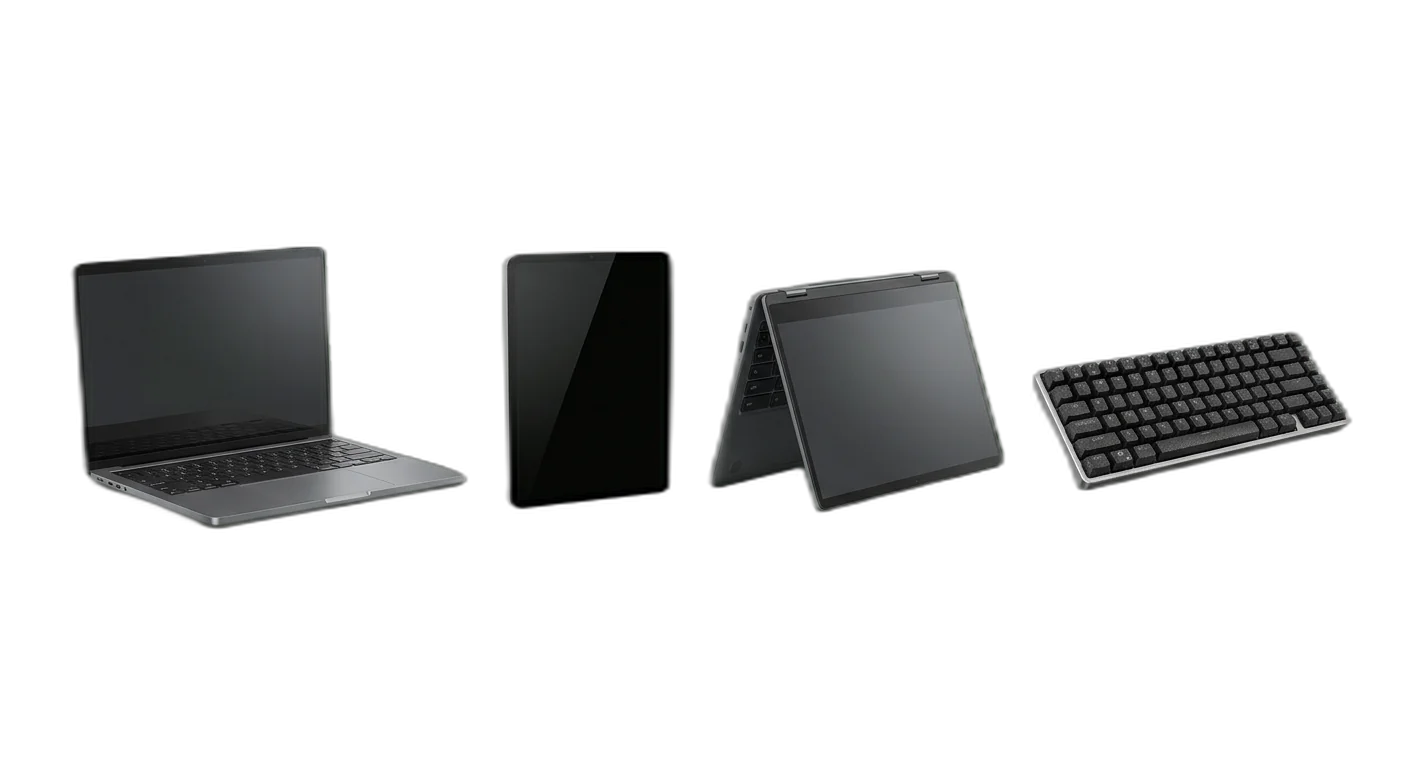
Computers & Tablets
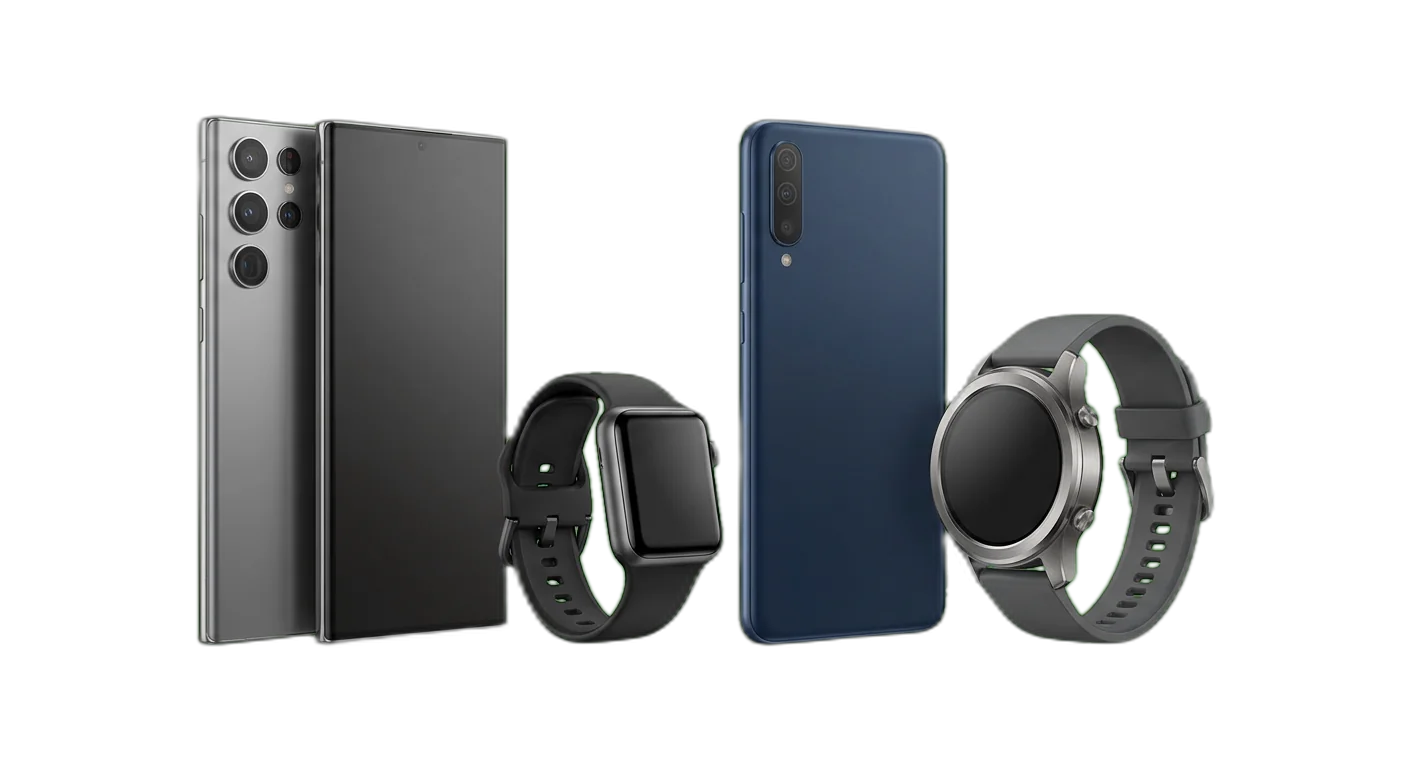
Smartphones & Wearables
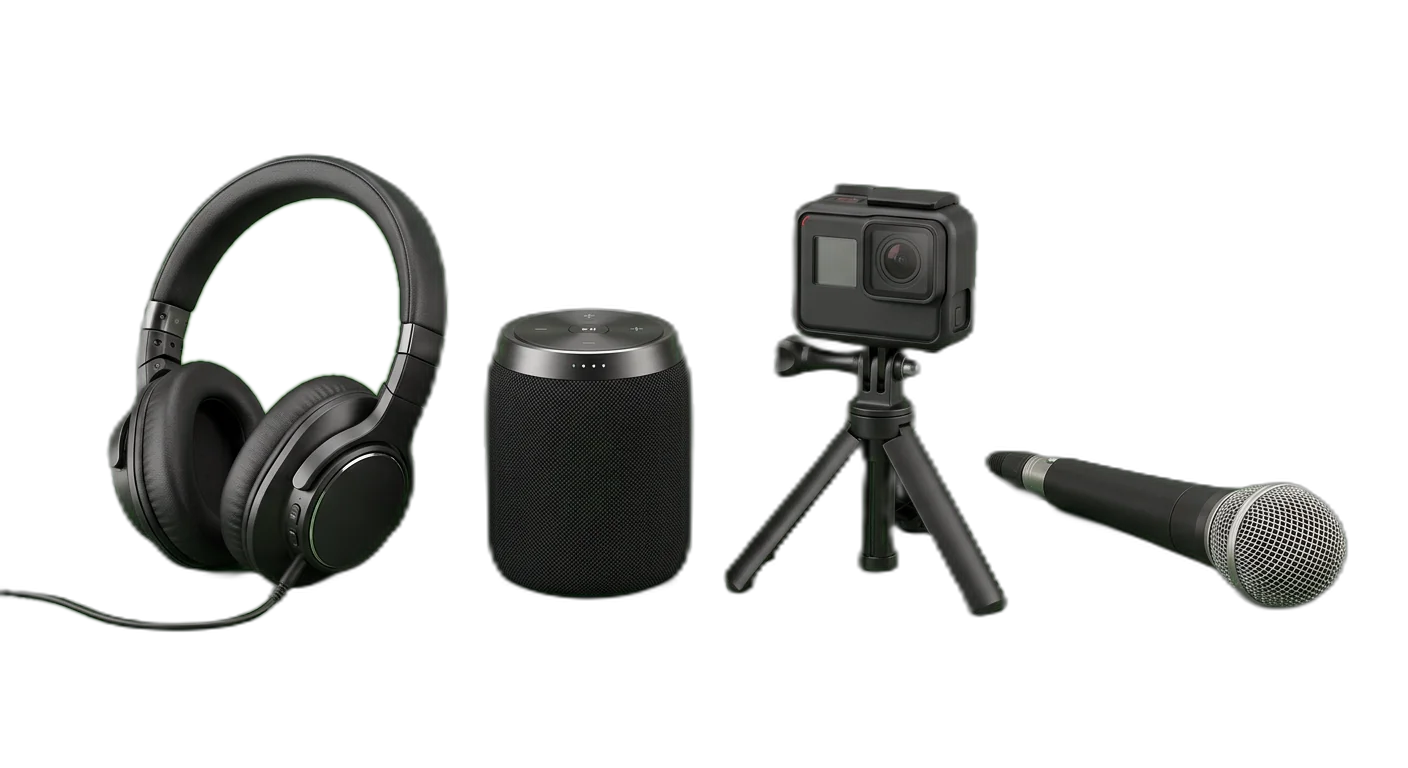
Audio & Video
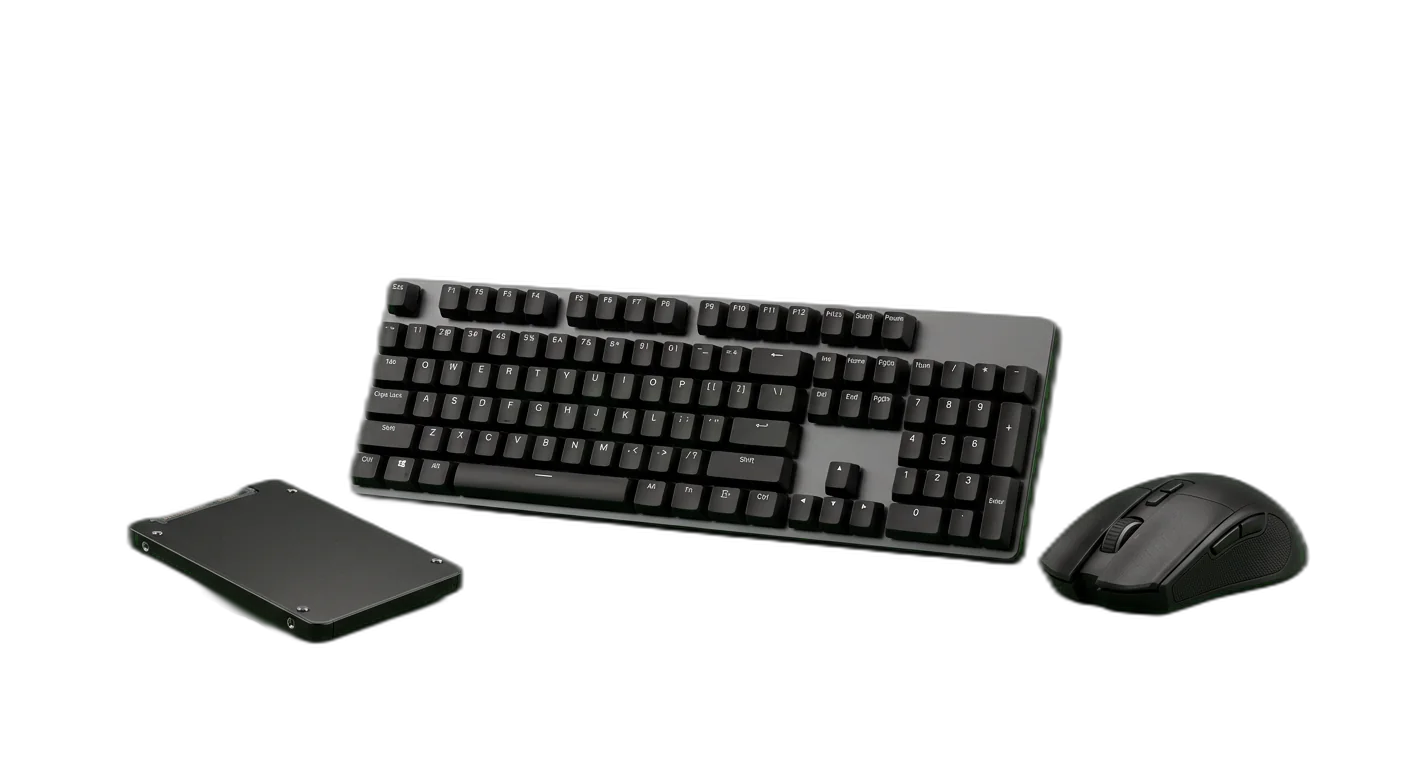
Components & Peripherals
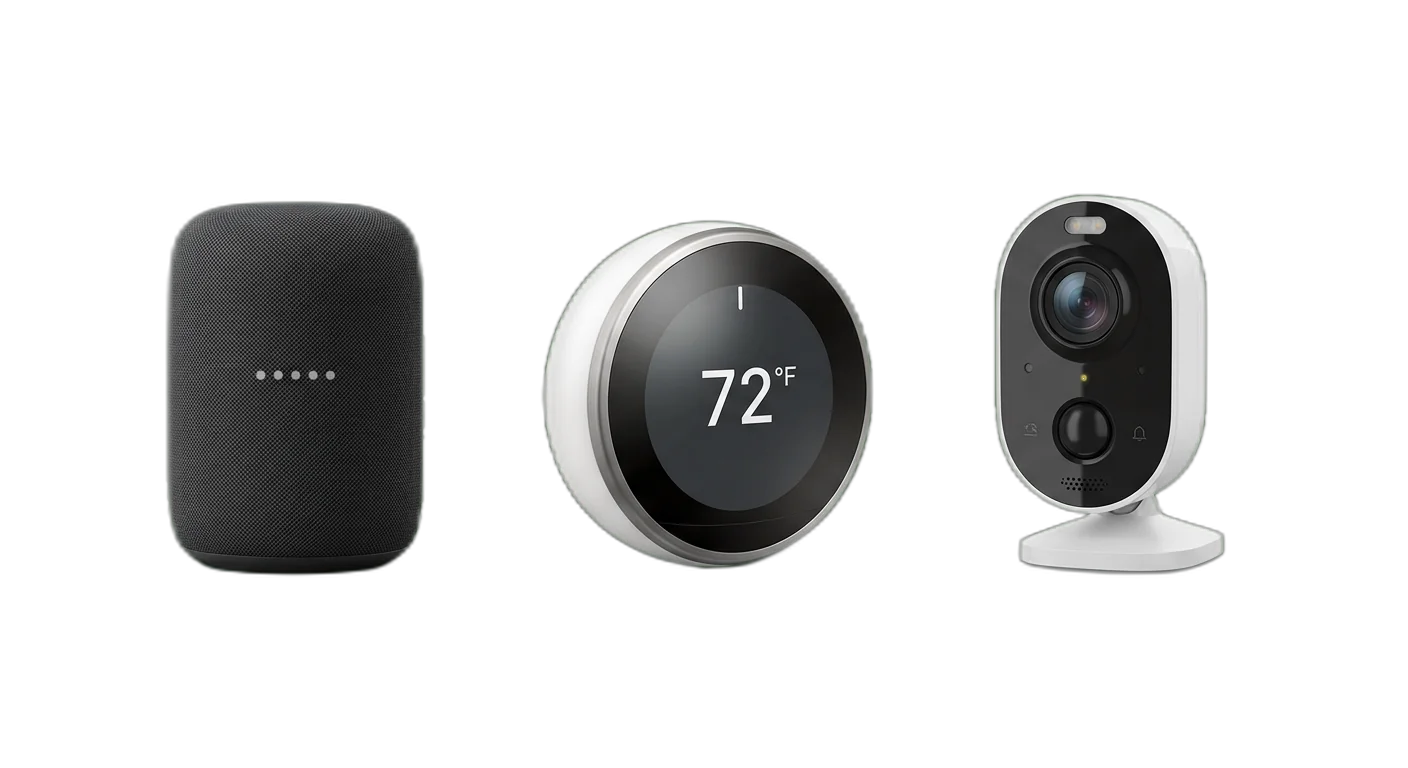
Smart Home
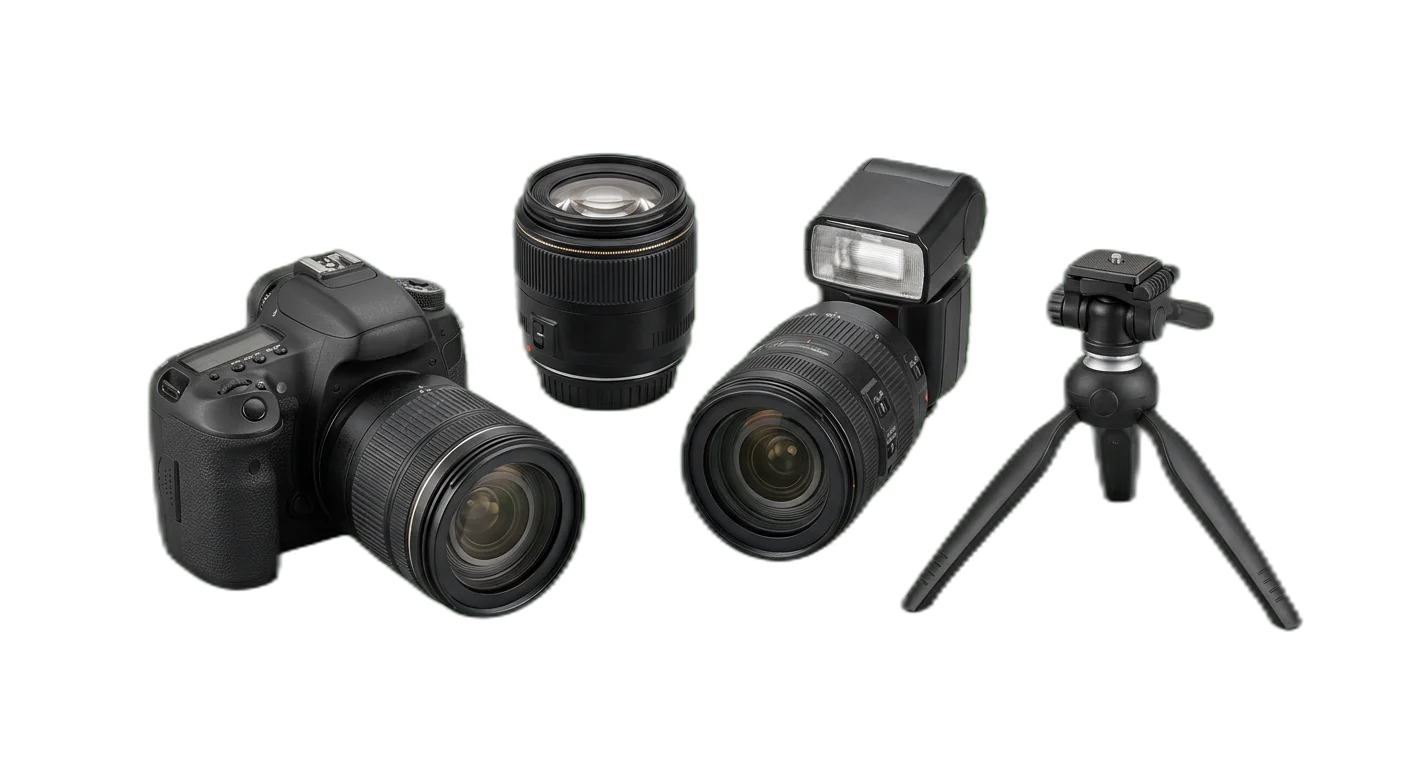
Photography & Cameras
How to Classify Electronics & Tech Products
Follow these rules to place products in the right categories, every time
- 1
Classify by product function, not brand ecosystem
Always assign products to categories based on what the device does, not who manufactured it. Brand is a filterable attribute. An Apple HomePod is a Smart Speaker, not an Apple product category.
Apple AirPods Max go under Audio > Headphones > Over-Ear HeadphonesSamsung Galaxy Tab goes under Computers & Tablets > Tablets > Android Tablets - 2
Separate accessories from their parent devices
Phone cases, laptop chargers, screen protectors, and device-specific add-ons should be placed in a dedicated Accessories subcategory under their parent device, never mixed in with the devices themselves.
A MagSafe charger goes under Smartphones > Phone Accessories, not Smartphones > iPhonesA laptop sleeve goes under Computers & Tablets > Laptop Accessories, not Laptops - 3
Use technical specifications for deeper classification
At the leaf category level, use key technical differentiators to separate products. Connectivity type (wired vs. wireless), display technology (OLED vs. LED), storage medium (SSD vs. HDD), and resolution (4K vs. 1080p) are common axes for deeper splits.
TVs split by panel technology: LED TVs, OLED TVs, QLED TVsStorage split by medium: SSDs, Hard Drives, USB Flash Drives - 4
Treat refurbished as a condition attribute, not a category
Refurbished, open-box, and used products belong in the same category as their new counterparts. Use a Condition attribute (New, Refurbished, Open Box, Used) to let customers filter. This avoids duplicating your entire taxonomy.
A refurbished iPhone 15 is Smartphones > iPhones with Condition: RefurbishedAn open-box gaming laptop is Laptops > Gaming Laptops with Condition: Open Box - 5
Keep software and hardware in separate taxonomy branches
Physical devices (hardware) and digital products (software, subscriptions, licenses) should never share the same category branch. If you sell both, maintain a top-level Software category separate from all hardware categories.
Microsoft Office is Software > Productivity, not Computers & TabletsAn antivirus subscription is Software > Security, not Components & Peripherals - 6
Classify smart home devices by their primary function
Smart home products should be categorized by what they control or monitor (lighting, security, climate), not by the ecosystem they belong to (Google Home, Amazon Alexa, Apple HomeKit). Ecosystem compatibility is an attribute.
A Nest thermostat is Smart Home > Smart Thermostats, not a Google product categoryA Philips Hue bulb is Smart Home > Smart Lighting, not Lighting - 7
Route gaming products to their device-specific category first
Gaming peripherals, accessories, and devices should be categorized by their device type first, then flagged as gaming via a use-case attribute. A gaming keyboard is an Input Device with a Gaming use case, not a standalone Gaming category item.
A mechanical gaming keyboard is Input Devices > Keyboards with Use Case: GamingA gaming monitor is TVs & Displays > Monitors with Use Case: Gaming - 8
Handle cross-category peripherals by primary connection point
Peripherals that work with multiple device types (e.g., a Bluetooth keyboard for tablets and laptops) should be categorized by their product type, not by every device they support. Supported devices should be listed as compatibility attributes.
A universal USB-C hub goes under Components & Peripherals, with compatibility attributes for Laptops, Tablets, and PhonesA Bluetooth mouse is Input Devices > Mice, with compatibility: Windows, Mac, iPad - 9
Use generation and version as attributes, not categories
Product generations (iPhone 15 vs. iPhone 14, Wi-Fi 6 vs. Wi-Fi 7) and version numbers should be captured as attributes. Creating separate categories for each generation leads to taxonomy sprawl and confuses customers comparing options.
All iPads share Tablets > iPads; generation is an attribute (iPad Pro M2, iPad Air M1)Routers share Networking > Routers; Wi-Fi standard is an attribute (Wi-Fi 6, Wi-Fi 6E, Wi-Fi 7) - 10
Classify bundles and kits by their primary item
Product bundles (e.g., laptop + mouse + bag) should be placed in the category of the most valuable or primary item in the bundle. Add a Bundle: Yes attribute and list included accessories in the product description.
A laptop bundle with a carrying case and mouse is Laptops > Business Laptops with Bundle: YesA camera kit with lenses and a bag is Photography & Cameras > Mirrorless Cameras with Bundle: Yes
Required Attributes by Category
Make sure your product data is complete with the required and recommended attributes for each category level
Electronics & Tech Classification Pitfalls to Avoid
Avoid these common categorization errors that hurt product discoverability
- Mistake
Using brand names as category names (e.g., creating Samsung Galaxy, iPhone, and Google Pixel as top-level categories)
Better approachUse Smartphones as the category with Brand as a filterable attribute. Product lines (Galaxy S, iPhone Pro) can be additional attributes for power users who want to filter within a brand.
- Mistake
Mixing software products and physical hardware in the same taxonomy branch (e.g., listing Office 365 subscriptions alongside laptops)
Better approachMaintain completely separate top-level branches for Hardware and Software/Digital. Software should be organized by function (Productivity, Security, Creative), not by the hardware it runs on.
- Mistake
Placing accessories at the same level as their parent devices (e.g., phone cases listed alongside smartphones)
Better approachCreate a dedicated Accessories sub-category under each device type. A phone case should be at Smartphones > Phone Accessories > Cases, keeping the device listings clean and uncluttered.
- Mistake
Creating overlapping categories based on different classification axes (e.g., having both Wireless Earbuds and Bluetooth Headphones as separate categories)
Better approachChoose one primary classification axis per level. For headphones, use form factor (Over-Ear, In-Ear, On-Ear) as the category split, and treat connectivity (Wireless, Wired) as a filterable attribute.
- Mistake
Ignoring product refresh cycles and keeping discontinued generations as active categories, leading to dead-end browsing paths
Better approachArchive obsolete product-specific categories (e.g., 3D TVs) but preserve the URL for SEO. Keep your active taxonomy focused on current product types and use a Generation attribute to handle older models within active categories.
- Mistake
Not handling bundles and kits, causing them to appear in wrong categories or creating a generic Bundles category that is difficult to browse
Better approachPlace bundles in the category of their primary item and add Bundle: Yes as an attribute. A laptop starter kit goes under Laptops, not under a separate Bundles category. List bundled accessories in the product description.
- Mistake
Confusing form factor specifications with product categories (e.g., creating separate categories for 13-inch, 14-inch, 15-inch, and 17-inch laptops)
Better approachScreen size, weight, and dimensions are product attributes, not categories. Keep Laptops as one category level and let customers filter by screen size using attribute filters.
- Mistake
Failing to capture compatibility information, making it impossible for customers to find accessories that work with their devices
Better approachAdd structured compatibility attributes to every accessory and peripheral. Include compatible device types, connector standards (USB-C, Lightning), and operating system requirements as required attributes.
- Mistake
Not tracking connectivity standards and wireless protocols, treating all wireless products as equivalent
Better approachCapture specific connectivity standards (Wi-Fi 6E, Bluetooth 5.3, Zigbee 3.0, Thread, Matter) as attributes. This is critical for smart home interoperability and helps customers verify device compatibility before purchase.
- Mistake
Mixing up product generations and versions with entirely new product categories (e.g., creating USB 3.0 Drives and USB 3.2 Drives as separate categories)
Better approachUse a single category for the product type (USB Flash Drives) and capture the version or generation (USB 3.0, USB 3.2 Gen 2) as a specification attribute. This keeps the taxonomy stable as standards evolve.
How to Categorize Electronics & Tech Products
Follow these steps to categorize your Electronics & Tech products correctly for e-commerce and marketplace requirements
01
Import Your Electronics Catalog
Connect your e-commerce platform, ERP, or product feed to WISEPIM. The system automatically reads product names, technical specifications, EAN/UPC codes, and images to prepare your catalog for AI-powered categorization. Supported formats include CSV, XML, JSON, and direct integrations with major platforms.
02
AI Analyzes Technical Specifications
WISEPIM uses AI to parse product titles, descriptions, and spec sheets to identify device type, form factor, key specifications, and intended use case. The system understands technical terminology across all electronics categories and can distinguish between similar products like gaming laptops and business laptops based on their component specifications.
03
Review Category Assignments
Review AI-generated category assignments in bulk using the WISEPIM dashboard. Products are grouped by confidence level, so you can quickly approve high-confidence assignments and focus your attention on edge cases. Make adjustments where needed and teach the AI your specific preferences.
04
Enrich Attributes & Validate Completeness
WISEPIM checks every product for required attributes based on its category and flags missing specifications. Use the attribute completeness report to identify gaps and enrich product data. The system can auto-extract many technical attributes from product descriptions and specification tables.
05
Publish Across All Channels
Push your categorized and enriched catalog to Google Shopping and your webshop, and publish feeds for other channels from Feed Hub. WISEPIM's category map links your internal categories to Google product categories and to your shops' category trees. Exports run when you start them, on an automation's schedule, or, with auto-sync on, about 30 seconds after you save a product.
Categorize your Electronics & Tech catalog in WISEPIM
Sign up for the free plan and apply this guide to your own products: build your category tree, let AI suggest a category for each product, and map your categories to Google's product taxonomy.
- 100 products and 50 AI credits a month on the free plan
- Import products from a CSV file or a connected store
- AI categorization assigns categories, or suggests them for you to review first
- The category map links your categories to Google product categories
Frequently Asked Questions
Common questions about Electronics & Tech product categorization
Best Electronics & Tech Categories for Ecommerce
Discover the top-performing Electronics & Tech product categories ranked by demand, margins, and growth potential.
Map Electronics & Tech products to a global taxonomy
Got your own category tree? Map it to the standards that marketplaces, ad platforms, and data partners actually require.
Explore More Industry Guides
Printable checklist
Start in 15 minutesGet every live product into the right category
Start with a 15-minute count of products with no category, or only a top-level one. You get two numbers, like 140 products, 12 in your top 100. Then 5 steps for the rest of the week.
How it works
- Filter products with no category or only a top-level one.
- Check how many of them are in your top 100 sellers.
- Write both numbers, such as '140 products, 12 in the top 100'.
One email, once, with a link to the printable checklist. Nothing else unless you tick the box.
Free Excel template
XLSX · 3 sheetsSee which of your 20 best sellers are incomplete
An Excel check with the columns electronics & tech products need. In about 15 minutes you know how many of your 20 are complete, and the one fix that helps the most rows.
How it works
- Paste 20 best sellers from your shop export into Products.
- Fill in what you know. The last column says what each row is missing.
- Read your result on Start here: how many are complete, and the fix that helps most rows.
One email, once, with the XLSX attached and as a download link. Nothing else unless you tick the box.
Keep exploring
Hand-picked next steps to go deeper.
Ready to Automate Your Electronics & Tech Categorization?
WISEPIM uses AI to classify products automatically, saving hours of manual work and cutting categorization errors.