PIM for parts suppliers and webshops
Automotive PIM for Parts Catalogs
Fitment, OE numbers and specs complete before they go live
For parts wholesalers, suppliers and webshops that sell by part number. WISEPIM decodes supplier codes, keeps OE numbers and fitment structured and checks every part before it reaches your shop or marketplace.
- Supplier code decoding
- Research by part number
- 70+ languages
Key features
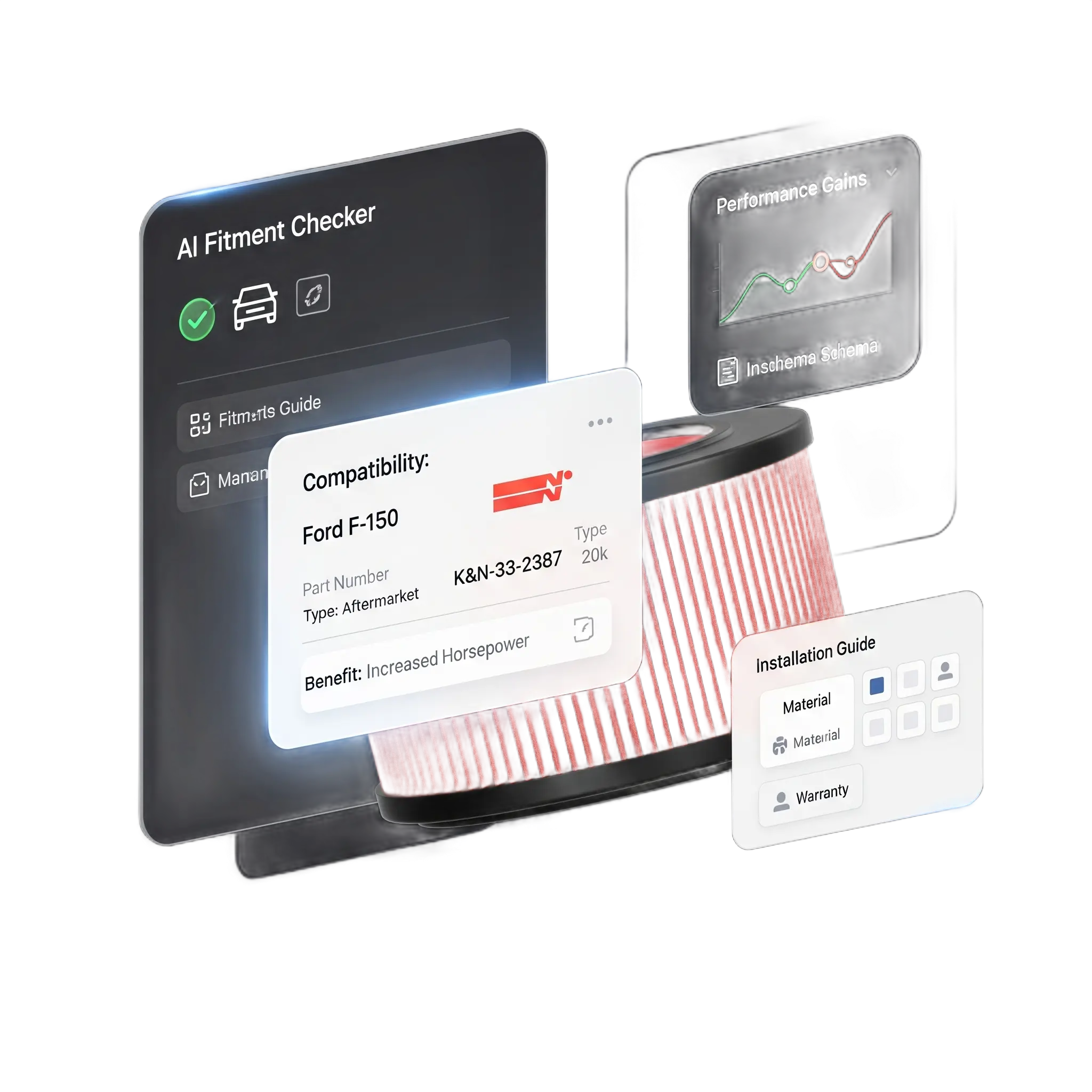
Structured fitment
Make, model, year range and engine code as attributes you can filter and check.
Technical specs
Dimensions, torque values and material grades as typed attributes with units.
Cross-references
OE, OEM and supplier numbers as identifier fields, searchable and exportable.
Who it's for
Built for parts catalogs like yours
WISEPIM fits teams that supply or sell car parts where the part number decides the sale.
Built for you if
- You supply garages, dealers or webshops from 5,000 SKUs or more, or run a parts webshop with 2,000 or more.
- Every part has OE numbers, supplier codes and fitment data that must match.
- Suppliers send price lists and codes in their own format.
- You sell through your own shop and marketplaces with strict listing rules.
- You sell in 3 or more countries or languages, or plan to within a year.
- You run Shopify, Magento 2, WooCommerce, PrestaShop or Akeneo.
Probably not yet if
- You need a vehicle database. WISEPIM stores and checks your fitment data, it does not supply TecDoc or ACES data.
- You sell under 2,000 parts with little spec data. Start on the free plan.
- Nobody owns product data yet, or you only need a one-off export.
Not sure? Book a demo and we check the fit on one of your own product files.
Why parts teams look for a PIM
Where parts data breaks
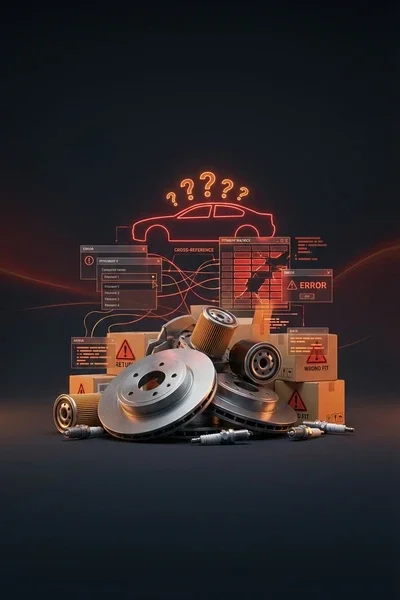
In parts, one wrong number means a return. Your data comes from many suppliers, each with its own codes.
Fitment lives in spreadsheets
Make, model, year and engine code sit in supplier sheets or description text. Shoppers cannot filter on them, and you cannot check them.
OE and supplier numbers do not line up
The same part has an OE number, a manufacturer number and a code per supplier. Customers search by any of them.
Specs for mechanics
Dimensions, thread sizes, torque values and material grades have to be exact and in the right unit.
One wrong value means a return
A missing year range or a typo in an OE number sends the wrong part. You only find out when it comes back.
Photos do not identify the part
Supplier images are missing, low quality or the same picture for ten different parts. Buyers cannot see which one they need.
Marketplaces reject incomplete listings
eBay, Amazon and Kaufland each have their own required fields. Incomplete parts never go live.
Automotive Parts Product Content: Before & After AI
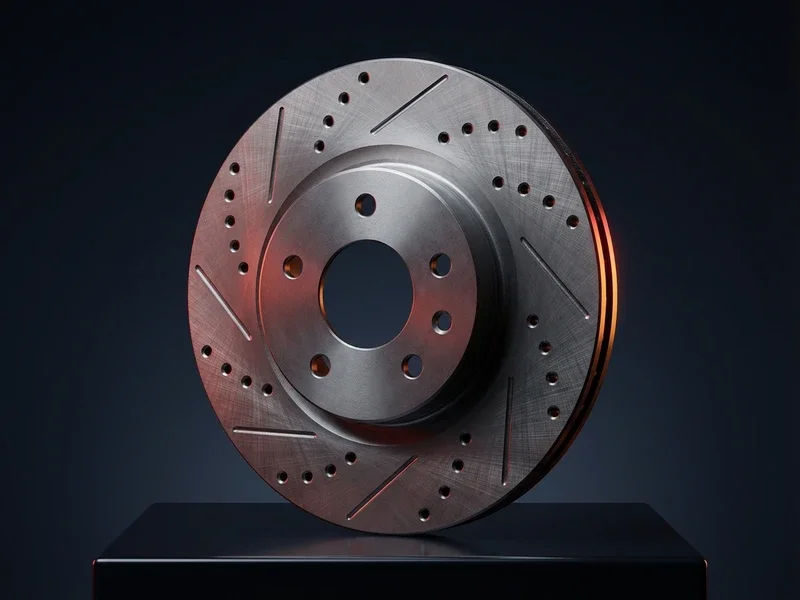
See how WISEPIM's AI transforms automotive parts product descriptions, titles, and specifications.
Show before or after
Drag the handle or use the arrow keys to compare
| What changed | Before | After |
|---|---|---|
| Words in description | 14 | 142 |
| Filled attributes | 0 | 22 |
| Sections | 0 | 10 |
Impact
- Added exact vehicle fitment, position, size, MPN, OE cross-ref and GTINFitment-Rich Title
- Added exact fitment, OE cross-refs, pair guidance and warrantyFitment-Assured Copy
- Added ACES fitment, rotor specs with units, OE cross-refs and MPN/GTINComplete Spec Sheet
Setup path
From supplier price list to first channel
Most parts teams start with one product group, such as brakes or filters, then widen the scope.
Import a supplier file
First day
Upload CSV, Excel or XML, including multi-value fitment columns. AI proposes the mapping, you confirm it and save it for the next delivery. Match on SKU or EAN so updates land on the right part.
Decode codes and fill specs
First week
Supplier code decoding turns terse codes into brand, position and size. Web research by part number fills empty specs and cites its source.
Check and publish
First weeks
Run Quality Guard rules and Channel Readiness checks, then push to your shop or Kaufland, or publish a Google Shopping feed.
Why it matters
Wrong part data costs sales
Research from PIM vendors shows what incomplete or conflicting product data does to orders and returns.
- of shoppers returned a product due to inaccurate or misleading descriptions
- ~60%
- Akeneo, 2025 Consumer Returns Report
- dropped a purchase due to conflicting information
- 54%
- Salsify, 2025 Consumer Research
- accuracy on AI translation and AI category classification
- 95%+
- WISEPIM
How WISEPIM solves it
What a parts PIM should do
Six jobs WISEPIM takes off your product team, each backed by a feature you can open today.
Fitment as structured data
Make, model, year range and engine code live in multi-value attributes with option lists, imported straight from your supplier's fitment columns.
Shoppers filter on their car instead of reading descriptions.
Supplier codes decoded
Supplier code decoding with your own glossary turns terse codes into brand, position, side and size. Saved import profiles map each supplier's columns once.
A new supplier list lands as usable parts.
Specs and cross-references for mechanics
Store OE, OEM and supplier numbers as identifier fields, and specs as typed attributes with units. Web research fills empty specs by part number or brand and MPN, with a cited source.
Every number a customer might search for is on the product.
Specs Checked Before They Go Live
Quality Guard rules check fitment, part numbers and specs, and hold back products that fail before export. Ready-made rule packs cover identifiers, Amazon, Kaufland and Google Shopping.
Incomplete parts stay out of your channels.
Bulk updates for new makes and models
Bulk editing sets attribute values, categories and prices on a filtered selection, with a preview first. Supplier sources update stock and prices from files by upload, link, FTP, SFTP or email.
A range update is one bulk run, not a week of typing.
Ready for every marketplace
Channel Readiness checks parts against eBay, Amazon and Google Shopping requirements before you list them. Kaufland gets a direct connection, Google Shopping a feed.
You know what blocks a listing before you send it.
Integrations
Connects to your shop and channels
Shop connections import your parts and push changes back. Marketplaces get a direct connection or a feed.
- ShopifyImport products and push titles, prices, stock, images and translations back.
- Magento 2Import products and push prices, stock, images and SEO to a B2B or consumer store.
- WooCommerceImport and export products with images, categories, attributes and variations.
- PrestaShopImport products and push names, prices, stock and meta fields in one language. Combinations stay in PrestaShop.
- KauflandPush titles, descriptions, brand, images, price and stock to the marketplace.
- MiraklExport enriched parts to marketplaces that run on Mirakl. Export only.
- Google Merchant CenterSend titles, prices, images and stock to Google Shopping. Export only.
- AkeneoAlready on Akeneo? Import products, enrich them and push the updates back.
In the product
Every part, scored
The product table shows each part's supplier text next to the enriched version, with a quality score that tells you which parts to fix first.
Compared
PIM versus spreadsheets and fitment tools
Fitment catalogs and your shop admin each do part of the job. The question is where complete, sellable part data lives.
| What you need | WISEPIM | Supplier spreadsheets | Shop admin | Fitment catalog services |
|---|---|---|---|---|
| Vehicle fitment | Structured attributes you import and check | Columns that differ per supplier | Often a plugin or free text | Their core job, with a vehicle database |
| OE and supplier numbers | Identifier fields plus supplier code decoding | Copied per file | One SKU field, other numbers in text | Cross-references for the parts they cover |
| Specs and sales copy | Typed specs, AI copy in 70+ languages | Written by hand | Edited product by product | Technical data, little sales copy |
| Checks before publishing | Quality Guard rules and Channel Readiness | Manual checks | Required fields only | Checks within their own data |
| Channels | Shop connectors, Kaufland and hosted feeds | One file per channel | Its own store, plus apps | Data delivery, not your channels |
WISEPIM does not include a vehicle database and has no TecDoc or ACES connector. If you license fitment data, you can import it as a CSV, Excel or XML file and keep it with the rest of the part.
Compare PIM systems side by sideAutomotive Parts Market Intelligence
Automotive Parts Industry Insights & Market Trends
Automotive parts dealers with precise vehicle compatibility data reduce installation errors and warranty claims. Explore market analysis, competitive benchmarks, and growth opportunities in vehicle compatibility complexity and DIY vs. professional installation.
Automotive Parts Benchmarks
Key performance indicators for your industry
EV Transition
Market opportunities
Automotive Parts Categorization Guide
Master Automotive Parts Product Categorization
Explore the full category structure, classification rules, and attribute requirements to categorize your automotive parts products correctly every time.
- Categories
- 500+
- Depth Levels
- 5levels
- Classification Rules
- 10
- Attribute Mappings
- 6
Category Hierarchy
Preview of your industry taxonomy
Engine Parts
Filters
- Oil Filters
- Air Filters
- Fuel Filters
- Cabin Filters
- +1
Ignition
Belts & Chains
- +3
- Brakes6
- Electrical & Lighting5
- Suspension & Steering8
- +4
Free Excel template
XLSX · 3 sheetsSee which of your 20 best sellers are incomplete
An Excel check with the columns automotive parts products need. In about 15 minutes you know how many of your 20 are complete, and the one fix that helps the most rows.
How it works
- Paste 20 best sellers from your shop export into Products.
- Fill in what you know. The last column says what each row is missing.
- Read your result on Start here: how many are complete, and the fix that helps most rows.
One email, once, with the XLSX attached and as a download link. Nothing else unless you tick the box.
FAQ
Parts PIM questions
What parts suppliers and webshops ask before they move their catalog.
Still have questions?
Can't find the answer you're looking for? Please get in touch with our team.
Contact SupportGive every part a complete record.
Start free with one product group, or book a demo and bring a supplier price list.
 Maintained byDiego NijboerCo-Founder & CTO