PIM for furniture suppliers and webshops
PIM for Furniture
Dimensions, materials and finishes complete on every product
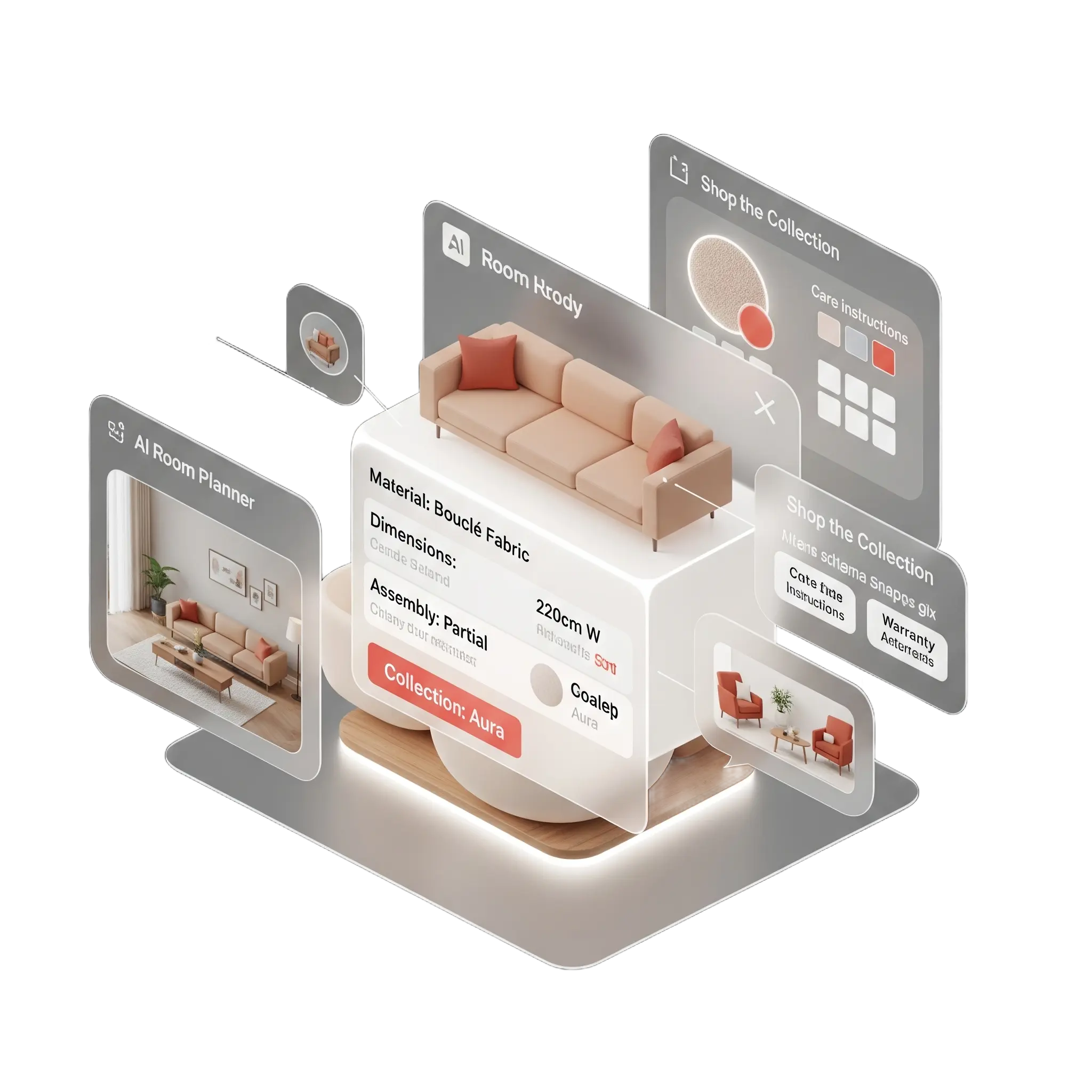
For furniture manufacturers, wholesalers and webshops with many finishes per model. WISEPIM structures dimensions and variants, writes room and style copy, and prepares your images for every channel.
- Variant grouping
- Image Studio
- 70+ languages
Key features
Dimensions with units
Width, depth, height and seat height as number fields shoppers can filter on.
Finish variants
One model with its fabrics, colours and finishes as variants, not duplicates.
Room and style copy
AI descriptions from your specs, in your brand voice and in 70+ languages.
Who it's for
Built for furniture catalogs like yours
WISEPIM fits teams that make, supply or sell furniture with many variants per model.
Built for you if
- You supply retailers and webshops, or run a furniture webshop with 2,000 SKUs or more.
- Each model comes in fabrics, colours and finishes with their own SKU and images.
- Your retailers ask for dimensions, materials and images in their own format.
- You sell in 3 or more countries or languages, or plan to within a year.
- You run Shopify, Magento 2, WooCommerce, Lightspeed or CCV Shop.
- Someone owns product content, and photos come from suppliers or your own studio.
Probably not yet if
- You sell a small range in one language. Start on the free plan.
- You need 3D models, AR or a room configurator. WISEPIM manages product data and images, not 3D.
- You only need a one-off catalog cleanup.
Not sure? Book a demo and we check the fit on one of your own product files.
Why furniture teams look for a PIM
Where furniture product data breaks
One model, many finishes, and every retailer wants the dimensions in its own columns.

Missing or mixed dimensions
Width, depth, height and seat height arrive in mixed units or only in the description. Shoppers cannot check if it fits, so they send it back.
Finishes become duplicates
One sofa comes in many fabrics and leg finishes. Suppliers send each as a separate product, and your shop shows them as near-duplicates.
Assembly and care documents
Assembly instructions and care advice per material sit in PDFs, not on the product page where shoppers look for them.
Copy that sells a room
Supplier text lists materials. Shoppers want to know how a piece looks and works in a living room, a study or on a terrace.
Images in every size
Supplier photos come on mixed backgrounds and in mixed sizes. Every channel wants its own format and alt text.
Lead times per configuration
Made-to-order finishes have other lead times than stock items, and shoppers need to see which is which.
Furniture Product Content: Before & After AI
See how WISEPIM's AI transforms furniture product descriptions, titles, and specifications.
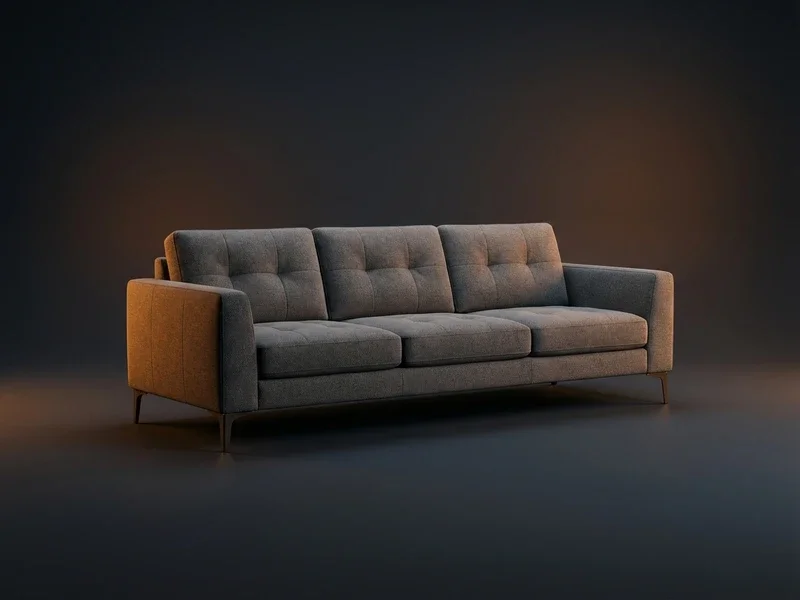
Show before or after
Drag the handle or use the arrow keys to compare
| What changed | Before | After |
|---|---|---|
| Words in description | 15 | 170 |
| Filled attributes | 0 | 18 |
| Sections | 0 | 11 |
Impact
- Added brand, collection, exact width, fabric durability, leg material, variant, ratingRoom-Ready Title
- Scannable sections, fabric-durability proof, doorway-fit check, delivery options, verified quoteLiving Space Copy
- Added EAN, dual-unit dimensions, foam density, doorway-fit, delivery and warranty termsComplete Product Details
Setup path
From supplier file to complete collection
Most furniture teams start with one collection, then widen the scope.
Import a collection
First day
Connect your shop or upload a supplier file in CSV, Excel or XML. AI proposes the mapping and detects units, you confirm it and save it.
Group variants and fill dimensions
First week
The variant groups job proposes one product per model with its finishes as variants. The fill gaps job adds missing attributes from photos and the web, within your allowed values.
Prepare images and publish
First weeks
Run Image Studio for white-background, square versions with alt text, write room and style copy, then push to your shop or publish Pinterest and Google Shopping feeds.
Why it matters
Shoppers buy furniture with their eyes
Images and complete details carry a furniture sale that shoppers cannot touch first.
- of shoppers explore the images first on a product page
- 56%
- Baymard Institute, 2018
- name missing or low-quality images or videos as a top reason to abandon a sale
- 45%
- Salsify, 2024 Consumer Research
- languages for AI translation of specs and copy
- 70+
- WISEPIM
How WISEPIM solves it
What a furniture PIM should do
Six jobs WISEPIM takes off your product team, each backed by a feature you can open today.
Dimensions that answer “will it fit?”
Width, depth, height, seat height and weight as number fields with units, required per family. Quality Guard flags any product that misses one.
Shoppers can check the fit before they order.
Finishes as variants, not duplicates
The variant groups job finds look-alike products by name and SKU stem and proposes one model with variants. Families set which attributes each variant carries.
One product page per model, with every finish on it.
Images ready for every channel
Image Studio stages white-background, square and lighter versions of your photos for review and fills empty alt texts. It never crops into the product or edits a photo a person already edited.
Photos from different suppliers look like one collection.
Room and style copy from your specs
AI writes descriptions from dimensions, materials and style attributes in the brand voice you set in the Knowledge Library, and translates them into 70+ languages.
Every model gets copy that sells the room, in every language.
Matching pieces grouped as a collection
A collection attribute groups matching pieces. You filter on it, use it in copy and export it to your shop and feeds.
Your shop and feeds know which pieces belong together.
Feeds for visual channels
Feed Hub publishes Pinterest, Meta and Google Shopping feeds from the same products, each with its own filters and schedule.
Your collection shows up where shoppers look for ideas.
Integrations
Connects to your shop and channels
Shop connections import your collection and push changes back. Visual channels get a hosted feed.
- ShopifyImport products and push titles, prices, stock, images and translations back.
- WooCommerceImport and export products with images, categories, attributes and variations.
- Magento 2Import products and push prices, stock, images and SEO to your store.
- LightspeedImport and export products for Lightspeed eCom (C-Series).
- CCV ShopInstall the app, import your products and push enriched content back.
- PinterestPublish a hosted catalog feed for Pinterest from Feed Hub.
- Meta catalogPublish a hosted catalog feed for Facebook and Instagram.
- Google Merchant CenterSend titles, prices, images and stock to Google Shopping. Export only.
- KauflandPush titles, descriptions, brand, images, price and stock to the marketplace.
In the product
Every piece, scored
The product table shows each piece's supplier text next to the enriched version, with a quality score that tells you what to fix first.
Furniture Market Intelligence
Furniture Industry Insights & Market Trends
Furniture retailers with detailed dimensions and room context visualization reduce returns and increase customer satisfaction. Explore market analysis, competitive benchmarks, and growth opportunities in space optimization and style coordination needs.
Furniture Benchmarks
Key performance indicators for your industry
Home Design Trends
Market opportunities
Furniture Categorization Guide
Master Furniture Product Categorization
Explore the full category structure, classification rules, and attribute requirements to categorize your furniture products correctly every time.
- Categories
- 280+
- Depth Levels
- 4levels
- Classification Rules
- 10
- Attribute Mappings
- 6
Category Hierarchy
Preview of your industry taxonomy
Living Room
Sofas & Sectionals
- 2-Seater Sofas
- 3-Seater Sofas
- Corner Sofas
- Sofa Beds
- +1
Coffee & Side Tables
TV & Media
- +2
- Bedroom4
- Dining Room3
- Home Office3
- +4
Free Excel template
XLSX · 3 sheetsSee which of your 20 best sellers are incomplete
An Excel check with the columns furniture products need. In about 15 minutes you know how many of your 20 are complete, and the one fix that helps the most rows.
How it works
- Paste 20 best sellers from your shop export into Products.
- Fill in what you know. The last column says what each row is missing.
- Read your result on Start here: how many are complete, and the fix that helps most rows.
One email, once, with the XLSX attached and as a download link. Nothing else unless you tick the box.
FAQ
Furniture PIM questions
What furniture suppliers and webshops ask before they move their catalog.
Still have questions?
Can't find the answer you're looking for? Please get in touch with our team.
Contact SupportHelp customers picture the whole room.
Start free with one collection, or book a demo and bring a supplier file with all its finishes.
 Maintained byDiego NijboerCo-Founder & CTO