How to Categorize Luggage, Suitcases and Bags with IDs
Rolling suitcases go in Luggage & Bags > Suitcases (Google ID 107), duffel bags in Luggage & Bags > Duffel Bags (103) and backpacks in Luggage & Bags > Backpacks (100). Handbags are not luggage: they sit in Apparel & Accessories > Handbags, Wallets & Cases > Handbags (3032). Size, wheels and a hard or soft shell are attributes, not categories. IDs follow Google's product taxonomy, version 2021-09-21.
Quick answers: which category does it belong to?
| Item | Category path | Standard | ID |
|---|---|---|---|
| Rolling suitcase | Luggage & Bags > Suitcases | Google product taxonomy | 107 |
| Duffle bag | Luggage & Bags > Duffel Bags | Google product taxonomy | 103 |
| Backpack | Luggage & Bags > Backpacks | Google product taxonomy | 100 |
| Pet carrier | Animals & Pet Supplies > Pet Supplies > Pet Carriers & Crates | Google product taxonomy | 6251 |
| Handbag | Apparel & Accessories > Handbags, Wallets & Cases > Handbags | Google product taxonomy | 3032 |
| Tote bag | Luggage & Bags > Shopping Totes | Google product taxonomy | 5608 |
| Briefcase | Luggage & Bags > Briefcases | Google product taxonomy | 101 |
| Toiletry bag | Luggage & Bags > Cosmetic & Toiletry Bags | Google product taxonomy | 108 |
| Garment bag | Luggage & Bags > Garment Bags | Google product taxonomy | 105 |
| Luggage tag | Luggage & Bags > Luggage Accessories > Luggage Tags | Google product taxonomy | 5651 |
Luggage & Bags Category Hierarchy
Standard category structure used across major e-commerce platforms and marketplaces
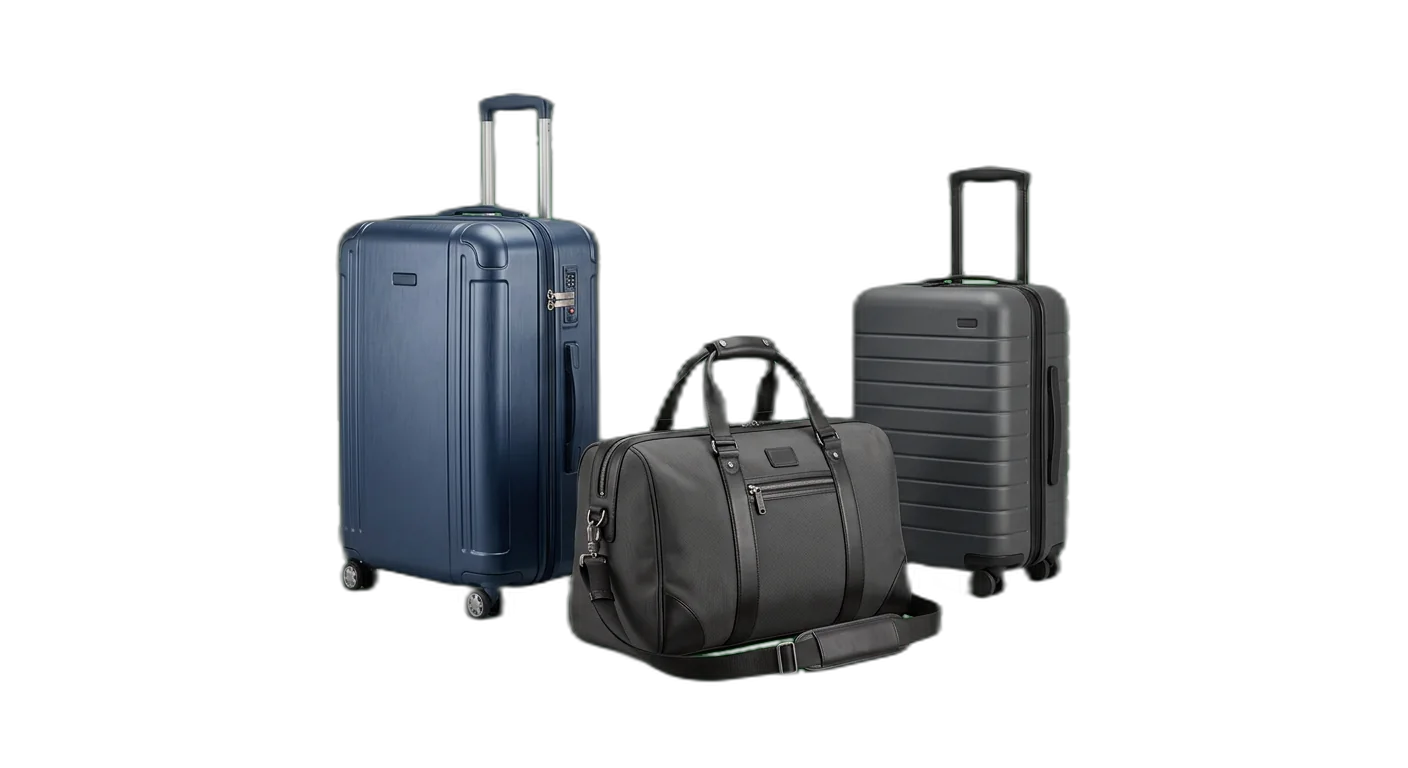
Luggage
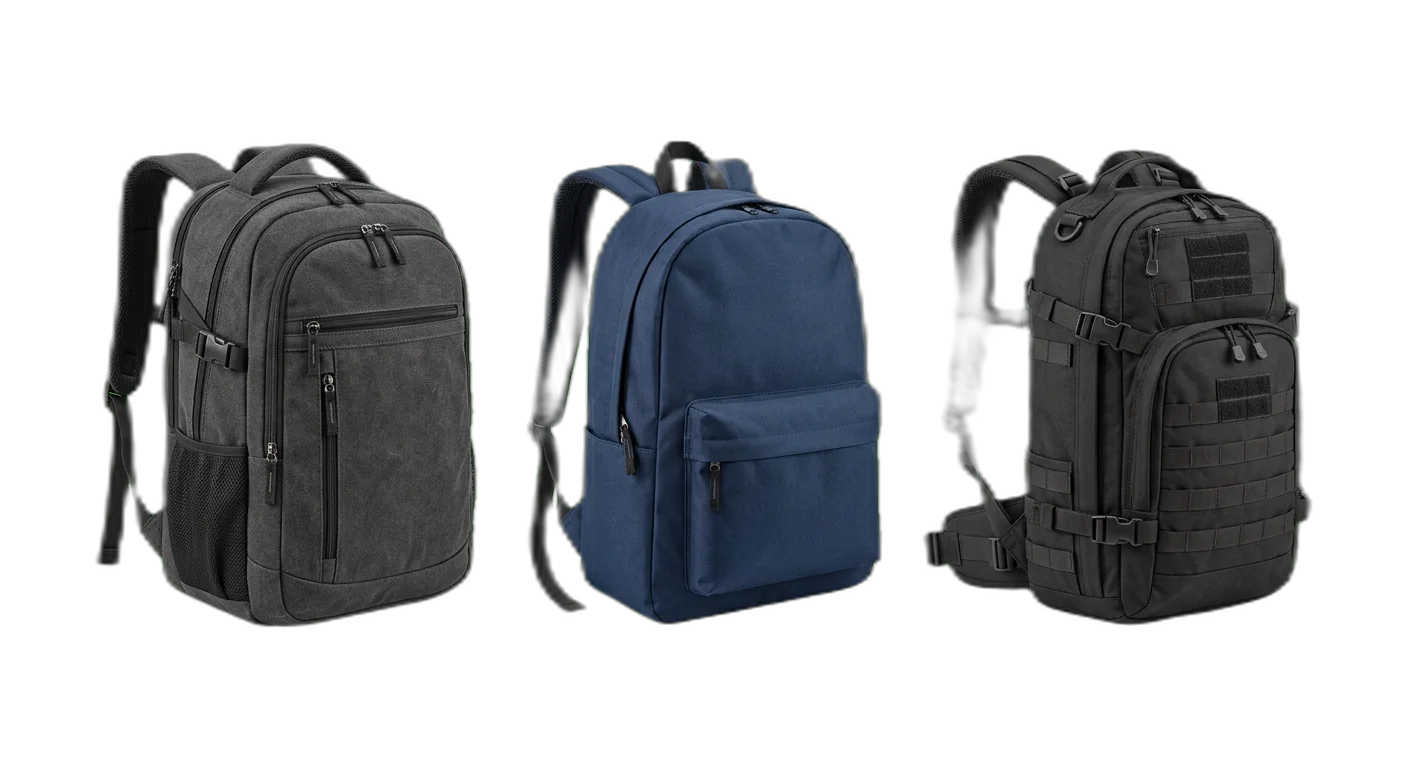
Backpacks
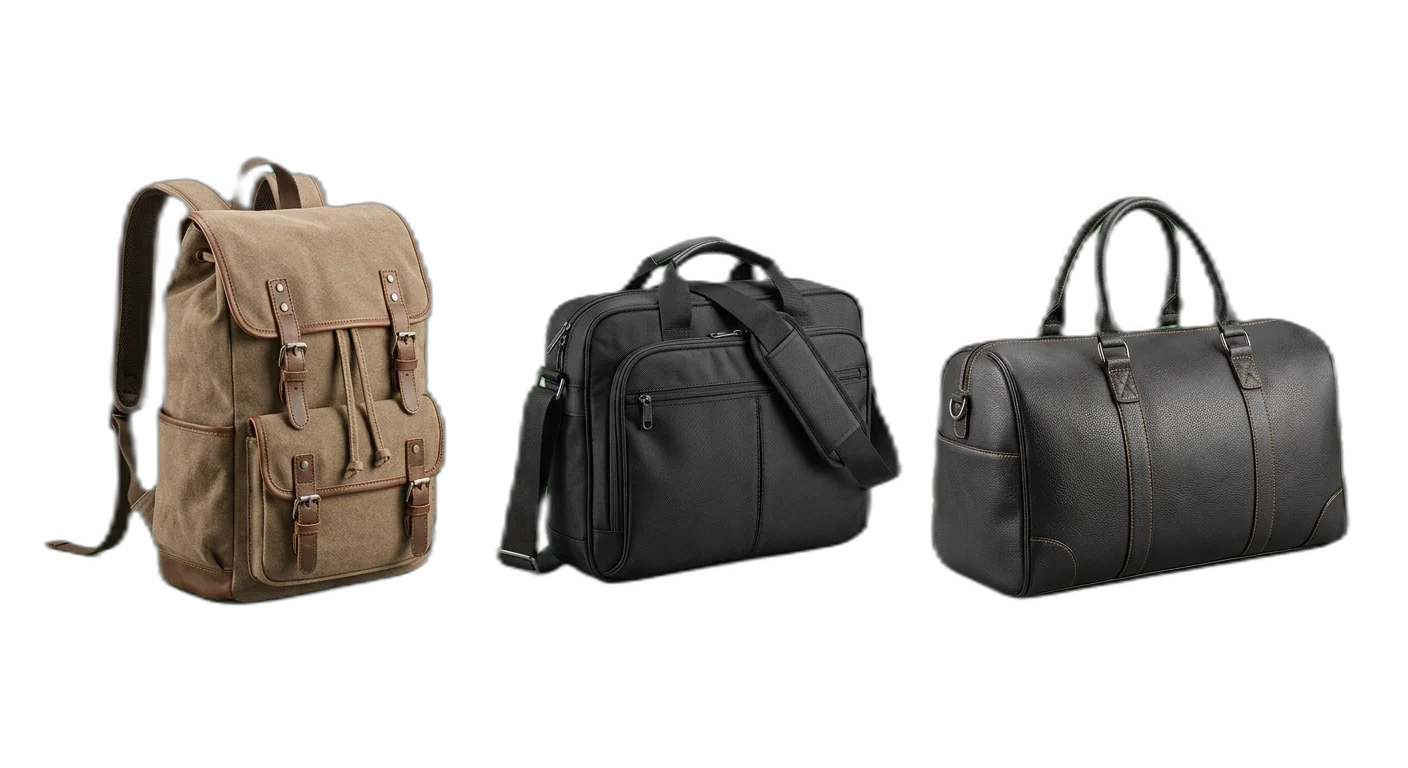
Bags
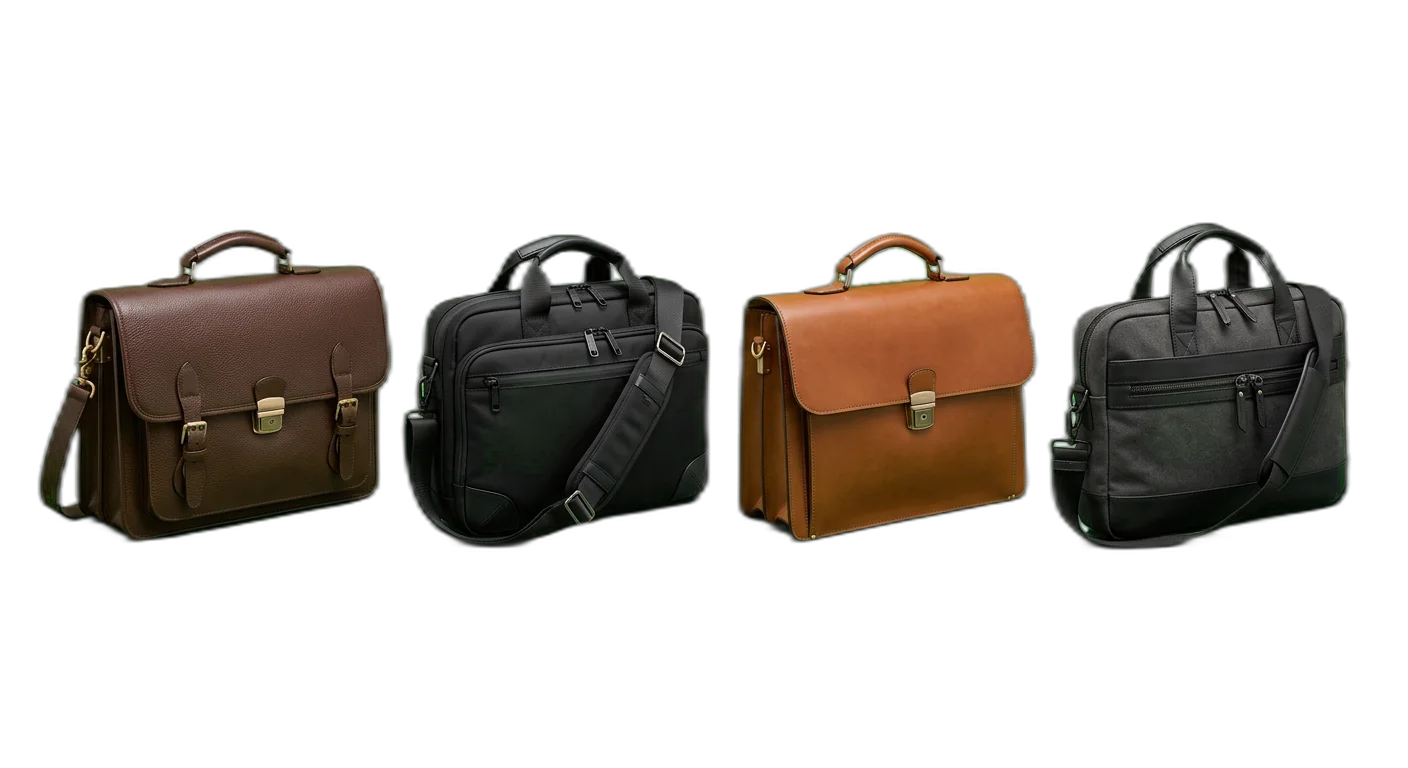
Briefcases & Work Bags
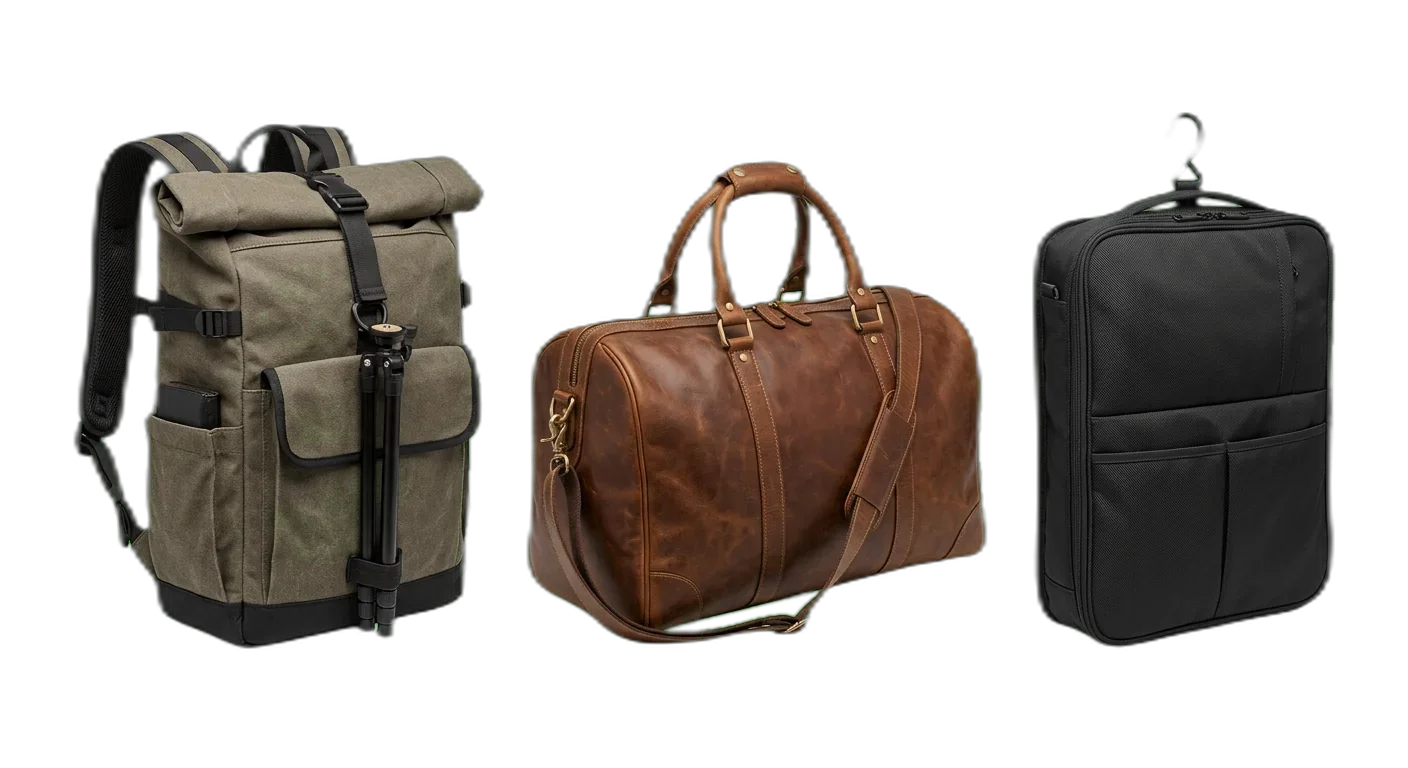
Specialty Bags
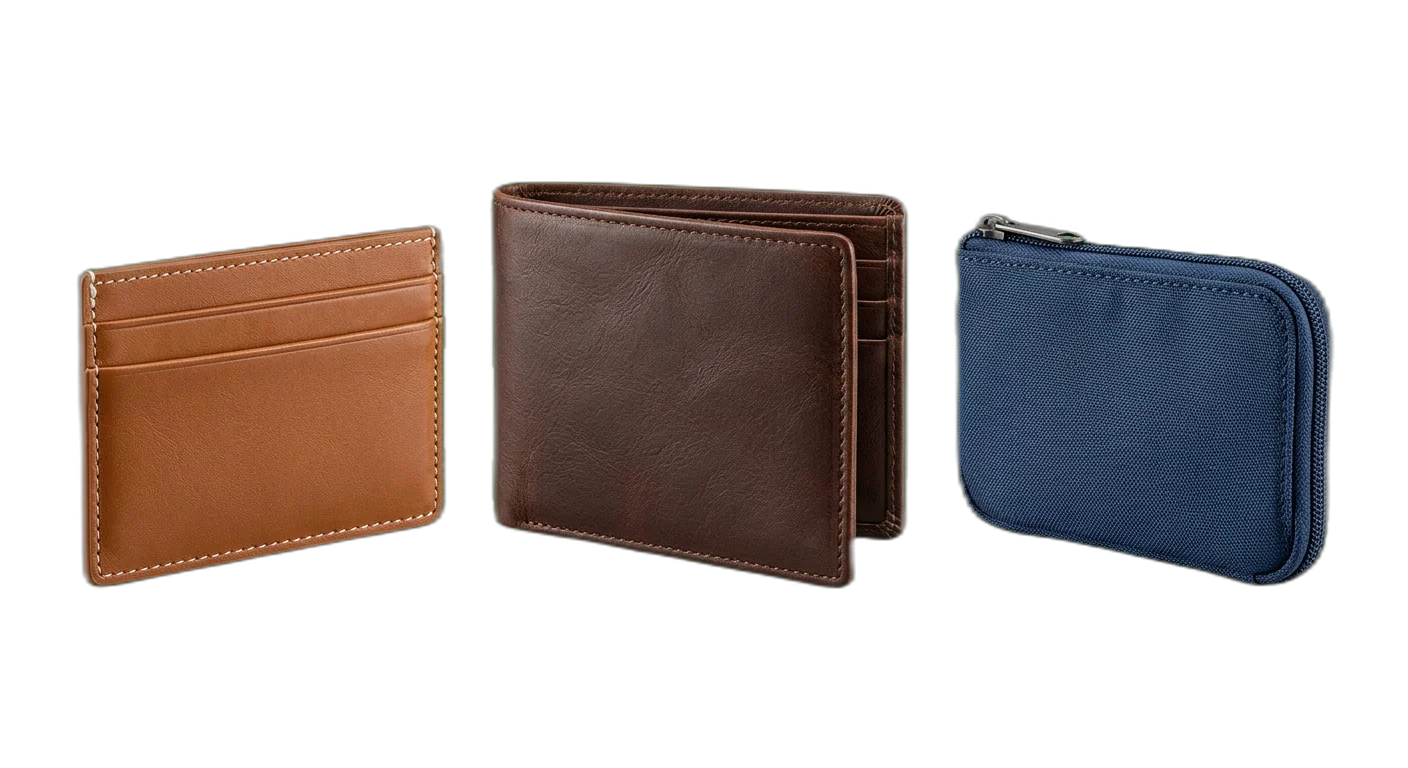
Wallets & Small Accessories
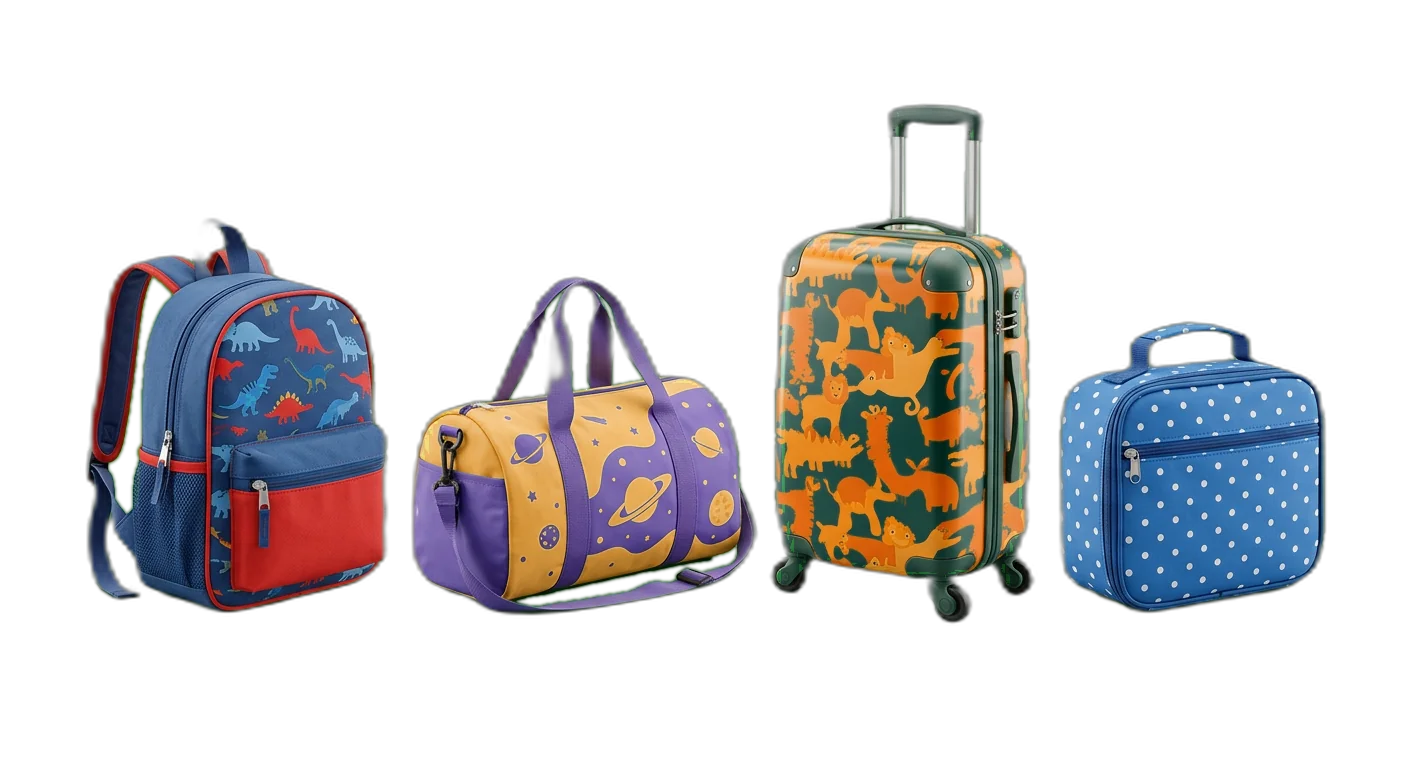
Kids Bags
How to Classify Luggage & Bags Products
Follow these rules to place products in the right categories, every time
- 1
Classify by bag type first, then by use case
The primary categorization should be the type of bag (luggage, backpack, tote, briefcase) rather than the use case or occasion. Within each type, use subcategories to refine by form factor or intended use. This matches how customers shop: they typically know whether they need a backpack or a suitcase before they narrow down to a specific style.
A carry-on spinner suitcase is Luggage > Carry-On Luggage > Spinner Carry-OnsA bag used for gym and travel is categorized by its primary type: Bags > Duffle Bags > Gym Duffles - 2
Capture size and capacity as structured attributes
Do not create categories based on size (Small Backpacks, Large Backpacks). Instead, use the bag type as the category and add Volume (liters), Dimensions (H x W x D), and Weight as required attributes. This keeps the taxonomy flat and allows customers to filter by their exact size requirements.
Use Backpacks > Travel Backpacks > Travel Packs with attribute Volume: 45LDo not create Backpacks > Large Backpacks > 45L Backpacks - 3
Treat material as a filterable attribute, not a category
Materials like full-grain leather, ballistic nylon, polycarbonate, or canvas should be attributes rather than category levels. A single Briefcases category serves all materials, and customers can filter by their preferred material without navigating separate category branches.
- 4
Include airline compliance data for luggage products
For all carry-on and checked luggage, include airline size compliance as a structured attribute. Store dimensions in centimeters and map to major airline size limits. Include both linear dimensions and the total linear measurement (length + width + height) that airlines commonly use for quick compliance checks.
Airline Compliant: IATA Standard (55 x 35 x 20 cm), Total Linear: 110 cmMajor Airline Fit: Fits overhead bins on most major airlines including Ryanair and EasyJet - 5
Categorize by primary use case within each bag type
After determining the bag type, subdivide by primary use case: business, travel, sports, everyday. A laptop backpack for commuting goes under Laptop Backpacks > Commuter, not under a generic Backpacks category. This level of specificity helps with search relevance and marketplace mapping.
- 6
Use gender as an attribute, not a category level
Do not create separate Men's Backpacks and Women's Backpacks categories. Use a Gender attribute (Men, Women, Unisex) that allows filtering. Many bags are unisex and would need to appear in both trees, causing duplication. Gender-specific styling differences are better captured through product descriptions and images.
- 7
Treat brand as an attribute, never as a category
Even for brand-heavy categories like luxury luggage, keep brand as a filterable attribute. Categories should describe the product type, not the manufacturer. This ensures a consistent tree structure that does not need to be reorganized when new brands are added or discontinued.
- 8
Track TSA and security features as dedicated attributes
TSA-approved locks, RFID-blocking materials, anti-theft features, and slash-resistant fabrics should be captured as dedicated boolean or enum attributes. These are increasingly important purchase criteria and marketplace filter options, especially for travel bags and luggage.
- 9
Classify wheel systems and hardware separately
For luggage with wheels, capture the wheel configuration (2-wheel/spinner, 4-wheel/360-degree) and wheel type (inline, spinner, all-terrain) as attributes. Handle type (telescopic, top-grab, side-grab) should also be a structured attribute. These hardware details are key differentiators that customers actively filter by.
- 10
Track warranty information as a structured attribute
Luggage and bags often come with extended warranties that are a key selling point. Capture Warranty Type (Limited Lifetime, X-Year, No Warranty), what it covers (manufacturing defects, wheels, zippers), and whether the brand offers repair services. This data is valuable for comparison shopping and builds customer confidence.
Required Attributes by Category
Make sure your product data is complete with the required and recommended attributes for each category level
Luggage & Bags Classification Pitfalls to Avoid
Avoid these common categorization errors that hurt product discoverability
- Mistake
Creating categories based on size (Small Bags, Medium Bags, Large Bags) instead of bag type and form factor
Better approachUse bag type as the category (Carry-On, Checked, Duffle) and add Volume (liters) and Dimensions as filterable attributes. Size is relative and inconsistent across brands, while volume and dimensions are precise and comparable.
- Mistake
Omitting exact dimensions, making it impossible for customers to verify airline carry-on compliance
Better approachAlways include Height, Width, and Depth in centimeters as required attributes for all luggage. Add a Total Linear Dimension field and map to major airline size limits. Missing dimensions are the leading cause of luggage returns.
- Mistake
Not including airline compliance information for carry-on and checked luggage products
Better approachAdd Airline Compliance as a structured attribute that references major airline size limits. Include IATA standard dimensions and flag products that meet budget airline restrictions (Ryanair, EasyJet) which are stricter than standard limits.
- Mistake
Inconsistent material naming across the catalog (using Nylon, Ballistic Nylon, 1680D Nylon, and Nylon Fabric interchangeably)
Better approachEstablish a standardized material vocabulary with specific grades: Ballistic Nylon (1680D), Cordura Nylon (1000D), Ripstop Nylon (210D). Include denier rating as a separate attribute when relevant. Consistent naming enables accurate filtering and comparison.
- Mistake
Not capturing empty weight, leaving customers unable to calculate their total packed weight against airline limits
Better approachInclude Weight (Empty) as a required attribute for all luggage and bags. This is critical for air travel where baggage weight limits are strictly enforced, and customers need to calculate how much they can actually pack.
- Mistake
Using volume labels (Small, Medium, Large) instead of precise liter measurements for bag capacity
Better approachAlways include Volume in liters as a numeric attribute. Standardize how volume is measured (internal packing volume, not external dimensions) and note whether expandable volume is included in the figure.
- Mistake
Not tracking the number and type of compartments, pockets, and organizational features
Better approachAdd structured attributes for Number of Compartments, Laptop Sleeve Size, Shoe Compartment, Wet Pocket, and Organizer Panel. These features are key purchasing criteria and important for marketplace product comparison.
- Mistake
Missing warranty and durability information that customers rely on for premium luggage purchases
Better approachInclude Warranty Type (Lifetime, Limited Lifetime, X-Year), Warranty Coverage details, and whether the brand offers repair services. For premium luggage, warranty is often the deciding factor between otherwise similar products.
- Mistake
Mixing casual and professional bags in the same leaf categories without clear use-case distinction
Better approachUse specific subcategories that reflect use case (Business Backpacks vs Urban Backpacks, Work Totes vs Beach Totes). If a product genuinely serves both purposes, categorize by its primary marketing positioning and add a Use Case attribute.
- Mistake
Not including durability ratings or test standards for materials and hardware components
Better approachAdd attributes for Abrasion Resistance, Water Resistance Rating (e.g., IPX4), Zipper Type (YKK, self-healing), and relevant test certifications. These data points are increasingly expected by quality-conscious buyers and help justify premium pricing.
How to Categorize Luggage & Bags Products
Follow these steps to categorize your Luggage & Bags products correctly for e-commerce and marketplace requirements
01
Import Your Bags & Luggage Catalog
Connect your e-commerce platform or upload your product feed containing luggage, backpacks, bags, and accessories. WISEPIM automatically detects product titles, descriptions, images, and existing attributes to prepare your catalog for AI-powered categorization.
02
AI Classifies by Bag Type & Use Case
WISEPIM analyzes product images and descriptions to identify the bag type (luggage, backpack, duffle, briefcase), form factor (hardside, softside, spinner), and intended use case (business, travel, sports). The AI assigns products to the correct category path with high accuracy.
03
Enrich Dimensions, Compliance & Features
Review AI-suggested categories and complete critical attributes: exact dimensions, volume, empty weight, airline compliance data, material specifications, and security features. WISEPIM validates dimension formats and flags products missing required attributes like TSA compliance for carry-on luggage.
04
Publish to Sales Channels
Export your categorized luggage catalog to your webshop, Google Shopping, Amazon, and other marketplaces. WISEPIM maps your internal categories to each platform's luggage taxonomy and ensures all required attributes, including airline size compliance data, are correctly formatted for each channel.
Categorize your Luggage & Bags catalog in WISEPIM
Sign up for the free plan and apply this guide to your own products: build your category tree, let AI suggest a category for each product, and map your categories to Google's product taxonomy.
- 100 products and 50 AI credits a month on the free plan
- Import products from a CSV file or a connected store
- AI categorization assigns categories, or suggests them for you to review first
- The category map links your categories to Google product categories
Frequently Asked Questions
Common questions about Luggage & Bags product categorization
Best Luggage & Bags Categories for Ecommerce
Discover the top-performing Luggage & Bags product categories ranked by demand, margins, and growth potential.
Map Luggage & Bags products to a global taxonomy
Got your own category tree? Map it to the standards that marketplaces, ad platforms, and data partners actually require.
Explore More Industry Guides
Printable checklist
Start in 15 minutesGet every live product into the right category
Start with a 15-minute count of products with no category, or only a top-level one. You get two numbers, like 140 products, 12 in your top 100. Then 5 steps for the rest of the week.
How it works
- Filter products with no category or only a top-level one.
- Check how many of them are in your top 100 sellers.
- Write both numbers, such as '140 products, 12 in the top 100'.
One email, once, with a link to the printable checklist. Nothing else unless you tick the box.
Free Excel template
XLSX · 3 sheetsSee which of your 20 best sellers are incomplete
An Excel check with the columns luggage & bags products need. In about 15 minutes you know how many of your 20 are complete, and the one fix that helps the most rows.
How it works
- Paste 20 best sellers from your shop export into Products.
- Fill in what you know. The last column says what each row is missing.
- Read your result on Start here: how many are complete, and the fix that helps most rows.
One email, once, with the XLSX attached and as a download link. Nothing else unless you tick the box.
Keep exploring
Hand-picked next steps to go deeper.
Ready to Automate Your Luggage & Bags Categorization?
WISEPIM uses AI to classify products automatically, saving hours of manual work and cutting categorization errors.