How to Categorize Apparel: Shirts to Socks with Category IDs
Sweatshirts, polos and T-shirts go in Apparel & Accessories > Clothing > Shirts & Tops (Google ID 212), swimsuits and bathing suits in Clothing > Swimwear (211) and jeans in Clothing > Pants (204). Categorize apparel by garment type, and keep gender, size, color and material as attributes rather than extra branches. IDs follow Google's product taxonomy, version 2021-09-21. WISEPIM's Category map links your own apparel categories to these Google IDs.
Quick answers: which category does it belong to?
| Item | Category path | Standard | ID |
|---|---|---|---|
| Shirt, polo or sweatshirt | Apparel & Accessories > Clothing > Shirts & Tops | Google product taxonomy | 212 |
| Jeans and work pants | Apparel & Accessories > Clothing > Pants | Google product taxonomy | 204 |
| Leather jacket | Apparel & Accessories > Clothing > Outerwear > Coats & Jackets | Google product taxonomy | 5598 |
| Swimsuit | Apparel & Accessories > Clothing > Swimwear | Google product taxonomy | 211 |
| Socks | Apparel & Accessories > Clothing > Underwear & Socks > Socks | Google product taxonomy | 209 |
| Lingerie | Apparel & Accessories > Clothing > Underwear & Socks > Lingerie | Google product taxonomy | 1772 |
| Robe | Apparel & Accessories > Clothing > Sleepwear & Loungewear > Robes | Google product taxonomy | 2302 |
| Pajamas | Apparel & Accessories > Clothing > Sleepwear & Loungewear > Pajamas | Google product taxonomy | 2580 |
| Baseball hat | Apparel & Accessories > Clothing Accessories > Hats | Google product taxonomy | 173 |
| Sandals, slippers and boots | Apparel & Accessories > Shoes | Google product taxonomy | 187 |
Apparel & Fashion Category Hierarchy
Standard category structure used across major e-commerce platforms and marketplaces
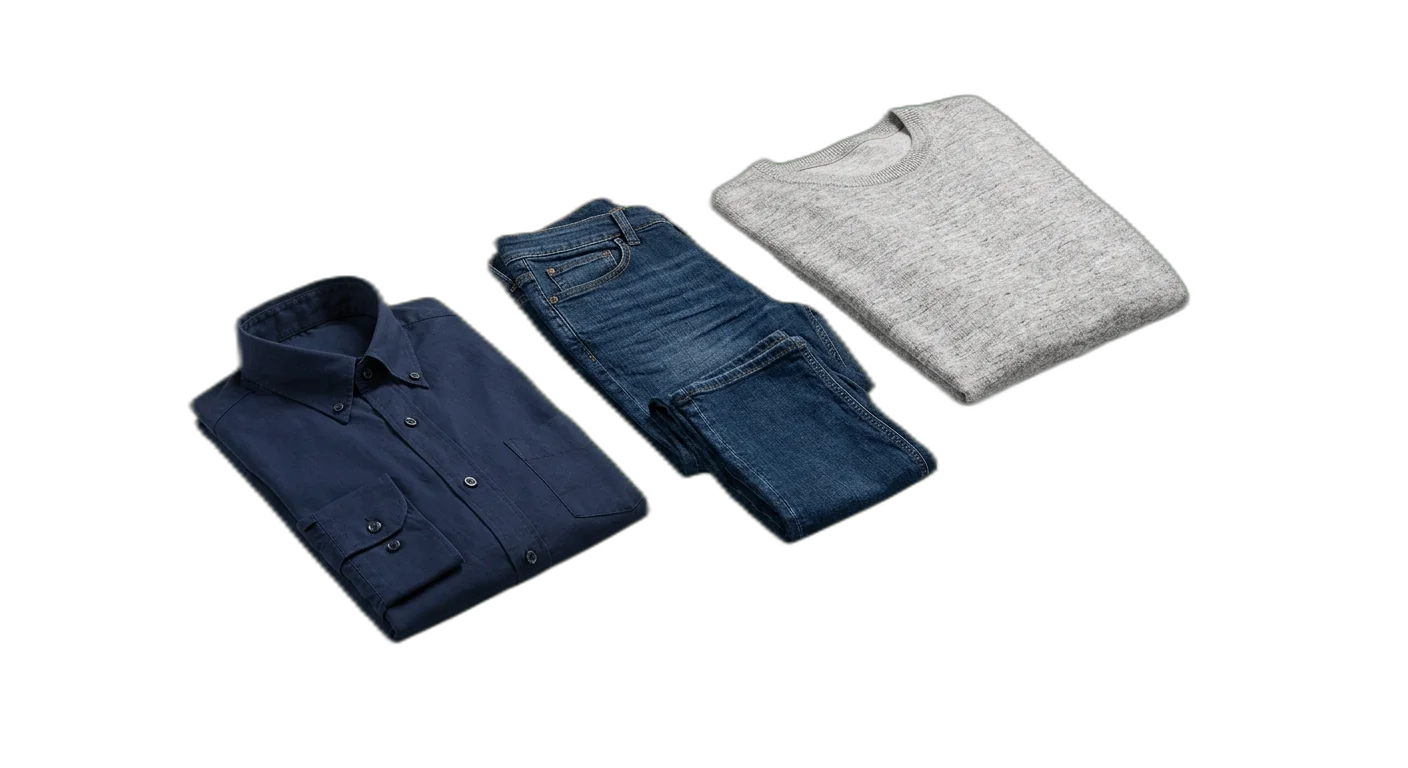
Clothing
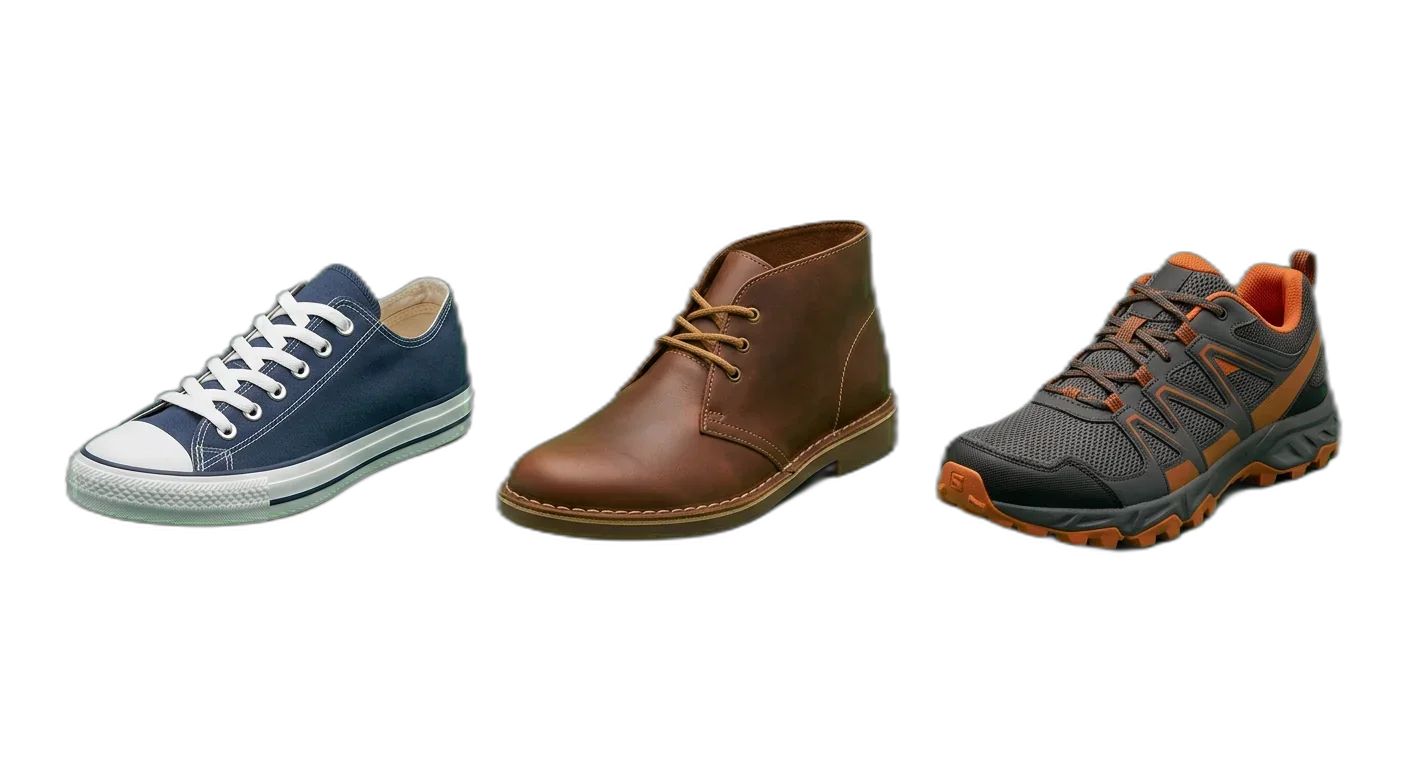
Footwear
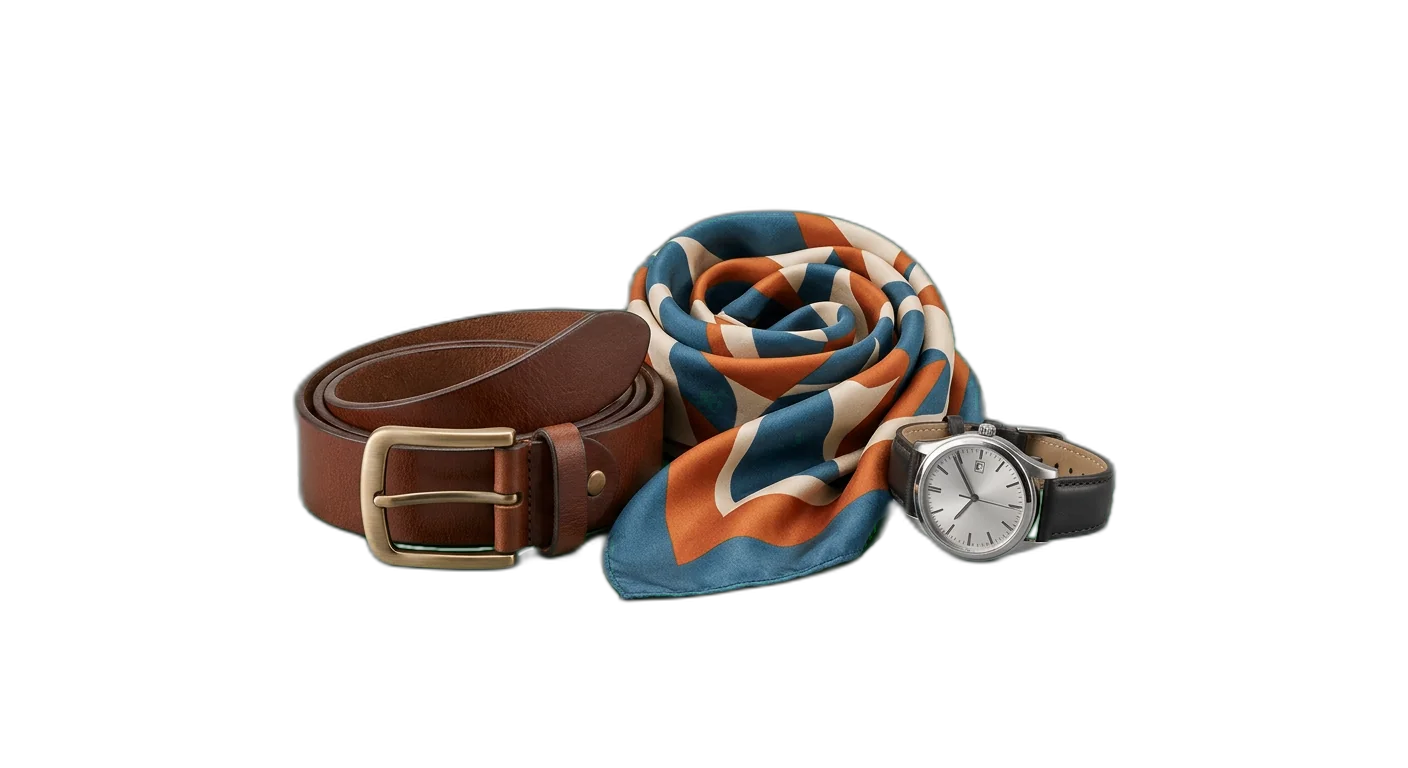
Accessories
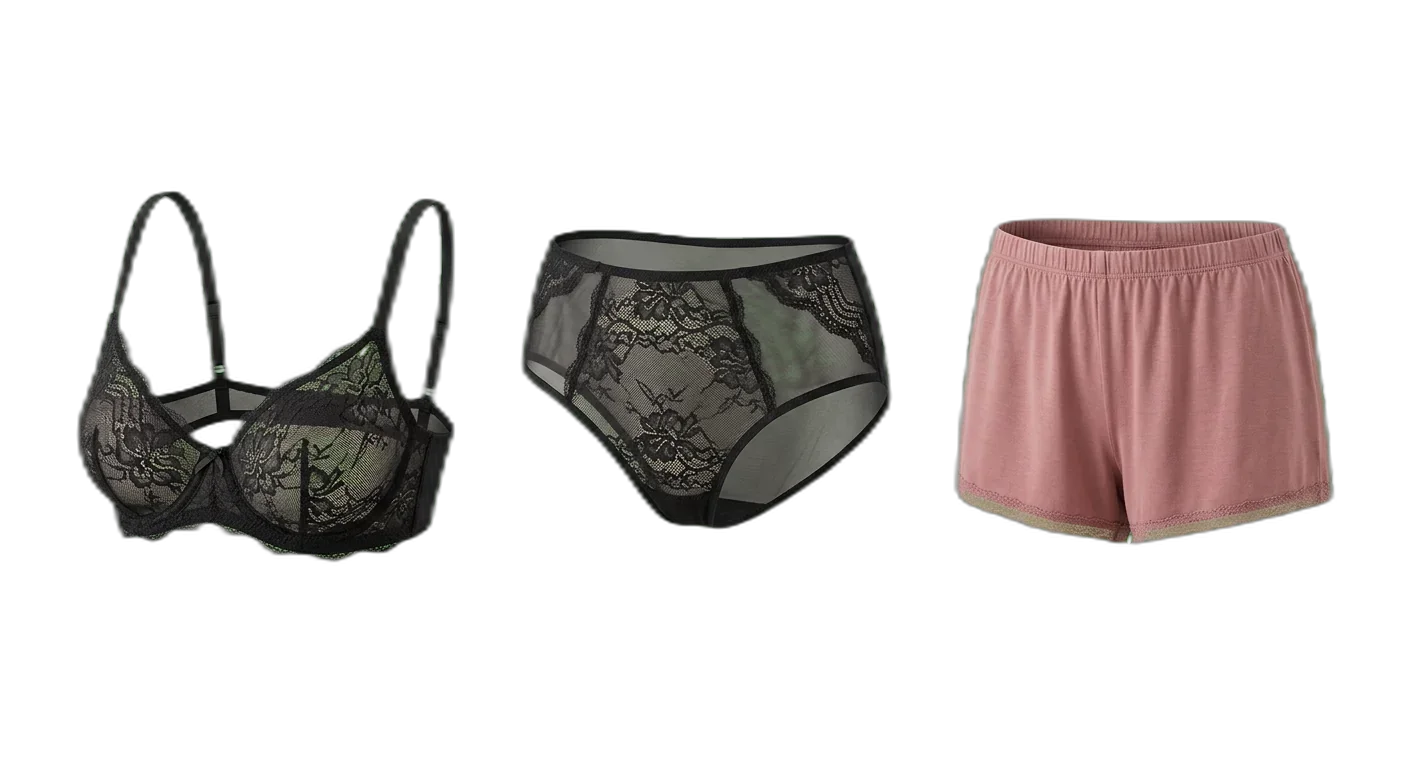
Undergarments & Lingerie
How to Classify Apparel & Fashion Products
Follow these rules to place products in the right categories, every time
- 1
Classify by Primary Function, Not Material
A product's primary category should reflect what it is and how it is worn, not what it is made from. Material should be captured as an attribute, not a category level. This prevents redundant trees like 'Cotton > T-Shirts' and 'Polyester > T-Shirts'.
A cotton polo shirt goes under Clothing > Men's Clothing > Tops > Polo Shirts, with material = 'Cotton'A silk evening dress goes under Clothing > Women's Clothing > Dresses > Evening & Formal Dresses, with material = 'Silk' - 2
Separate by Gender and Age Group at the Second Level
Within the Clothing branch, split into Women's, Men's, and Kids' at the second level. This mirrors how shoppers navigate and how most marketplaces structure their taxonomy. Avoid splitting by gender at deeper levels, as it creates inconsistent paths.
Clothing > Women's Clothing > Tops > T-Shirts & TanksClothing > Men's Clothing > Tops > T-ShirtsClothing > Kids' Clothing > Boys' Clothing > Tops & T-Shirts - 3
Use Occasion and Formality as Attributes, Not Categories
Avoid creating parallel category trees for 'Casual', 'Formal', and 'Work' within each garment type. Instead, use an 'Occasion' or 'Formality' attribute. The exception is Dresses and Footwear, where the form factor changes significantly enough between casual and formal to warrant subcategories.
A work blazer goes under Women's Outerwear > Blazers with occasion = 'Work/Office'A formal dinner dress goes under Women's Dresses > Evening & Formal Dresses because its construction differs from casual dresses - 4
Handle Multi-Category Products with a Primary Category Plus Tags
When a product could reasonably belong to multiple categories, assign it to the most specific primary category and use tags or secondary category references for cross-listing. Never duplicate a product across categories in your master catalog.
A rain jacket used for hiking: primary = Outerwear > Jackets, tags = ['activewear', 'outdoor']Yoga pants worn as everyday leggings: primary = Activewear > Yoga & Pilates, secondary reference = Bottoms > Leggings - 5
Follow Consistent Naming Conventions
Use plural nouns for category names (Dresses, not Dress). Avoid abbreviations in category names. Use title case. Separate compound concepts with an ampersand ('Sweaters & Cardigans'), not 'and' or a slash. Keep category names under five words.
'Sweaters & Cardigans' instead of 'Sweaters/Cardigans' or 'Sweater and Cardigan''T-Shirts & Tanks' instead of 'Tees, Tanks & Camis' - 6
Distinguish Seasonal Collections from Permanent Categories
The taxonomy itself should be season-agnostic. Use a 'Season' or 'Collection' attribute to tag products for seasonal merchandising. Categories like 'Swimwear' are permanent because the garment type exists year-round, even if demand is seasonal.
Swimwear is a permanent category; add season = 'Spring/Summer 2025' as an attributeA holiday sweater lives in Sweaters & Cardigans with collection = 'Holiday 2025', not in a 'Holiday' category - 7
Standardize Size Systems Across Markets
Do not create separate categories for different size systems (US, EU, UK). Instead, use a size attribute that supports multiple regional size formats. Include a size system identifier so the same product can display correct sizes in each market.
A dress has size attributes: US = '6', EU = '36', UK = '10'Shoe sizes stored as: US_Men = '10', US_Women = '11.5', EU = '43', UK = '9.5' - 8
Classify by Material Group for Attributes, Not Category Levels
Define a controlled vocabulary for material classification. Use primary material and material composition as structured attributes. Group materials into broad families (natural fibers, synthetics, blends, leather & suede) for filtering purposes.
Material family = 'Natural Fiber', primary material = 'Organic Cotton', composition = '95% Organic Cotton, 5% Elastane'Material family = 'Leather & Suede', primary material = 'Full-Grain Leather' - 9
Keep Unisex Products in the Most Relevant Parent Category
For genuinely unisex products, choose the gender-neutral path if available (e.g., Accessories, Footwear) or default to the category where the product was originally designed. Add a 'gender' attribute set to 'Unisex' so it surfaces in both men's and women's filtered views.
A unisex hoodie: Clothing > Men's Clothing > Tops > Sweaters & Hoodies, with gender = 'Unisex'Unisex sneakers: Footwear > Casual Shoes > Sneakers, with gender = 'Unisex' - 10
Include Sustainability and Certification Attributes
Rather than creating separate 'Sustainable' or 'Eco-Friendly' category branches, use dedicated attributes for certifications and sustainability claims. This keeps the taxonomy clean while supporting growing consumer demand for transparent sourcing.
sustainability_certifications = ['GOTS', 'OEKO-TEX Standard 100']recycled_content_percentage = '80%', material_source = 'Post-Consumer Recycled Polyester'
Required Attributes by Category
Make sure your product data is complete with the required and recommended attributes for each category level
Apparel & Fashion Classification Pitfalls to Avoid
Avoid these common categorization errors that hurt product discoverability
- Mistake
Using material as a category level instead of an attribute
Better approachKeep materials (Cotton, Polyester, Leather) as structured attributes on the product. Category paths should reflect what the product is (T-Shirt, Jacket), not what it is made from. This prevents duplicate branches and makes filtering far more effective.
- Mistake
Creating more than 4 levels of depth in the taxonomy
Better approachCap your hierarchy at 4 levels (e.g., Clothing > Women's Clothing > Tops > T-Shirts & Tanks). Beyond that, use attributes for further differentiation. Deep nesting confuses shoppers and complicates marketplace mapping.
- Mistake
Inconsistent sizing notation across categories
Better approachDefine a single size-format standard per market and enforce it across all categories. Use structured size objects that store regional equivalents (US, EU, UK) rather than free-text size fields. Apply validation rules to prevent entries like 'Medium' alongside 'M'.
- Mistake
Duplicating categories for seasonal collections
Better approachKeep your taxonomy season-agnostic. Tag products with season and collection attributes instead. 'Spring Dresses' should not be a separate category from 'Dresses' -- the product just has season = 'Spring/Summer'.
- Mistake
No unisex option in the taxonomy
Better approachAdd a 'gender' attribute that includes 'Unisex' as a value. Place unisex products in the most relevant existing category and let the gender attribute handle cross-gender discoverability rather than duplicating the product across men's and women's trees.
- Mistake
Using brand names as category levels
Better approachBrand is always an attribute, never a category. A category like 'Nike > Running Shoes' breaks when you add another brand. The correct structure is Footwear > Athletic Shoes > Running Shoes with brand = 'Nike'.
- Mistake
Mixing occasion with garment type in category names
Better approachAvoid hybrid categories like 'Casual Tops' or 'Work Pants'. Use the garment type as the category (Tops, Pants) and occasion as an attribute. The exception is when the garment construction genuinely differs by occasion, such as Evening Dresses vs. Casual Dresses.
- Mistake
Ignoring sustainability and certification attributes
Better approachAdd dedicated fields for sustainability certifications (GOTS, Fair Trade, OEKO-TEX), recycled content percentage, and material sourcing. These are increasingly required by marketplaces (Amazon Climate Pledge Friendly, Zalando Sustainability) and expected by consumers.
- Mistake
Inconsistent size chart references across similar products
Better approachLink every product to a size chart ID at the category level, not the product level. All 'Women's Tops' should reference the same base size chart. Variations (e.g., relaxed fit) are handled via fit-specific offsets, not separate charts.
- Mistake
Using inconsistent or uncontrolled color naming
Better approachEstablish a controlled color vocabulary with both a marketing color name (Midnight Blue) and a standardized base color (Blue). This ensures filters work correctly while allowing creative color names in product titles. Map all color variations to your base color list.
How to Categorize Apparel & Fashion Products
Follow these steps to categorize your Apparel & Fashion products correctly for e-commerce and marketplace requirements
01
Audit your current product catalog and define top-level branches
Start by exporting your full product list and grouping items by type. Identify the natural top-level divisions: Clothing, Footwear, Accessories, and Undergarments & Lingerie. Count how many products fall into each branch. This gives you a clear picture of where depth is needed and where a flatter structure suffices. Remove any legacy categories that were based on brand, season, or campaign.
02
Build out subcategories to 4 levels and define naming conventions
Within each top-level branch, create subcategories following the gender > garment type > specific type pattern for Clothing, and function > specific type for Footwear and Accessories. Use plural nouns, title case, and ampersands for compound names. Validate that no category has fewer than 5 products -- if it does, merge it upward. Aim for a balanced tree where no single branch has more than 10x the products of another at the same level.
03
Define required and recommended attributes for each leaf category
For every bottom-level category, specify which attributes are required (size, color, material, price) and which are recommended (care instructions, sustainability certifications, country of origin). Use controlled vocabularies with predefined values wherever possible instead of free text. Document the attribute schema and share it with your product data team to ensure consistency from day one.
04
Create marketplace mapping tables and validate against target channels
For each marketplace you sell on, map your internal categories to their taxonomy. Store these mappings as attributes on your categories. Test the mapping by running a sample feed through each marketplace's validation tool. Fix any mismatches before going live. Pay special attention to required attributes that differ between marketplaces -- Google Shopping may require different fields than Amazon or Zalando.
05
Implement governance rules and schedule regular taxonomy reviews
Document who can add, rename, or remove categories and under what conditions. Set up validation rules in your PIM to enforce required attributes and prevent miscategorization. Schedule quarterly reviews to check for orphaned categories, unbalanced branches, and emerging product types that need new categories. Use search analytics and customer feedback to identify gaps in your taxonomy.
Categorize your Apparel & Fashion catalog in WISEPIM
Sign up for the free plan and apply this guide to your own products: build your category tree, let AI suggest a category for each product, and map your categories to Google's product taxonomy.
- 100 products and 50 AI credits a month on the free plan
- Import products from a CSV file or a connected store
- AI categorization assigns categories, or suggests them for you to review first
- The category map links your categories to Google product categories
Frequently Asked Questions
Common questions about Apparel & Fashion product categorization
Best Apparel & Fashion Categories for Ecommerce
Discover the top-performing Apparel & Fashion product categories ranked by demand, margins, and growth potential.
Map Apparel & Fashion products to a global taxonomy
Got your own category tree? Map it to the standards that marketplaces, ad platforms, and data partners actually require.
Explore More Industry Guides
Printable checklist
Start in 15 minutesGet every live product into the right category
Start with a 15-minute count of products with no category, or only a top-level one. You get two numbers, like 140 products, 12 in your top 100. Then 5 steps for the rest of the week.
How it works
- Filter products with no category or only a top-level one.
- Check how many of them are in your top 100 sellers.
- Write both numbers, such as '140 products, 12 in the top 100'.
One email, once, with a link to the printable checklist. Nothing else unless you tick the box.
Free Excel template
XLSX · 3 sheetsSee which of your 20 best sellers are incomplete
An Excel check with the columns fashion & apparel products need. In about 15 minutes you know how many of your 20 are complete, and the one fix that helps the most rows.
How it works
- Paste 20 best sellers from your shop export into Products.
- Fill in what you know. The last column says what each row is missing.
- Read your result on Start here: how many are complete, and the fix that helps most rows.
One email, once, with the XLSX attached and as a download link. Nothing else unless you tick the box.
Keep exploring
Hand-picked next steps to go deeper.
Ready to Automate Your Apparel & Fashion Categorization?
WISEPIM uses AI to classify products automatically, saving hours of manual work and cutting categorization errors.