Product Categorization Examples for Home Improvement
Real category trees, classification rules, and attribute requirements for Home Improvement catalogs. Copy them, map your products, and skip months of taxonomy work.
Home Improvement Category Hierarchy
Standard category structure used across major e-commerce platforms and marketplaces
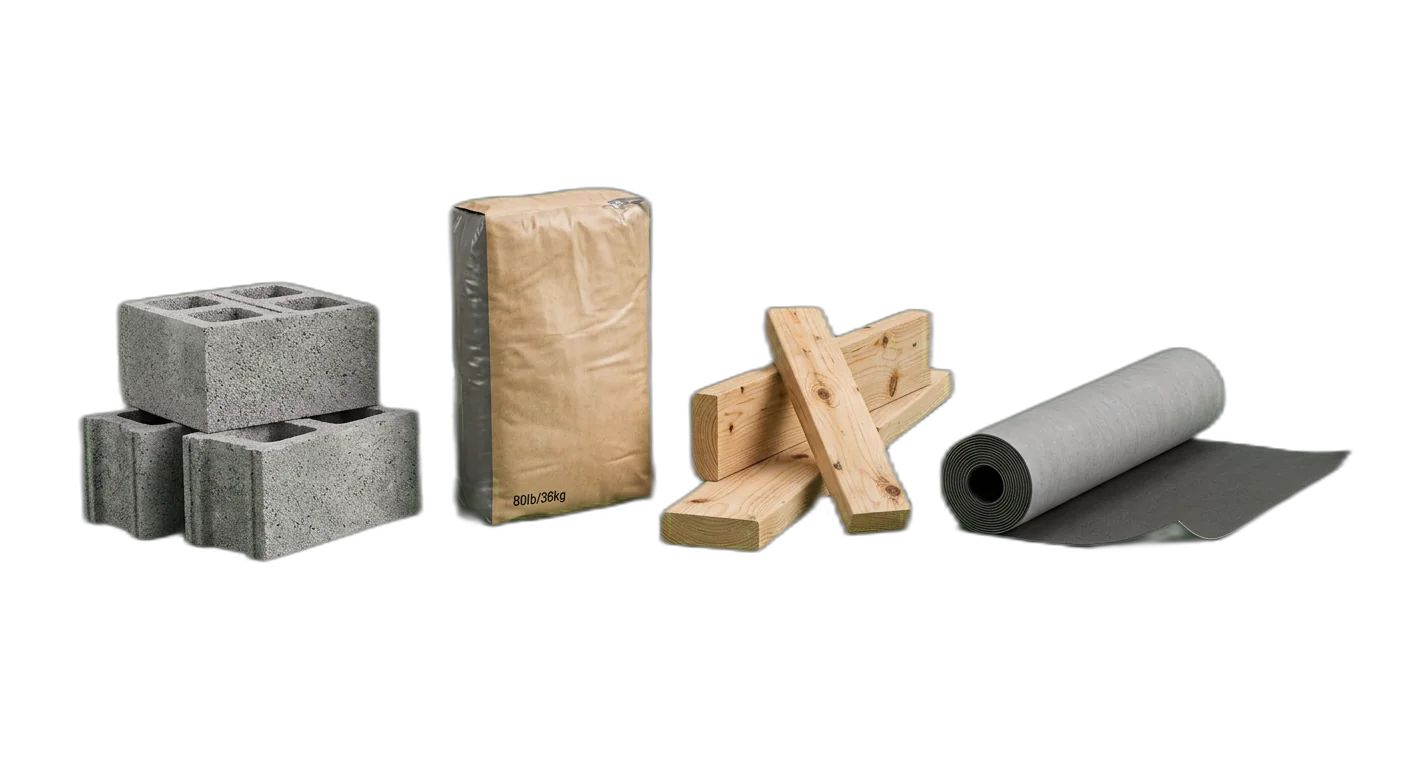
Building Materials
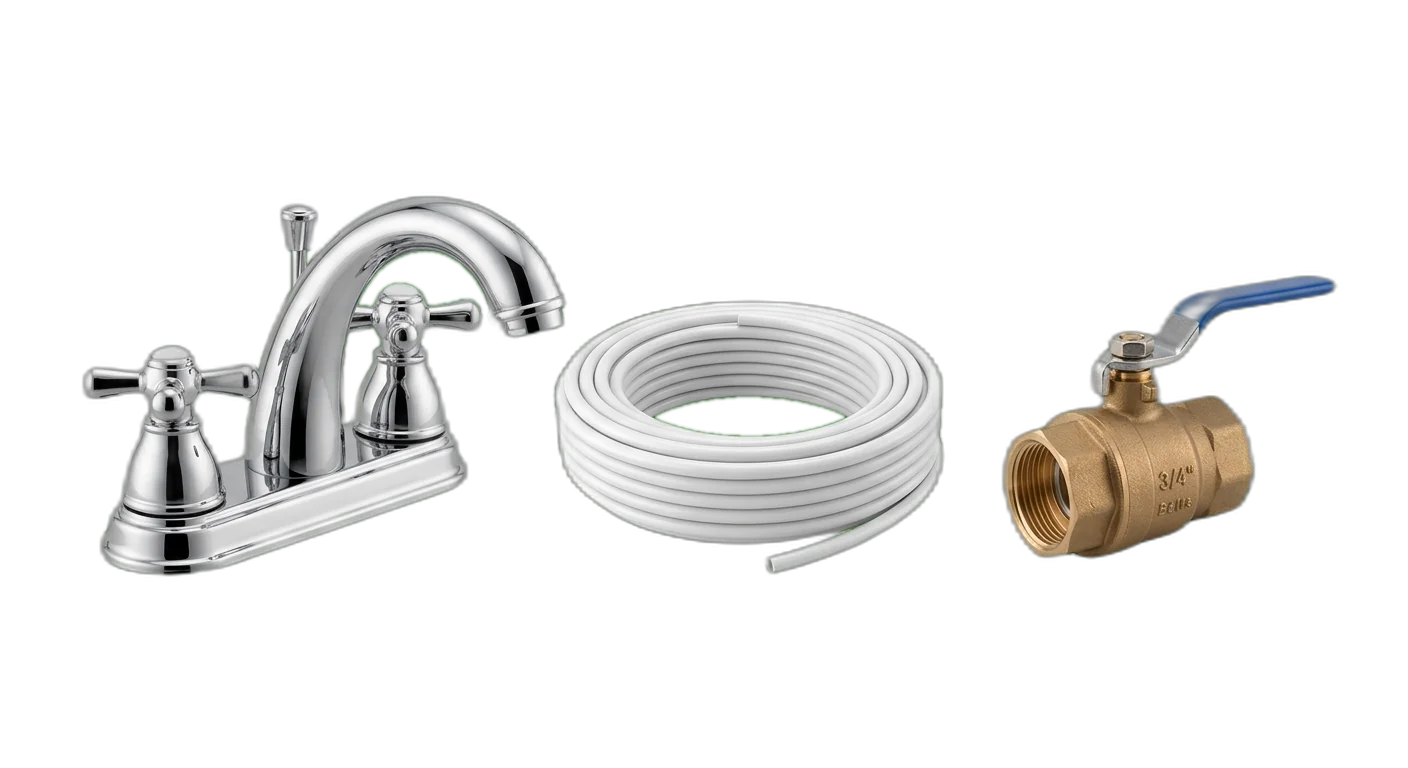
Plumbing
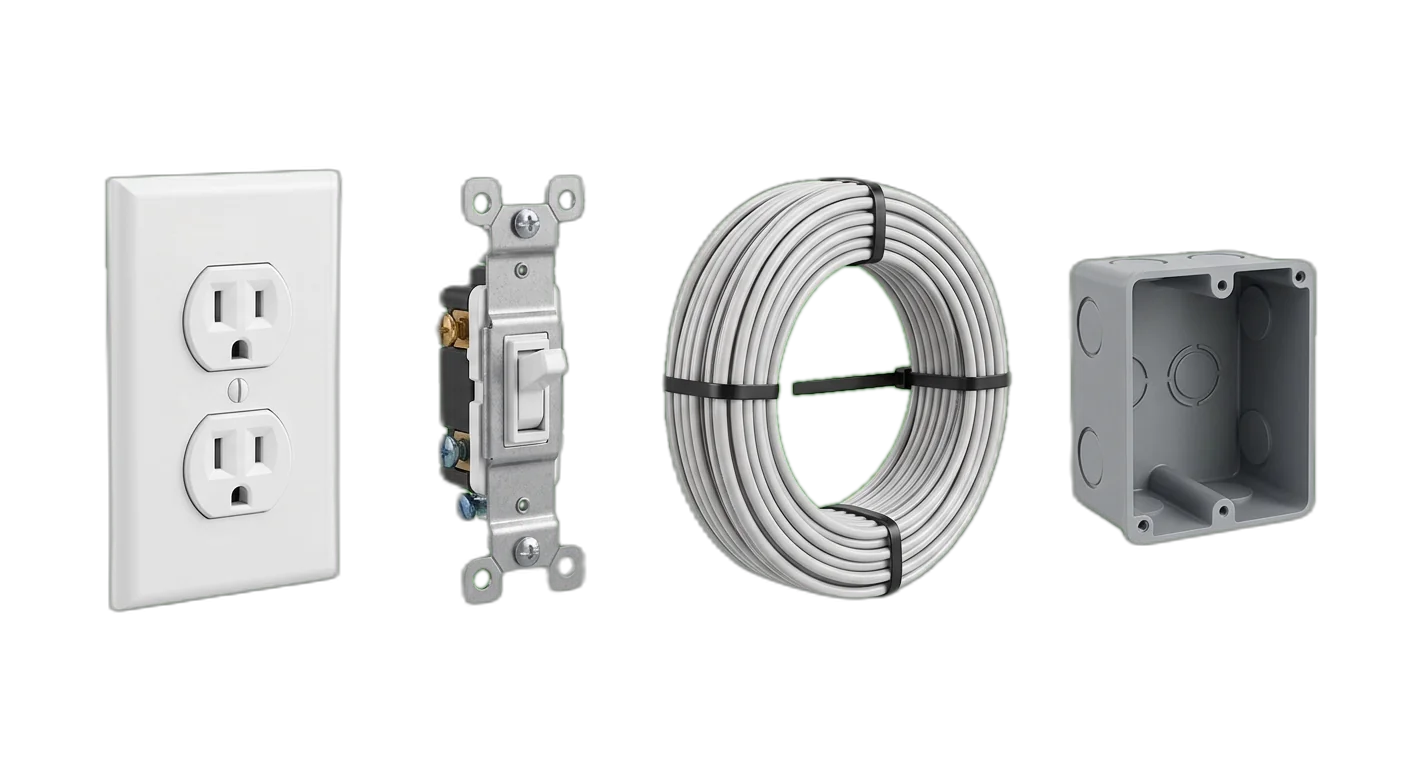
Electrical
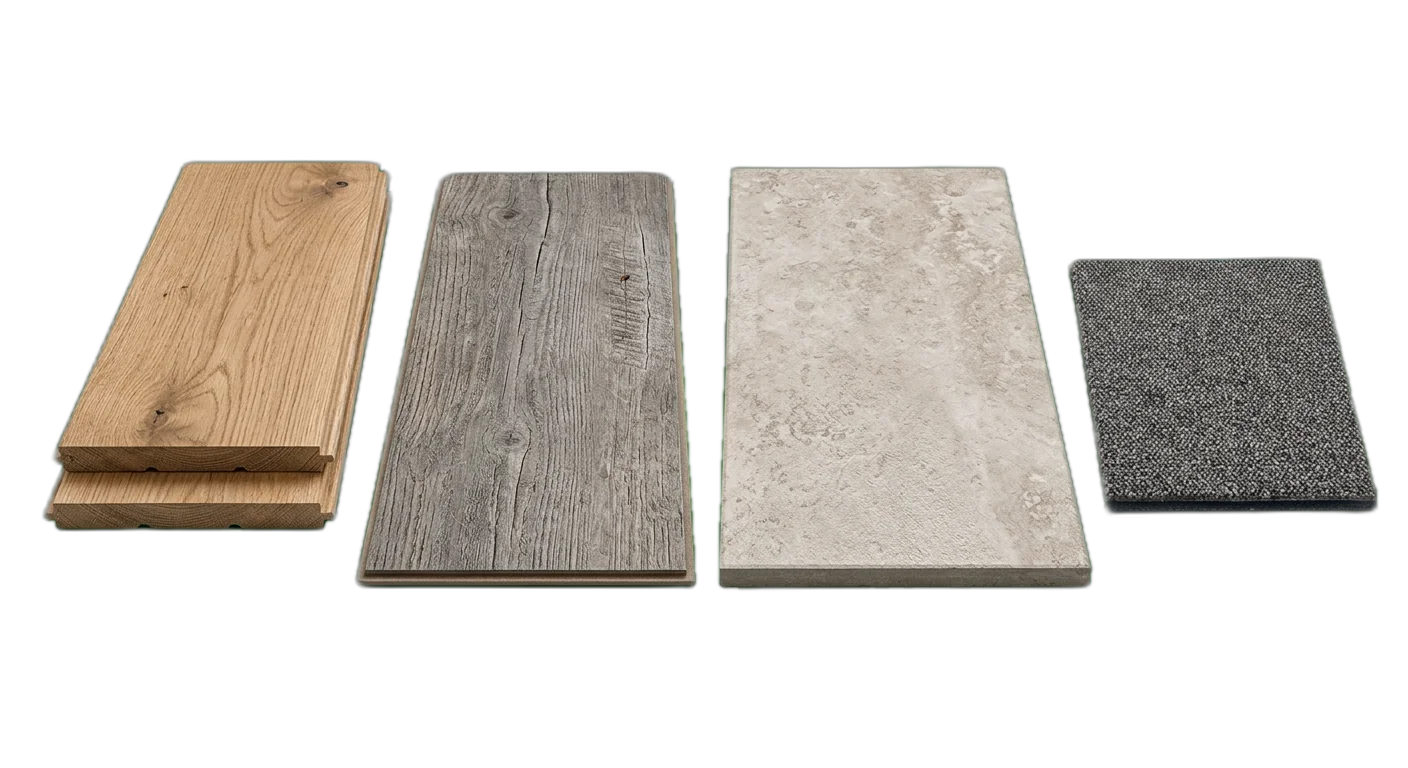
Flooring
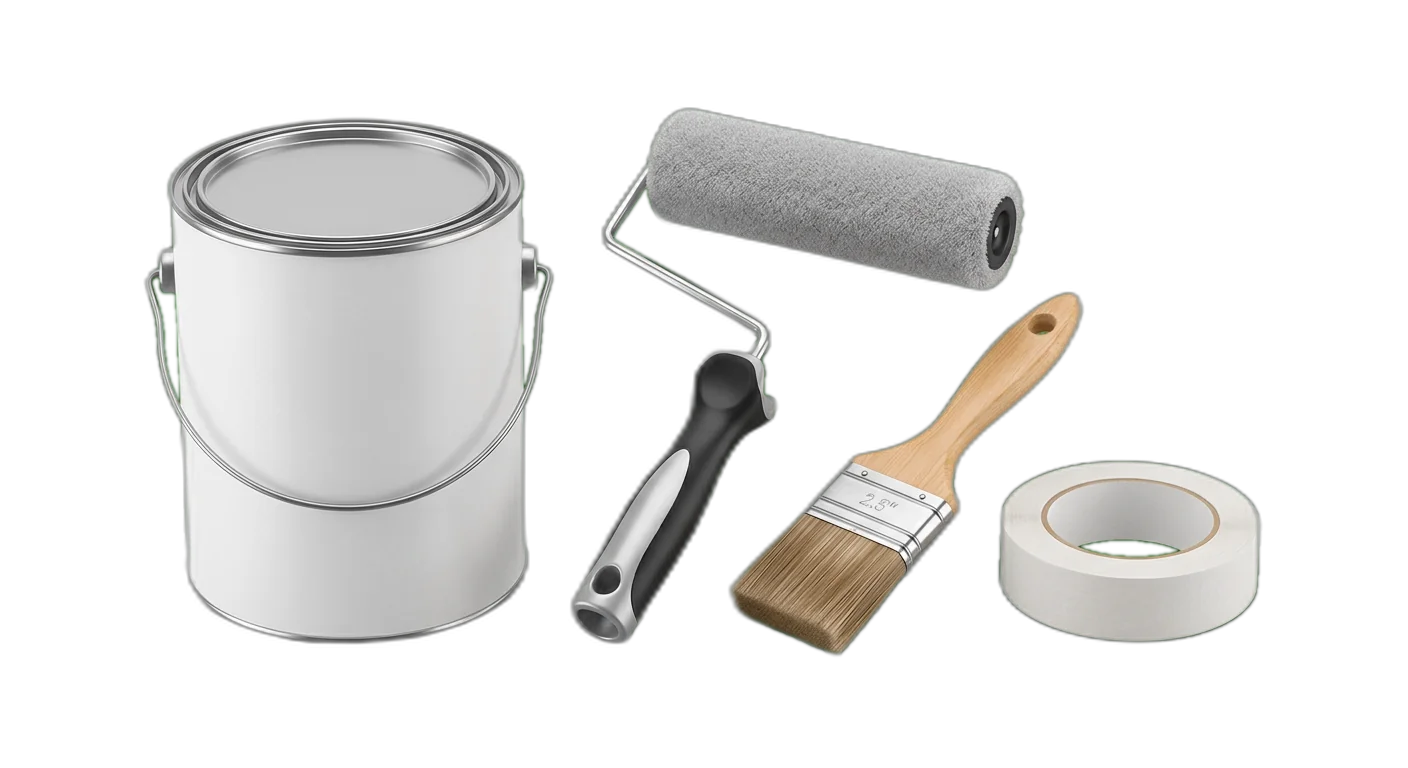
Paint & Wall Coverings
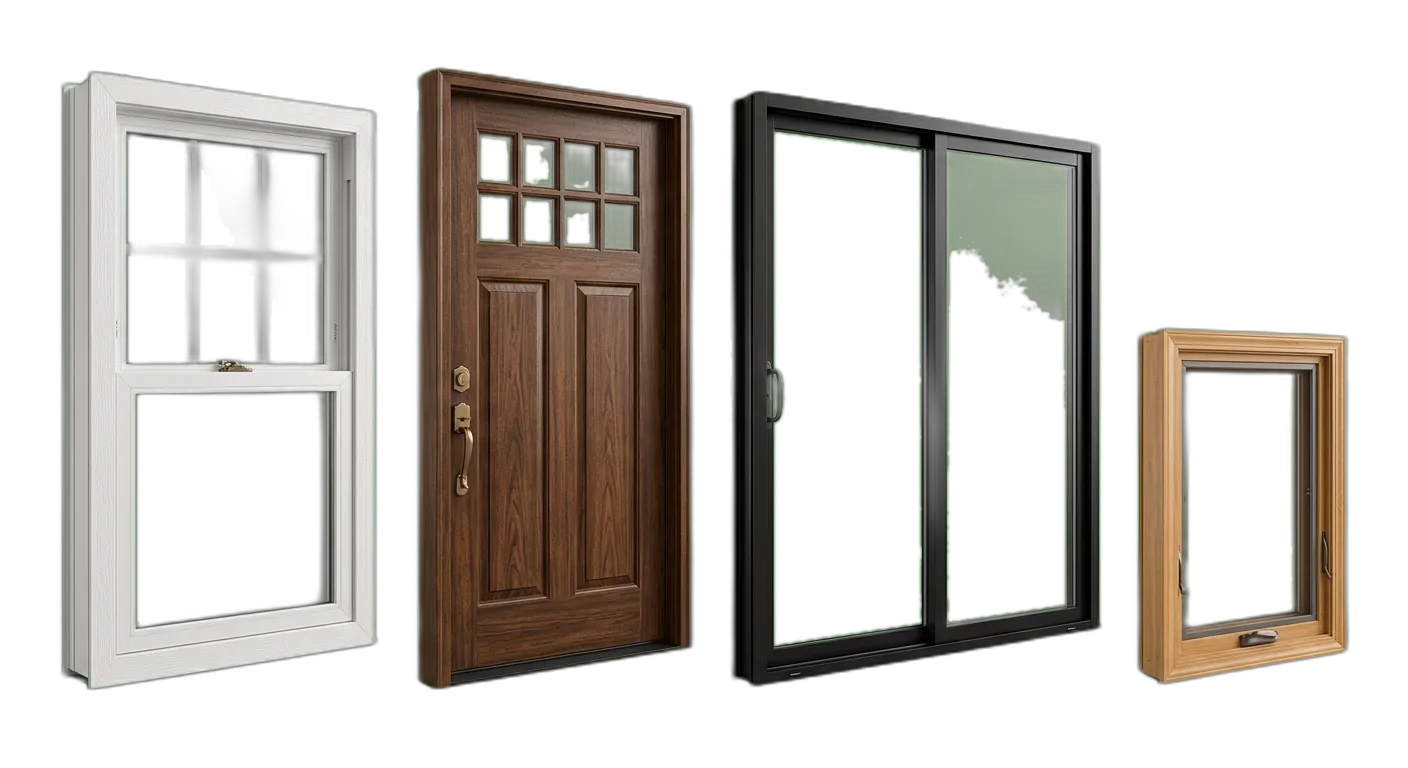
Doors & Windows
Hardware
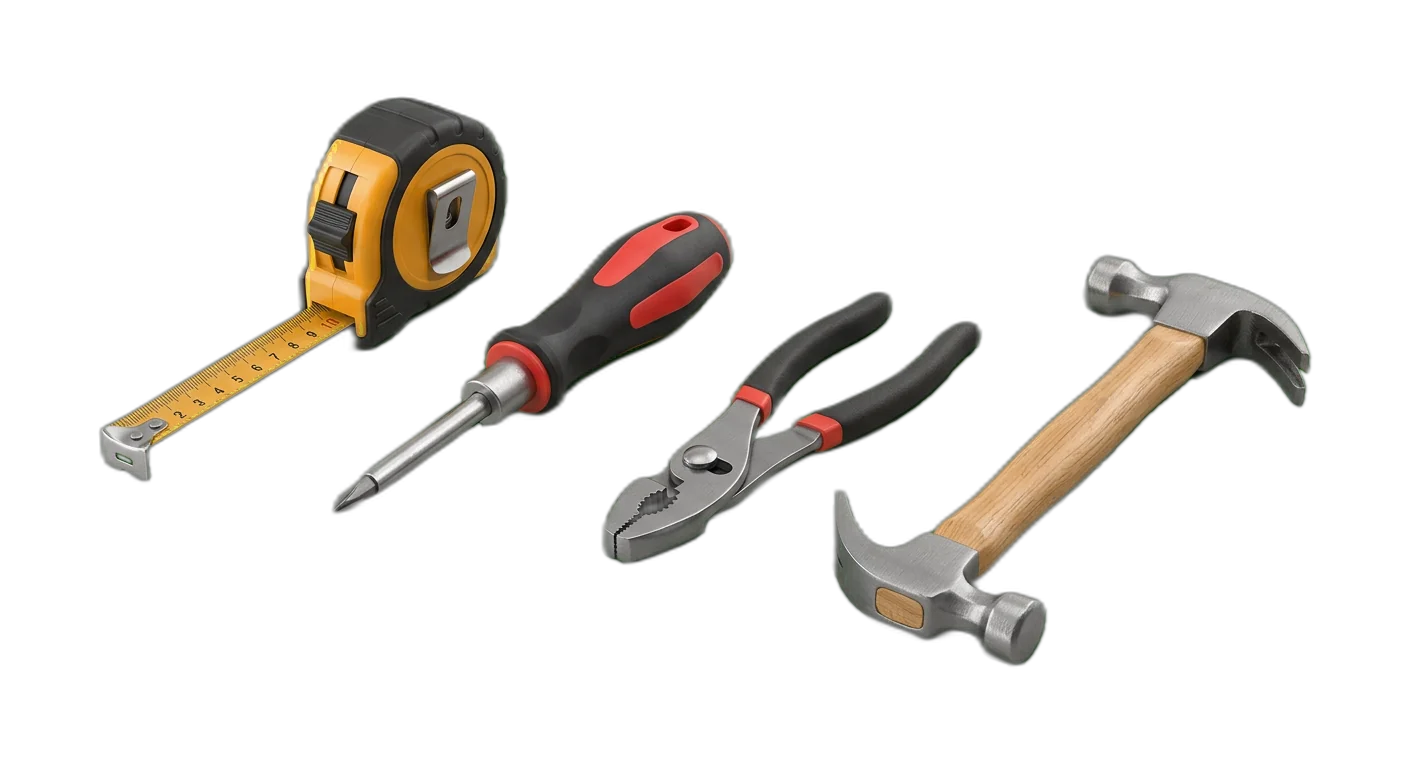
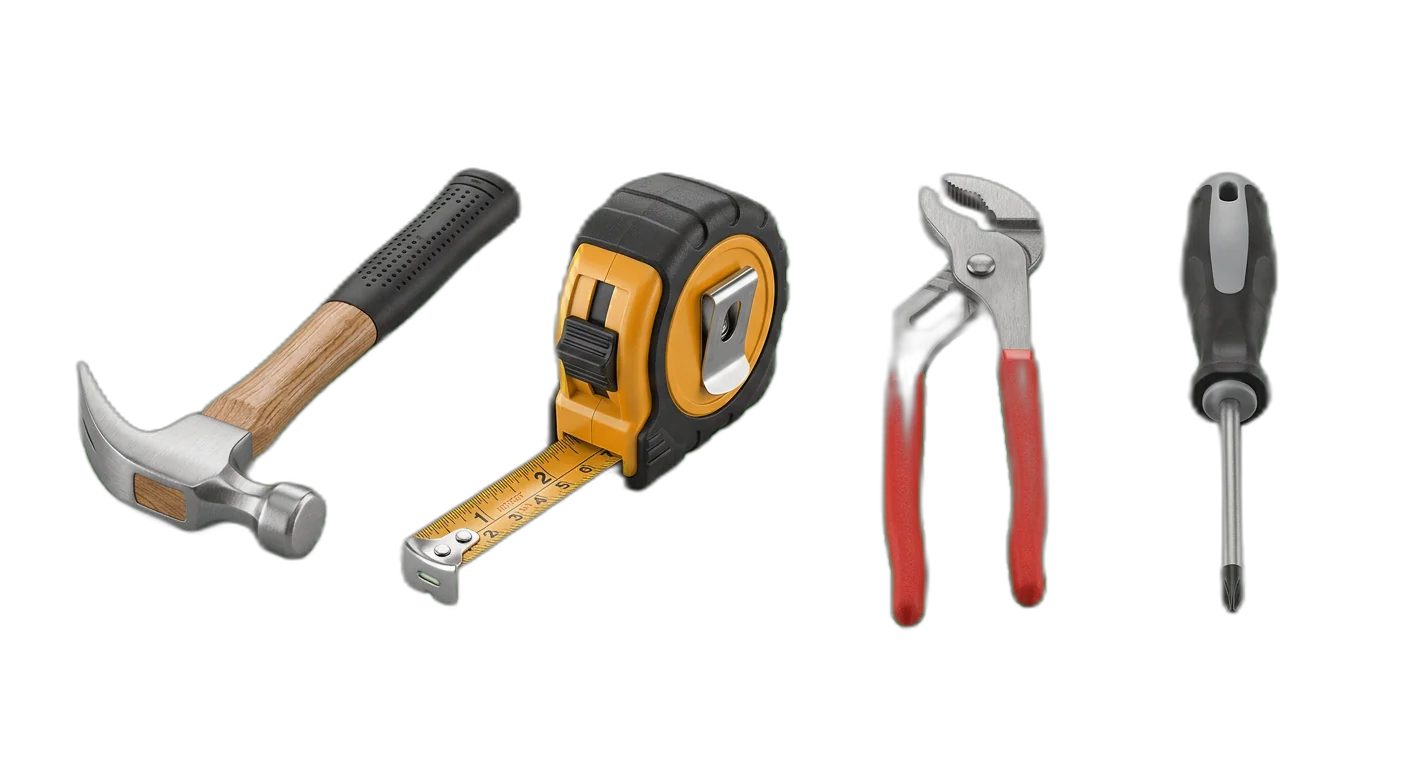
Tools
How to Classify Home Improvement Products
Follow these rules to place products in the right categories, every time
- 1
Classify by trade or building system first
Organize products by the trade or system they belong to (plumbing, electrical, HVAC) rather than by product type alone. A copper pipe is Plumbing > Pipes & Fittings, not Metals > Copper Products.
A PEX crimp ring is Plumbing > Pipes & Fittings, not Hardware > FastenersA wire nut is Electrical > Wiring & Cable, not Hardware > Fasteners - 2
Use professional vs DIY as an attribute, not a category
Do not create separate category trees for professional and consumer products. A circuit breaker panel is Electrical > Circuit Breakers regardless of the buyer. Use a Skill Level or Audience attribute (DIY, Professional, Both) to distinguish them.
- 3
Include building code compliance as a required attribute
Building materials must reference applicable codes and certifications (UL listing, fire rating, R-value, load capacity). These are critical purchase decision factors and mandatory for professional buyers.
Insulation: R-value R-13, R-19, R-30Lumber: Grade Stamp, Treated vs Untreated - 4
Separate indoor and outdoor materials explicitly
Materials designed for interior vs exterior use have fundamentally different specifications (weather resistance, UV stability, moisture barriers). Always distinguish indoor from outdoor variants even for the same material type.
Interior Paint vs Exterior Paint are separate subcategoriesInterior Doors vs Exterior Doors are separate subcategories - 5
Standardize dimensions across all products
Use consistent units and formats for all dimensional data. Lumber should use nominal dimensions (2x4, 2x6), pipe should use inner diameter, and sheet goods should use thickness and sheet size. Always specify the measurement system used.
- 6
Track compatible systems and connectors
Home improvement products often must work together. PEX fittings must match PEX pipe sizes, electrical boxes must accommodate specific switch types, and flooring transitions must match flooring heights. Use compatibility attributes to link related products.
- 7
Organize by product, not by project
Do not create categories around projects like Bathroom Remodel or Kitchen Renovation. Instead, categorize by product type and use project tags or curated collections for project-based shopping experiences.
- 8
Handle seasonal products with attributes
Products like snow removal equipment or outdoor sealants are seasonal but belong in permanent categories. Use a Season or Seasonal Demand attribute rather than creating temporary seasonal category branches.
- 9
Integrate smart home products within their trade
Smart thermostats belong under Electrical > Smart Home, not in a separate Smart Home top-level category. This keeps the taxonomy trade-based while acknowledging the smart home overlay.
Smart locks go under Doors & Windows > Hardware > LocksSmart light switches go under Electrical > Outlets & Switches - 10
Treat finish and color as attributes consistently
Brushed nickel, oil-rubbed bronze, and chrome are finish attributes on faucets and hardware, not separate categories. Standardize finish names across all product types to enable cross-category filtering.
Required Attributes by Category
Make sure your product data is complete with the required and recommended attributes for each category level
Home Improvement Classification Pitfalls to Avoid
Avoid these common categorization errors that hurt product discoverability
- Mistake
Mixing trade categories together (e.g., placing a gas line connector under Plumbing instead of HVAC/Gas, or putting electrical conduit under Building Materials)
Better approachAlways classify by the trade that installs and uses the product. Electrical conduit is Electrical > Wiring & Cable, not Building Materials > Pipes, even though it looks like a pipe.
- Mistake
Not including building code compliance attributes (fire ratings, load ratings, certifications)
Better approachAdd code compliance as required attributes for all structural, electrical, and plumbing products. Include UL listing, fire rating, R-value, and pressure ratings where applicable.
- Mistake
Missing critical dimensional data for building materials (lumber sizes, pipe diameters, sheet dimensions)
Better approachStandardize dimensions as required attributes. Use nominal dimensions for lumber, inner diameter for pipes, and thickness x width x length for sheet goods. Always specify units.
- Mistake
Creating overlapping tool categories like Power Saws and Circular Saws as sibling categories
Better approachUse a consistent hierarchy: Power Tools > Saws > Circular Saws. Avoid duplicating a product type at multiple levels. The deepest level should be the specific tool type.
- Mistake
Ignoring material compatibility between related products (paint and primer, flooring and underlayment, pipes and fittings)
Better approachUse compatibility attributes or linked product fields to connect materials that must work together. A laminate floor listing should reference compatible underlayment types.
- Mistake
Not including an installation difficulty or skill level attribute
Better approachAdd a Skill Level attribute (Beginner/DIY, Intermediate, Professional Required) to help customers choose products they can realistically install. This reduces returns and improves satisfaction.
- Mistake
Inconsistent finish names across categories (Satin Nickel in faucets, Brushed Nickel in cabinet hardware for the same finish)
Better approachCreate a standardized finish vocabulary that applies across all categories. Map manufacturer-specific finish names to your standardized names using a finish reference table.
- Mistake
Not including coverage or yield data for consumable materials (paint, mortar, grout, stain)
Better approachAdd Coverage/Yield as a required attribute for all consumable building products. Express in consistent units (sq ft per gallon for paint, sq ft per bag for mortar).
- Mistake
Mixing professional-grade and consumer-grade products without differentiation
Better approachUse an Audience or Grade attribute (Consumer, Professional, Commercial) rather than creating separate category branches. This keeps the taxonomy clean while enabling filtered views.
- Mistake
Placing project bundles or kits at the wrong level in the taxonomy (e.g., a Bathroom Remodel Kit as a top-level category)
Better approachPlace kits and bundles within the primary product category of their main component. A tile installation kit goes under Flooring > Tile > Accessories. Use a Product Type: Kit attribute for filtering.
How to Categorize Home Improvement Products
Follow these steps to categorize your Home Improvement products correctly for e-commerce and marketplace requirements
01
Import Your Building Supply Catalog
Connect your ERP, supplier feeds, or e-commerce platform to WISEPIM. The system processes product names, specifications, SKU data, and images to prepare your catalog for AI-powered categorization across all building trades.
02
AI Classifies by Trade and Product Type
WISEPIM analyzes product specifications, titles, and descriptions to automatically assign each item to the correct trade-based category. The AI distinguishes plumbing from electrical components, recognizes lumber grades, and identifies material compatibility relationships.
03
Enrich with Code Compliance and Specs
Review AI-generated categories, fill in critical attributes like building code compliance, dimensional data, and compatibility information. WISEPIM flags products missing required attributes so you can prioritize enrichment.
04
Publish Across All Channels
Push your categorized and enriched catalog to your webshop, Google Shopping, Amazon, and contractor portals. WISEPIM maps your categories to each marketplace taxonomy and keeps product data synchronized across all channels.
Categorize your Home Improvement catalog in WISEPIM
Sign up for the free plan and apply this guide to your own products: build your category tree, let AI suggest a category for each product, and map your categories to Google's product taxonomy.
- 100 products and 50 AI credits a month on the free plan
- Import products from a CSV file or a connected store
- AI categorization assigns categories, or suggests them for you to review first
- The category map links your categories to Google product categories
Frequently Asked Questions
Common questions about Home Improvement product categorization
Best Home Improvement Categories for Ecommerce
Discover the top-performing Home Improvement product categories ranked by demand, margins, and growth potential.
Map Home Improvement products to a global taxonomy
Got your own category tree? Map it to the standards that marketplaces, ad platforms, and data partners actually require.
Explore More Industry Guides
- Inventory all product sources
- Define your attribute schema
- Normalize brand names
- Add alt-text to every primary image
The product categorization checklist
Ten concrete steps to a clean, scalable category tree, including tree-depth rules, leaf-level attribute requirements, and what to do when parent and leaf conflict.
- Pick the right standard (Google / GS1 GPC / eCl@ss)
- Max-depth rules so your tree doesn't balloon
- Minimum attribute set per leaf category
One email, no follow-up spam. Print it and get to work.
| sku | name | brand | dimensions | material |
|---|---|---|---|---|
| FA-001 | Linen shirt | Your brand | — | 100% linen |
| — | — | — | — | — |
The Home Improvement PIM starter template
The same attributes this guide walks through, as a ready-made CSV. Required first, recommended after, with a worked example so you can start immediately.
- 10 required + 16 recommended attributes
- Import-ready for any PIM or ERP
- One worked example + one blank row
We email the file once. No drip sequence.
Keep exploring
Hand-picked next steps to go deeper.
Ready to Automate Your Home Improvement Categorization?
WISEPIM uses AI to classify products automatically, saving hours of manual work and cutting categorization errors.