v1.1.0
Prompt Library & Prompt Lab
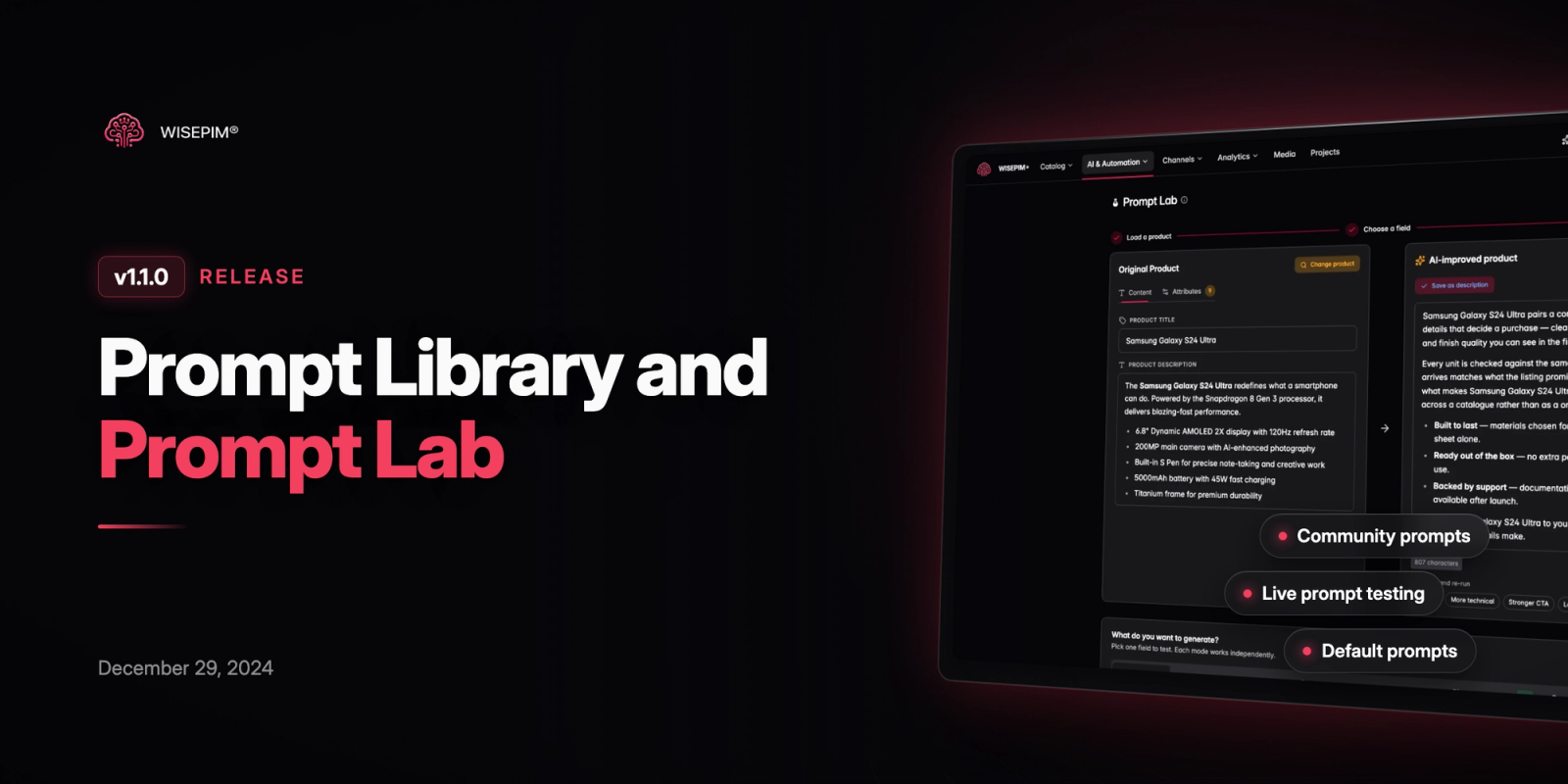
This release introduces the new Prompt Library and Prompt Lab features, significantly enhancing our AI-powered product enrichment capabilities. Users can now create, save, and share prompts, test them on sample products, and set default prompts for their projects. The enrichment workflow has been completely redesigned for a better user experience.
Introduced Prompt Library for saving and managing AI prompts
Added Prompt Lab for testing and perfecting prompts
New Features
11 new featuresPrompt Library:
- Browse community prompts and curated selections
- View, edit, duplicate, and delete your own prompts
- Share prompts with the community (optional)
- Set default prompts for projects
Prompt Lab:
- Test prompts on sample products with live preview
- Customize tone of voice and point of view
- Control output length and specification table inclusion
- Save successful prompts directly to your library
Enhanced Enrichment Workflow:
- New modal design with prompt selection from library
- Support for different enrichment types (titles, descriptions, attributes)
- Keyboard shortcuts for improved productivity
Improvements
9 improvements- We provide the AI with more context now, which should lead to better results.
- Added Prompts section to main navigation with icons
- Implemented keyboard shortcuts for product preview and prompt viewing
- Enhanced prompt creation workflow with shortcuts
- Improved design of prompt container and cards
- Added detailed toast messages for prompt library actions
- Optimized system prompts for better results
- Added SKU-based product selection in Prompt Lab
- Improved registration process
Bug Fixes
4 fixes- Corrected OpenAI API key length validation
- Addressed duplicate default prompt creation after registration
- Fixed user permissions for new registrations
- Various styling and spacing improvements