v1.25.0Latest
Catalog Jobs and Native Product FAQs
This release introduces Catalog Jobs, ready-made catalog work you start in a few clicks and review in one queue, and turns product FAQs into real catalog data you can generate, translate and export. You can also add images to descriptions, see your margin after marketplace fees, classify products with HS codes, and work in a redesigned product editor.
New Features
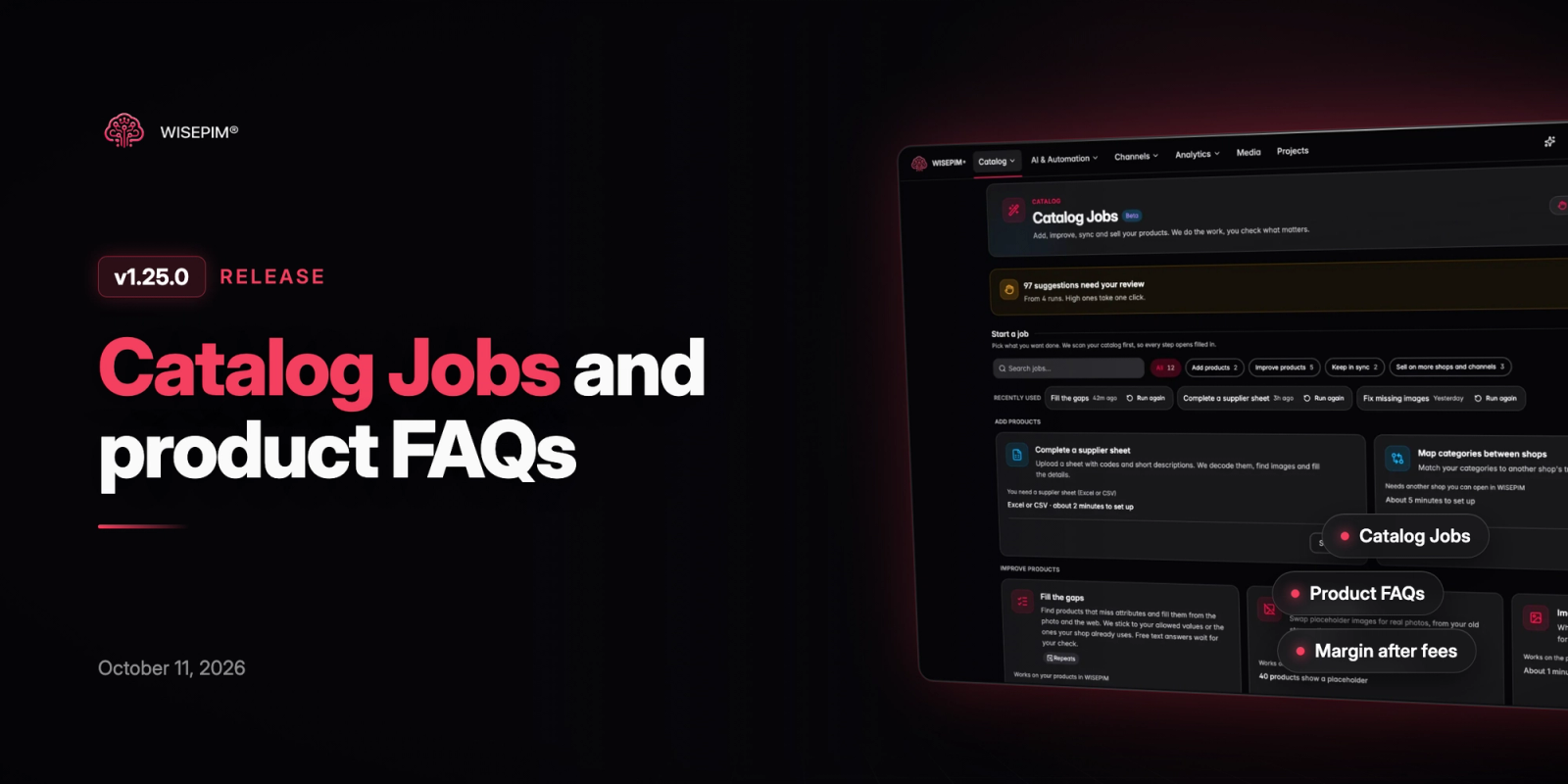
6 new features- Catalog Jobs (Beta): Start finished catalog work in a few clicks: fill attribute gaps in a shop, complete a supplier sheet, replace placeholder images, turn look-alike products into variants, retire sold-out products and more. Each job scans your catalog first, applies confident results automatically, sends the rest to one review queue and ends with a report, and recurring jobs can run on a schedule.
- Product and Category FAQs: Products get a dedicated FAQs tab with ordered questions, and category FAQs can be added to every product in that category. Generate FAQs with AI, translate them, preview how they look in your store, and export them to Shopify, WooCommerce and Magento. Bulk runs can add safe suggestions automatically, and you can undo a whole run in one step.
- Images in Product Descriptions: Drag, paste or upload images straight into a product description. On export, WISEPIM prepares them for each channel, and Shopify stores can keep them in their own Shopify Files.
- Margin After Marketplace Fees: Set commission, payment and fixed fees per sales channel in Pricing & Margins. Price previews show fees and margin after fees, a safeguard keeps exports above your minimum margin after fees, and a new margins report shows where fees eat into profit.
- HS Code Classification: Classify your catalog with customs HS codes from the Enrich dialog, for EU or US nomenclature. Codes the AI is less sure about wait in the product editor with the official description, confidence and alternatives, so you can accept or dismiss them.
- Translation Samples: Build a representative batch of products, generate candidate translations without touching live content, and review them side by side with context and terminology coverage. Save corrections, run quality checks and export a review package before you roll translation settings out to the whole catalog.
Improvements
8 improvements- Roomier Product Editor: The product editor now has a full-width tab strip on one row with shorter labels, a compact header with an inline back button, and more space for fields. The description toolbar fits on a single row.
- Redesigned Product Preview: The preview window names the open product in its header with previous and next buttons beside it, and the buttons simply disable at the start or end of your list.
- Product Progress and Guided Enrichment: The editor shows each product's first recorded quality score, its current score and the changes in between. The Enrich dialog is simpler and guides multi-step enrichments in the right order.
- Update-Only CSV Imports: Choose whether a CSV import adds and updates products, only updates existing ones, or only adds new ones, and match rows on EAN/GTIN when not every row has a SKU. Columns can now be mapped to a specific language, and the full mapping can be edited as JSON.
- Translate Selected Categories: Select categories and translate them straight from the selection bar. Existing translations are kept by default, and the main-language text is translated rather than rewritten.
- Copy or Move Knowledge Libraries: Copy or move your Knowledge Library to another project, choose which sections to take, and decide whether filled fields may be replaced. You can also paste or export the library as JSON.
- Clear AI Credit Costs: Category enrichment and translation, feed optimization, linguistic review, dictionary and keyword AI now show what they cost before you start, and say clearly when you do not have enough credits.
- Schema.org Product Feed: Feed Hub can publish your catalog as a schema.org Product feed with prices after pricing rules, availability, GTINs, images and variants, ready for search engines and AI shopping assistants.
Bug Fixes
7 fixes- Fixed Excel files with formatted or emptied cells failing the import preview with a "too many columns" error.
- Fixed the category editor generating and applying AI drafts in a different language than the translation you had open.
- Prevented products without a price from being saved with a price of 0 when saving from the editor.
- Fixed the product family dropdown in the create product dialog being too narrow to read family names.
- Fixed CCV Shop exports giving German products and categories the Dutch URL, and category imports now place existing products in their categories.
- Fixed Lightspeed exports failing for shops with two filters that share the same title.
- Fixed WooCommerce variant imports dropping attribute values, such as a frame color, for attributes the project did not have yet.