v1.23.0
Per-Shop Product Sync, Public API and Analytics Alerts
You can now decide per product which connected shops it syncs to, connect your own tools to WISEPIM through the API, and scan barcodes to find products fast. Analytics gained alerts that watch your revenue, orders and search traffic, plus saved views your team can comment on. A weekly digest email and switchable workspace features keep WISEPIM focused on what you use.
New Features
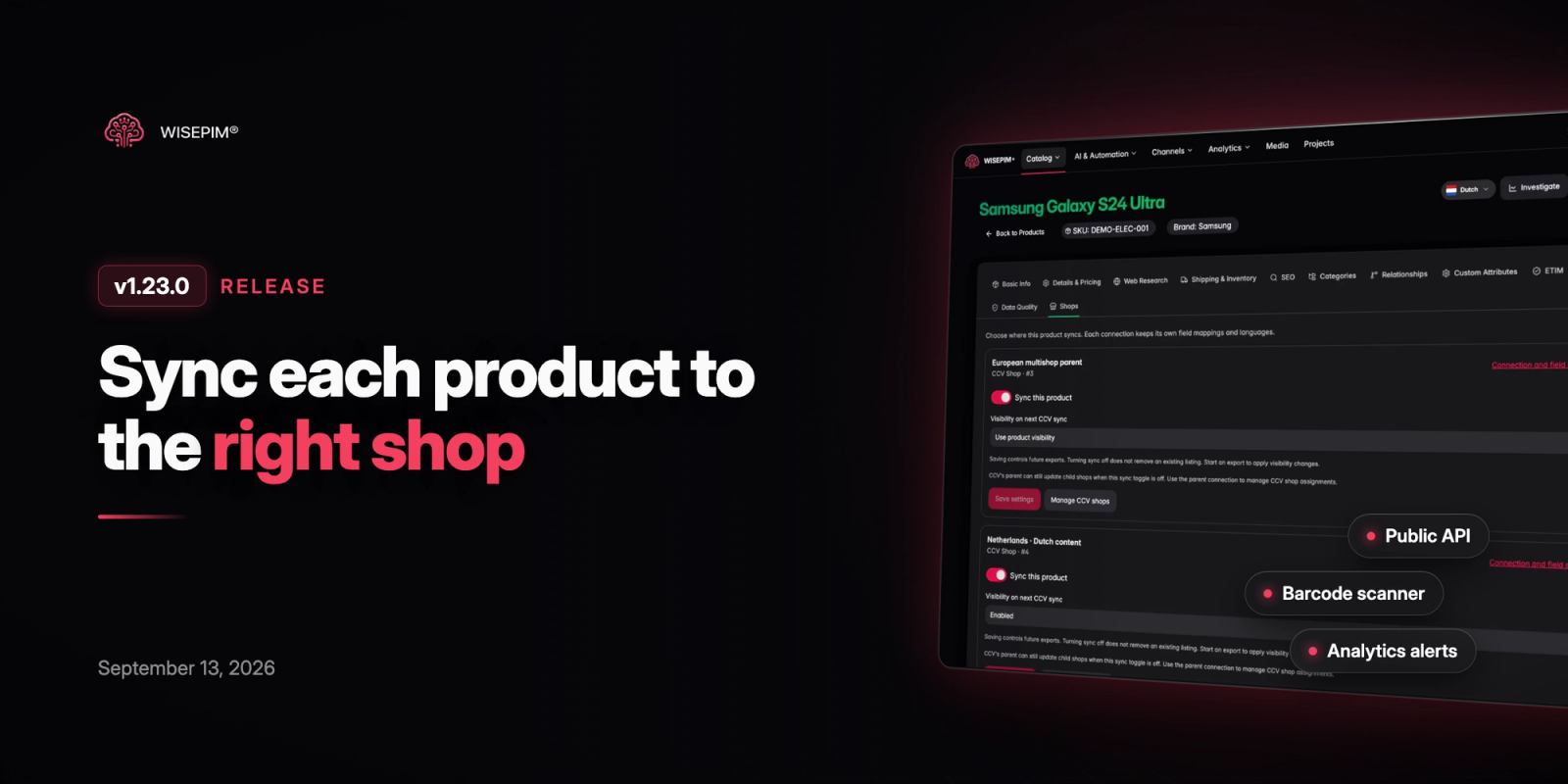
7 new features- Per-Shop Product Sync: A new Shops tab in the product editor and quick edit lets you choose which connected shops each product syncs to, and a Shops column in the products table shows where every product goes. You can also set shop sync for many products at once with Bulk Editing, and manage CCV Shop multishop assignments and visibility per shop.
- Public API Access: Connect your own tools, scripts and systems to your WISEPIM catalog with project API keys. Open Settings, then API, to read the documentation and request credentials for your project.
- EAN Barcode Scanner: Scan a product barcode with your phone or laptop camera, or type the code, to find the product in your catalog right away. If it is not there yet, start web research from the same screen, and pick up where you left off with your recent scan history.
- Analytics Alerts: Set rules that watch daily revenue, orders, return rate, revenue lost to stock-outs and Search Console clicks, and get told when a value crosses your threshold or changes unusually. A new Alerts page shows the feed by severity and status, with read, dismiss and mark-all-read.
- Saved Analytics Views: Save any analytics report with its filters and date range, then come back to it or share the link with your team. Each saved view can collect comments, evidence links, a status and a conclusion, and you can start one straight from a product insight or an AI chat answer.
- Weekly Catalog Digest: Get a weekly email with your catalog wins, trends, quality changes and the products that need attention. Choose what it includes in your notification settings, preview this week's digest and send yourself a test.
- Choose Your Workspace Features: Pick the features that matter to you during onboarding and WISEPIM hides the rest from menus and search. Turn any module on or off later under Settings, Features; existing workspaces keep everything switched on.
Improvements
8 improvements- Deeper Product Performance Reports: Group product performance by product, parent product or brand, see units sold and order totals per row, and open any product in a full-screen performance view. Larger catalogs now load in full, and units sold is also available as a column and in exports from the products table.
- Explore Every Chart: Expand charts into a larger view, switch between table and chart in drill-downs, and click a bar or slice to see its details. Your selected date range now stays the same when you move between analytics reports.
- CSV Import Transformations: Clean values while you import: trim whitespace, change letter case and convert date and number formats to match your catalog. You can also choose to skip products that already exist, and the importer now shows which rows were skipped and why.
- Product Images From Web Research: Web research can now collect up to three relevant product images per product and add them to your media library, with the first one set as the main image. A switch in the enrich dialog lets you turn image import off for a run.
- PrestaShop Export: You can now export products to PrestaShop. Connection tests for PrestaShop and other platforms also give clearer messages when the shop URL is wrong, instead of a generic not-found error.
- Organization Credit Allocation: Organization owners can set what share of the monthly plan credits each organization receives, so teams get a predictable monthly budget.
- Clearer Export Results: Bulk exports now list per-product warnings, such as failed translations or missing attributes, on the task detail page so you can see exactly which products need attention.
- GA4 Sync Progress: After you pick a GA4 property, the connection dialog shows the sync progress step by step, so you know when your analytics data is ready.
Bug Fixes
7 fixes- Fixed Mirakl exports filling every language column with the same text, so each locale column now receives content in its own language.
- Fixed the AI automation creator failing to generate some automations.
- Fixed import and export dialogs showing no connections when they failed to load; you now see a notice with a retry option.
- Fixed CCV Shop exports failing when a linked category had been removed in the shop.
- Prevented completing onboarding from resetting the languages you had already set for your project.
- Fixed category search hiding the parent and child categories of a match, which broke the category tree.
- Prevented the Free plan usage banner from briefly appearing for paid accounts while the page loaded.