v1.24.0
AI Quality Questions and One-Screen CSV Import
You can now ask WISEPIM plain-language questions about your products, such as whether a description contradicts its specs, and follow the answers across your catalog. CSV imports fit on one review screen, bulk edits show the real result before you run them, and variants get proper photos and export to Shopify as one product with options.
New Features
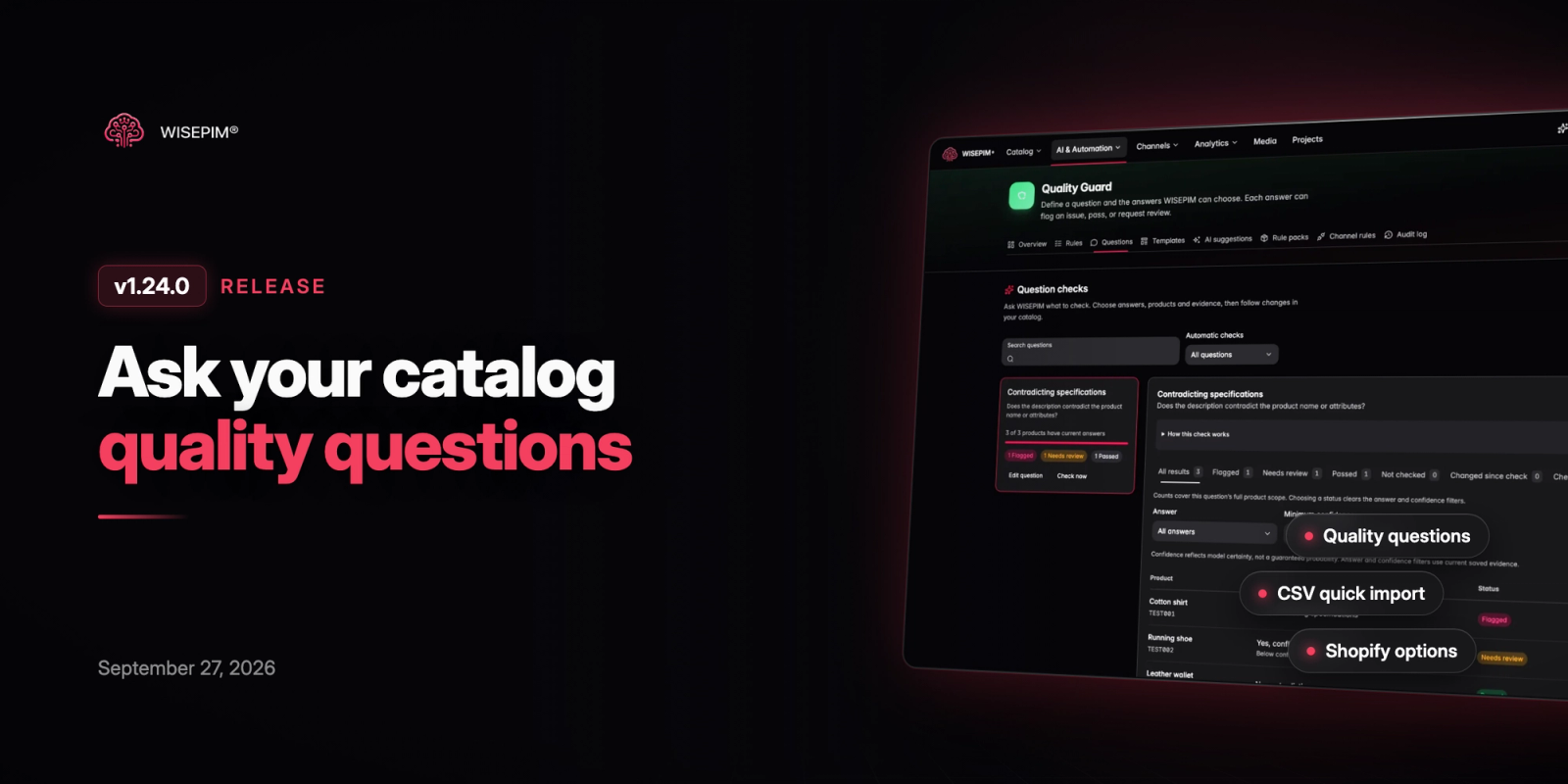
6 new features- Quality Guard Questions: Write a question about your products in plain language, define the answers WISEPIM can give and decide whether each one flags an issue, passes or asks for review. Pick the products and fields that count as evidence, set confidence thresholds and try the question on a few products before saving. Products are only checked again when a watched field changes.
- Question Results Across WISEPIM: AI suggests questions that fit your categories, attributes and families. You can filter Products by answer, status and confidence, see answer coverage on the Data Quality dashboard, and use a question as an AI condition in automations.
- One-Screen CSV Quick Import: Drop a CSV and land on a single review with every decision already made. Columns are matched by name, code and translated aliases, columns without a field become typed attributes, and you see exactly how many products will be updated or created before you press import. WISEPIM also remembers your choices per supplier and reads category paths spread over several level columns.
- Bulk Editing with a Real Preview: Bulk editing now shows the actual before and after for each field across your selection, including skipped products and warnings, and checks your settings before anything runs. When it finishes you get one clear summary, and deleting a parent product tells you up front what happens to its variants.
- Shopify Variants as Options: Export a configurable product and its variants to Shopify as one product with options instead of one product per variant. Old standalone variant products in Shopify are archived, never deleted, and a new setting imports Shopify variants as child products in WISEPIM.
- Photos for Every Variant: A variant can now take a photo from its parent product's images in one click. Web research also gives color variants their own photo, matched by barcode or SKU on the shop pages it cites, or by the color named in the image file.
Improvements
8 improvements- Web Research Image Preferences: Choose how many images research adds per run, the minimum size, packshot or lifestyle photos, whether to avoid watermarks and logos, and which sources to prefer or block. Research images are now checked before import and added next to your existing images instead of replacing the main one.
- Smarter CSV and Excel Imports: Imports can add new dropdown options found in your file, apply a saved mapping profile exactly, and skip rows with errors. Excel row numbers now match your worksheet, image links without a file extension are recognized, and a run with only minor issues reads as completed with warnings.
- More Reliable Import by URL: Importing from a product URL or the browser extension now reads product data straight from ten common shop platforms and handles difficult supplier sites much better. Bot checks and missing pages are no longer imported as products, and category pages import faster.
- Image Sync to More Channels: Product images now export to Shopware, Sylius, Medusa and PrestaShop, and WooCommerce image export is back on. WooCommerce, Magento and Shopify only upload images that are new, Lightspeed receives variant images, and Akeneo images can be sent to the image attributes you choose.
- Steadier Lightspeed Exports: When your shop's request limit runs out, exports pause and continue later instead of failing. Variants now carry their cost price and weight, always get a title, and filter values with duplicate names or rejected options no longer stop the export.
- Category Management: Paths, breadcrumbs and the parent picker now use your full category tree on every page, each category shows how many products sit in it or below it, and delete dialogs state exactly which subcategories and product assignments will go.
- Faster Work on Large Catalogs: The product editor, families, option sets and category lists load quickly on very large catalogs, and big CSV uploads and file downloads now complete reliably.
- Knowledge Library from Your Website: Filling the Knowledge Library from your website now reads several pages and runs in the background, so you can follow its progress instead of waiting on a single request.
Bug Fixes
7 fixes- Fixed the lowest-scoring products table in Data Quality showing recently edited products instead of the lowest scores.
- Fixed the Data Quality fix workspace sometimes never finishing loading on larger catalogs.
- Prevented duplicate exports from starting when the export button was pressed more than once.
- Fixed saving attribute settings without changes turning on AI enrichment or adding default limits.
- Fixed list filters and pricing rules missing brands and other text values that differed only in capitalization or spacing.
- Fixed testing an extra CCV Shop connection overwriting the credentials of an existing one.
- Resolved CCV Shop App Store installs failing with a bare error code; the page now explains what to fix and continues into setup.