v1.20.0
ETIM Classification and Browser Extension Imports
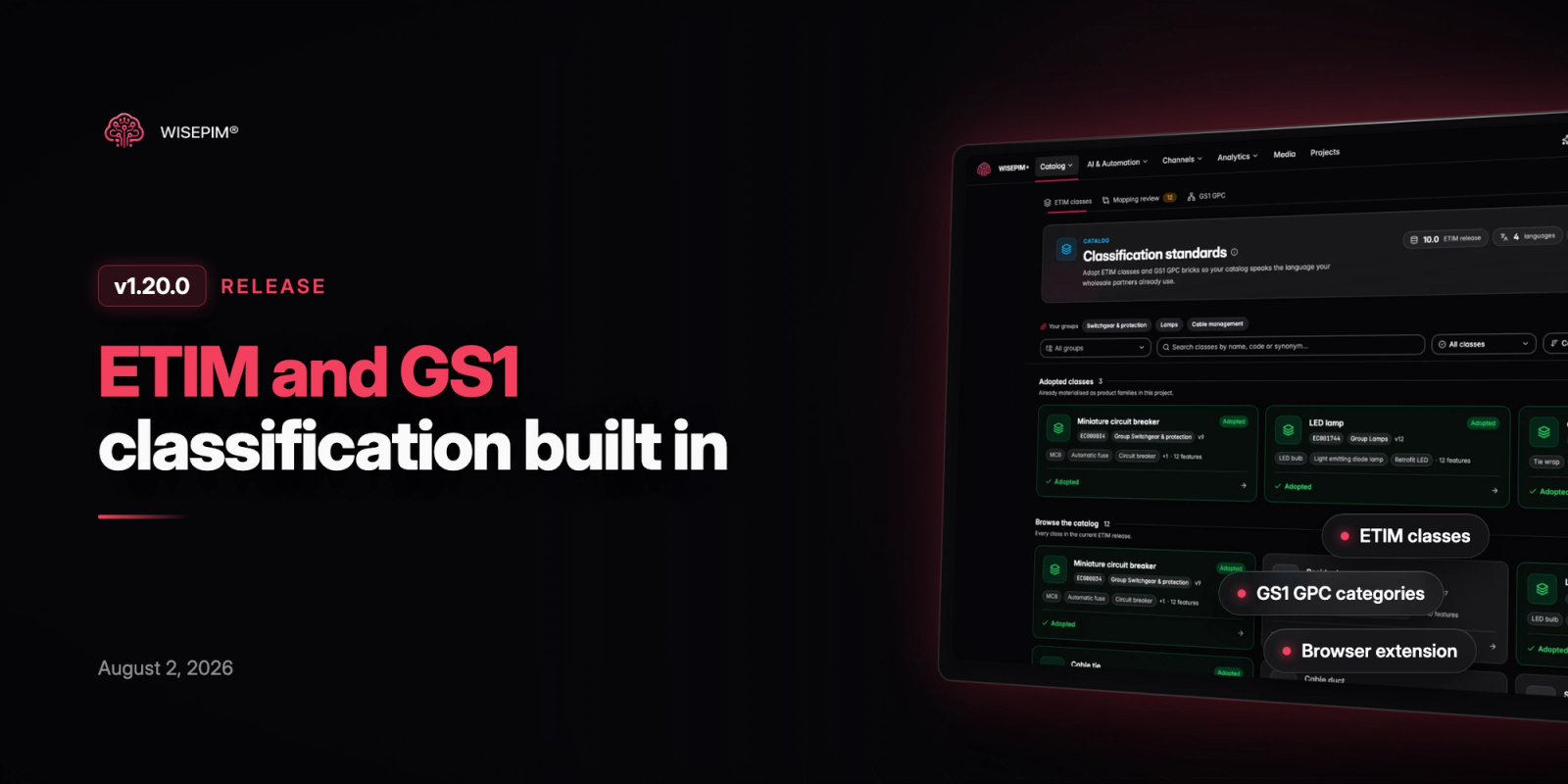
WISEPIM now speaks the classification standards your wholesale partners use. You can adopt ETIM classes and GS1 GPC categories, check every product against them and let AI fill the gaps. Importing got easier too, with a browser extension for Chrome and Edge, one-click WooCommerce connect and a new TechData supplier import.
New Features
7 new features- ETIM Classification: A new Classification hub lets you browse the ETIM catalog and adopt classes as product families, complete with their features, units and permitted values. A mapping review suggests the right ETIM class for your existing families, and the catalog reads in English, Dutch, French or Italian.
- ETIM Conformance and AI Auto-fill: Each product now has an ETIM tab with a conformance score that lists valid, missing and invalid features. One click on Auto-fill with AI fills missing values and corrects invalid ones.
- GS1 GPC Categories: Browse GS1 GPC from segment down to brick and add nodes as project categories. You see exactly which categories will be created before you confirm, and you can switch GPC releases or languages without losing your category tree.
- Import by Scraping with the Browser Extension: The WISEPIM extension for Chrome and Edge imports products straight from any website you browse, including category pages. A new Import by Scraping settings page decides what happens next: run web research, bulk enrich the fields you choose, and file products into your adopted ETIM families and GPC categories as they arrive.
- BMEcat in Feed Hub: Feed Hub imports BMEcat files and detects their ETIM release and class codes, so product features come in automatically. You can also publish BMEcat feeds pinned to a specific ETIM release for your trading partners.
- New Ways to Connect: WooCommerce stores now connect in one click, with manual API keys as a fallback. CCV Shop merchants can install WISEPIM from the CCV Shop App Store and land in an already connected account, and a new TechData integration imports supplier product data by category.
- Credit Usage and Spending Controls: A new Usage page shows where credits go per team, member and action, with a daily chart and CSV export. Owners can decide who may spend project credits and set a monthly limit per member, and a new Invoices view summarizes open and paid invoices with PDF downloads.
Improvements
8 improvements- Redesigned Attribute Editing: Custom attributes in the product editor and quick edit are grouped, searchable and scoped to the product's family, so you only see the attributes and values that apply. Units sit inside the input, numeric ranges get their own field, and attribute names show in the language you are editing.
- Faster, Smarter Product Search: You can choose which fields the products search looks in, and results now tolerate typos and appear as you type. Advanced filters show a match count before you apply them, you can save searches for later, and text filters ignore differences in capitalization.
- Deeper Web Research: Web research now fills UPC, GTIN, EAN, MPN, warranty details and certifications, and leaves a field empty rather than guessing. Price research splits results per variant, and variants of the same product share one research run to save credits.
- Process Tracker Timeline: Filter tasks by source (you, automations or system), switch to a chronological timeline view, and click any status in the summary to filter the list. Failed products now show a clear reason, and bulk enrichment and translation tasks can be resumed after an interruption.
- Restorable Product Drafts: Unsaved changes in the product editor and quick edit are kept as a local draft. When you reopen the product, a banner lets you restore or discard them.
- Integrations Marketplace Redesign: The integrations marketplace and each integration's page have a cleaner design. Import and export dialogs now show platform logos, order destinations by what you are trying to do, and mark the one you used last.
- Translation and Quality Settings: The default translation mode is now called fast mode, and text that is already in the target language is no longer retranslated. Quality score tooltips use the SEO character limits you configured for your project.
- Quick Edit Stays in Sync: Quick edit warns you when a product was changed elsewhere and pulls in the new values, and enriched data from quick edit and preview now appears in the products table without a refresh.
Bug Fixes
7 fixes- Fixed advanced filters on the products list sometimes being replaced by unfiltered results, which also made match counts wrong.
- Fixed attribute values showing as [object Object] in quick edit and the Attributes tab occasionally crashing the page.
- Resolved CCV Shop product imports and exports failing silently on product lookups.
- Fixed Lightspeed exports recreating deleted variants, re-enabling disabled variants and leaving some specifications untranslated.
- Prevented bulk enrichment from mixing up generated content between products processed in the same batch.
- Fixed competitor analysis failing to start and URL imports failing on very large product pages.
- Resolved duplicate notifications after a task finished and products occasionally being added to a selection you did not make.