v1.27.0Latest
One File Importer and Categorization Logic
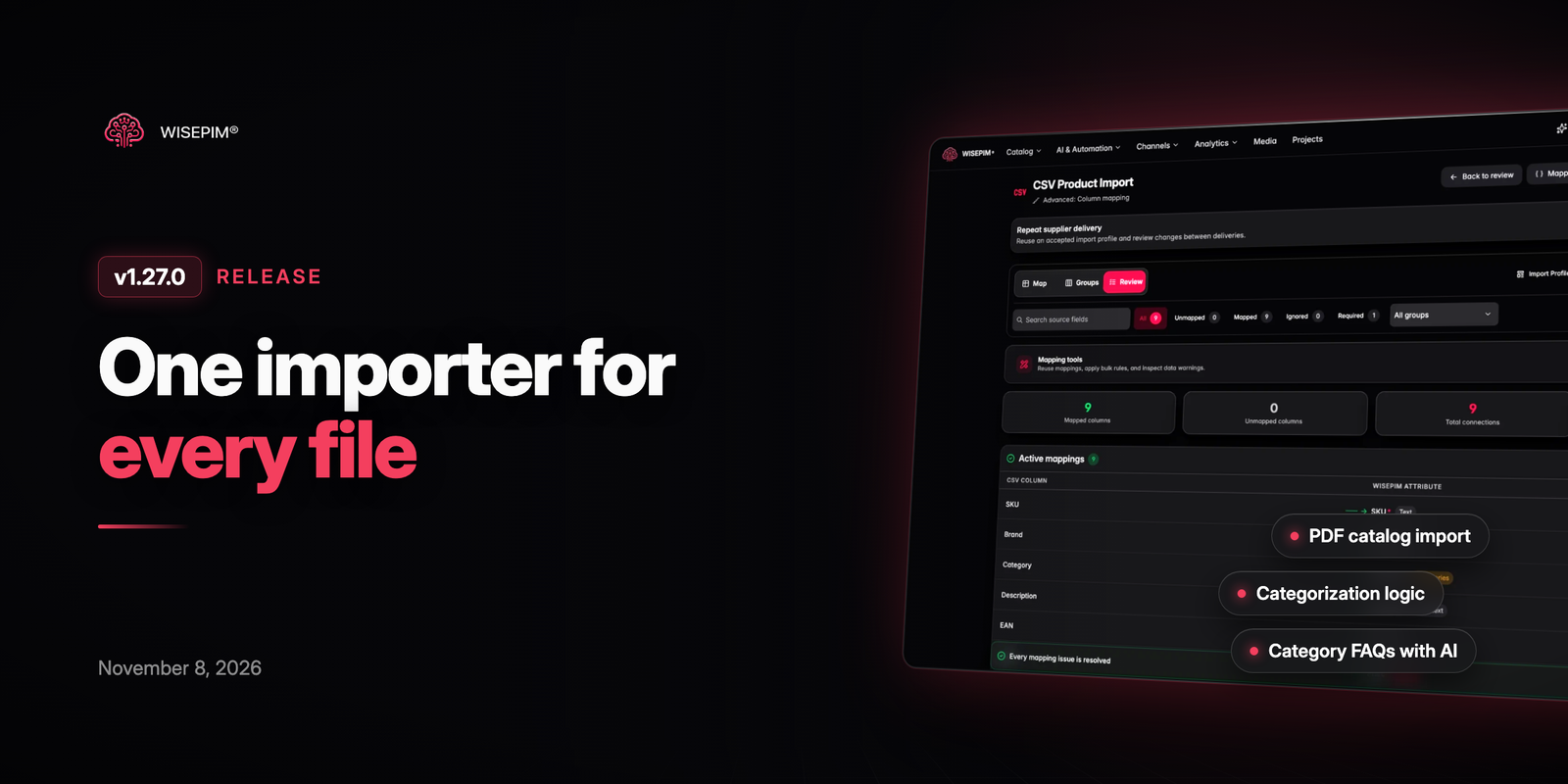
This release brings every product file into one importer, including PDF catalogs and data sheets, scanned or not. You can now tell AI categorization how to fill each branch of your category tree, generate category FAQs and see which translations are out of date. Web research can also turn specs it finds into new attributes.
New Features
7 new features- One Products File Importer: CSV, Excel, PDF, JSON and XML files now go through one importer. Drop a file and WISEPIM picks the right workflow, with a clearer upload step, a match preview that shows how each row was matched, and reasons for every failed row.
- PDF Catalog Import: Supplier catalogs and data sheets in PDF, including scanned pages, import as a product table with one row per article number. Each row keeps its page, title, section and the product images from the table.
- Categorization Logic: Set how AI fills each branch of your category tree: the single best category, every one that fits, a match on variant values such as sizes, or leave it to you. Suggestions based on your own catalog fill most of the setup in one click, and a product can now hold up to 50 categories.
- Category FAQs With AI: Generate with AI in the category dialog drafts buyer questions from the category and the products in it, with each answer based on that information. You review the drafts before they are saved.
- Outdated Translations: When the primary text of a product changes, its translations are marked Outdated in the editor and in Quick Edit. You can filter the products table on outdated translations to update them in bulk.
- Industries Per Category: Industries are now a searchable tree of segments and assortments. Mixed retailers can set an industry per category or let AI suggest them, and the Knowledge Library business profile now feeds the FAQ generator.
- Attributes From Web Research: Specs that web research finds but no attribute holds yet are listed with a suggested name, type, unit and options. Create and fill adds the ones you tick, optionally to the product's family, and stores the values.
Improvements
8 improvements- Lifecycle Auto-Advance: Stages set to auto-advance when complete now move products forward as soon as they meet the next stage's requirements, after scoring or an edit. Products never move backwards and a stage you picked by hand is kept.
- Attributes and Families: Add attributes to one or more families straight from the attributes page, and sort by the new Code and Created columns. Attribute exports now include group and family columns, so an exported file imports again without remapping.
- A Prompt on Every Action Card: In the enrich flow, titles, descriptions, short descriptions and SEO meta each show the prompt they will use, with a picker on the card itself.
- Reasons for Empty Fields: After an AI fill, the editor lists every attribute that stayed empty and why: no options yet, no evidence, or a found value that did not fit the field. When a rule refused a value, you now see the value itself.
- Sharper Web Research: Research again always starts a fresh run, even on a product researched recently. Research now reads cited PDF spec sheets, finds photos more reliably for barcode-only products and checks that imported photos show the right product.
- Order Analytics for Long Periods: Twelve-month and year-to-date periods now show that they are being prepared instead of zero orders. Best sellers show their share of sales and export to Excel, and a Not sold view lists products without recent sales.
- Cleaner Product Editor Header: The editor header now groups storefront links, sharing and extra actions into menus, and Save moves into its own save bar. The full-screen description editor gains an HTML view and a single-row toolbar.
- Mirakl Export Checks: Mirakl exports are validated before upload, so missing required attributes are listed with what to fix. A mapping editor lets you link your attributes to each Mirakl category's fields.
Bug Fixes
7 fixes- Fixed imports set to only update existing products creating new products for every SKU not yet in the catalog.
- Fixed the product page crashing when hovering toolbar buttons in the full-screen description editor.
- Fixed Lightspeed disappearing from the export options when its API key had no permission to read orders.
- Fixed weekly CCV Shop imports failing for projects with two shop connections, and photos deleted in the shop not being restored on the next export.
- Fixed Translate a shop and translation workflows skipping meta keywords.
- Fixed lifecycle stage conditions created in the settings always failing their check.
- Fixed numbered image columns in supplier files importing only the first image, and a pasted product list not filtering in Select by SKU.